
What we have seen in product-page audits is this: many Shopify stores treat product media as a photoshoot output, not a conversion system. They have attractive images, but the media set still fails to answer the questions a shopper has before buying.
This guide explains how UK ecommerce teams should design a Shopify product media system across images, video, UGC, scale, detail, variants and proof. If your PDPs look polished but shoppers still hesitate, Contact StoreBuilt.
Table of contents
- Keyword decision and research inputs
- Why product media is a CRO system
- The product media ladder
- Media requirements by category
- Shopify implementation checks
- Measurement and QA
- Anonymous StoreBuilt example
- StoreBuilt point of view
Keyword decision and research inputs
| Decision | Direction |
|---|---|
| Primary keyword | Shopify product media |
| Secondary keywords | Shopify product photography, PDP conversion, ecommerce product images, Shopify CRO UK |
| Search intent | Improve product-page confidence and conversion through better media planning |
| Funnel stage | Middle |
| Page type | CRO and merchandising guide |
| Why StoreBuilt can win | StoreBuilt can connect product media to Shopify PDP templates, variants, UGC, product data, Core Web Vitals, SEO and conversion measurement |
Research inputs used: current SERP patterns around Shopify product images and PDP conversion, Charle-style CRO and ecommerce guide themes, UK Shopify agency competitor content, Shopify product and media management considerations, and a duplicate-risk pass against StoreBuilt product-page, image SEO, UGC, product badges, video commerce and PDP FAQ articles.
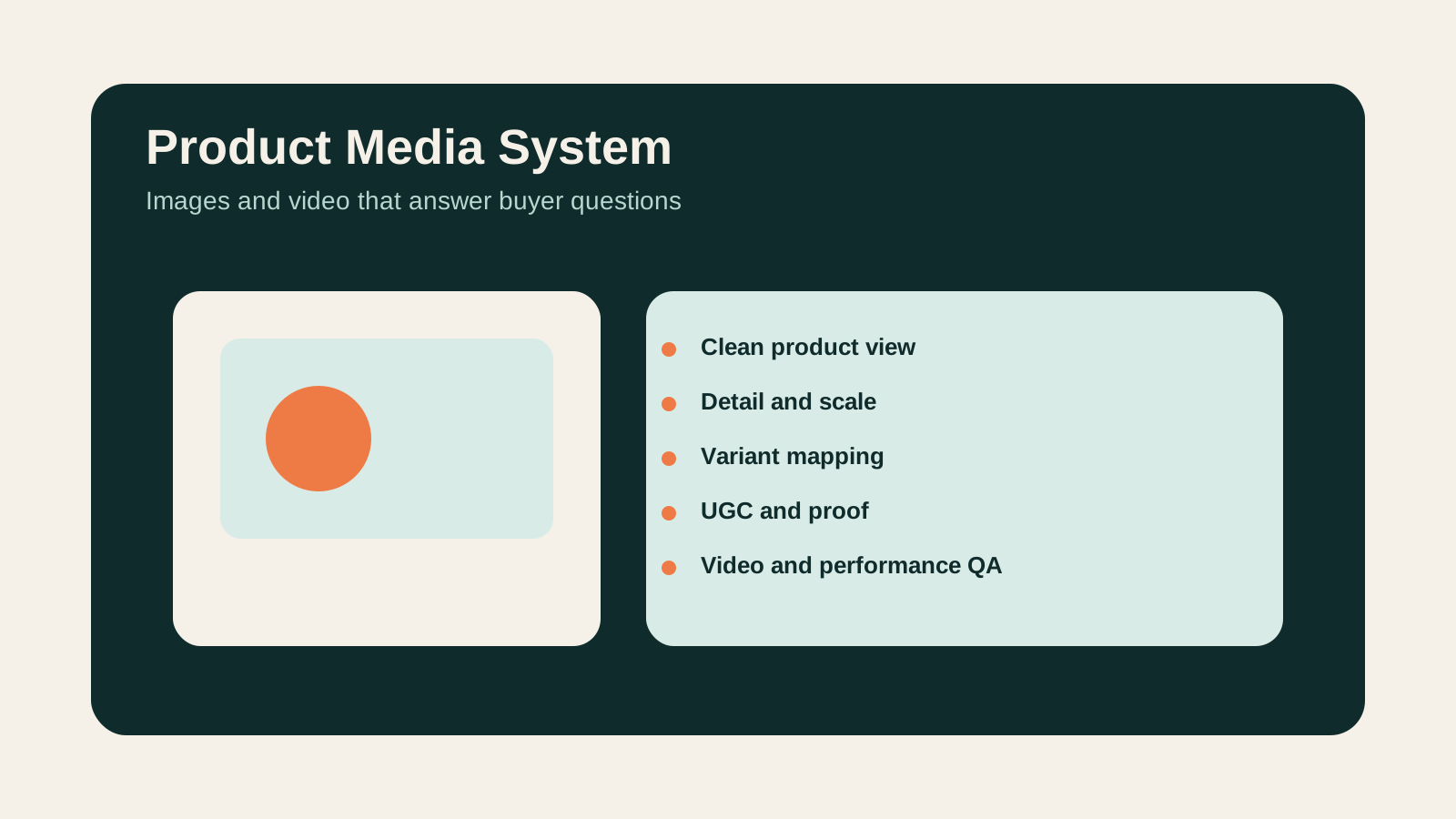
Why product media is a CRO system
Product media does four jobs:
- show what the product is
- prove what the product feels like in context
- answer questions that copy alone cannot answer
- reduce perceived risk before checkout
That means the best image set is not always the most beautiful image set. It is the set that helps the shopper decide.
For UK ecommerce brands, this is especially important when the buyer cannot touch the product: fashion fit, jewellery scale, furniture size, supplement packaging, beauty texture, food portion size, gift presentation, spare-parts compatibility and B2B pack quantities all need visual confidence.
The product media ladder
Use a ladder instead of a random gallery.
| Media layer | Shopper question | Example |
|---|---|---|
| Clean product image | What exactly am I buying? | Front, back, side, pack contents |
| Detail image | What is the material, finish or mechanism? | Stitching, clasp, texture, label, ingredient panel |
| Scale image | How big is it in real life? | Hand, model, room, shelf, packaging comparison |
| Lifestyle image | How does it fit into my life? | Outfit, kitchen, workspace, bathroom, gifting scene |
| Variant image | Which colour or size am I choosing? | Variant-specific gallery and swatches |
| UGC or proof | Do real customers use it? | Review images, creator content, tagged photos |
| Video | How does it move, open, apply or assemble? | Demonstration, styling, unboxing, setup |
The ladder should change by category. A skincare PDP needs texture, routine and claims clarity. A furniture PDP needs dimensions, room context and delivery confidence. A B2B consumables PDP needs pack size and reorder confidence.
Media requirements by category
| Category | Media priority | Common missing proof |
|---|---|---|
| Fashion | Fit, fabric, movement, size comparison | Body diversity, close-up fabric, mobile video |
| Beauty | Texture, shade, routine step, pack size | Ingredient panel, application result, shade context |
| Homeware | Scale, material, room setting | Real dimensions, close detail, delivery view |
| Food and drink | Pack contents, portion, gifting, storage | Allergen panel, serving scale, subscription context |
| B2B wholesale | Pack quantity, SKU clarity, reorder confidence | Box contents, spec sheet, compatibility cues |
Product media should be briefed with these questions before the shoot. Fixing gaps after the shoot is more expensive than planning the PDP gallery properly.
For product-page and CRO work, see StoreBuilt’s CRO and UX optimisation service.
Shopify implementation checks
Good media can still underperform if Shopify implementation is weak.
Check:
- image compression and responsive sizes
- mobile gallery usability
- variant image mapping
- alt text for meaningful images
- video loading behaviour
- thumbnail clarity
- zoom or detail interaction
- image order by decision priority
- consistency across key templates
- app conflicts that slow PDPs
Do not make the PDP visually rich and technically slow. Media should increase confidence without damaging Core Web Vitals or making the mobile page frustrating.
Measurement and QA
Measure the effect of media changes with more than one metric.
Useful signals include:
- add-to-cart rate by PDP
- image-gallery interaction
- video plays
- variant selection errors
- returns reason codes
- product-question support tickets
- review language mentioning size or expectations
- conversion by device
- scroll depth and section engagement
If customers keep asking the same pre-purchase question, the media set is probably not doing its job.
Anonymous StoreBuilt example
One Shopify brand had strong product photography but recurring support questions about scale and pack contents. The PDP looked premium, yet buyers still needed reassurance before ordering.
The recommendation was not a full redesign. It was a media-system brief: add scale references, variant-specific images, clearer pack shots and a short demonstration asset. That gave the PDP more decision support without changing the brand direction.
High-intent AI search implementation layer
The AI-search version of this topic is not just “write more content”. A useful answer engine result needs a page that gives a direct answer, proves the claim, and shows the next operational step inside Shopify.
| Area | StoreBuilt implementation check |
|---|---|
| Primary intent | The page should map to Shopify product media and one clear buyer or operator problem, not a vague traffic topic. |
| Shopify surface | Identify whether the work belongs on a collection, product page, theme section, checkout step, app workflow, email flow, or support process. |
| Proof | Add first-hand observations, product/category examples, screenshots, policy notes, review signals, or trustworthy external sources where they make the advice safer. |
| Internal route | Link the reader to the service most likely to solve the issue: CRO and UX optimisation. |
| Measurement | Check Search Console, analytics, assisted conversions, enquiry quality, and AI-response mentions after the update rather than judging success by pageviews alone. |
For this article, the useful research inputs are: StoreBuilt CRO audit patterns, analytics QA checks, Shopify theme constraints, and buyer-intent SERP patterns. StoreBuilt would prioritise PDP hierarchy, cart friction, mobile merchandising, testing policy, analytics QA, and measured releases before expanding into broader supporting content.
If this topic maps to a live store problem, review the related StoreBuilt service or Contact StoreBuilt with the store URL and the issue you want fixed.
StoreBuilt point of view
Our view is that product media should be planned like merchandising infrastructure. A beautiful image is useful only if it answers a buyer question.
The strongest Shopify PDPs use media in a deliberate order: identify the product, show the detail, prove the scale, explain the variant, demonstrate use, and reduce risk. When that system is missing, better design alone will not fix hesitation.
For a product-page media and CRO review, request a free Shopify audit.
For responsive image composition, use our Shopify focal-point and mobile crop checklist to keep essential product details visible.
For the next implementation step, read An Ecommerce Photography Brief That Fits Your Shopify Theme.