
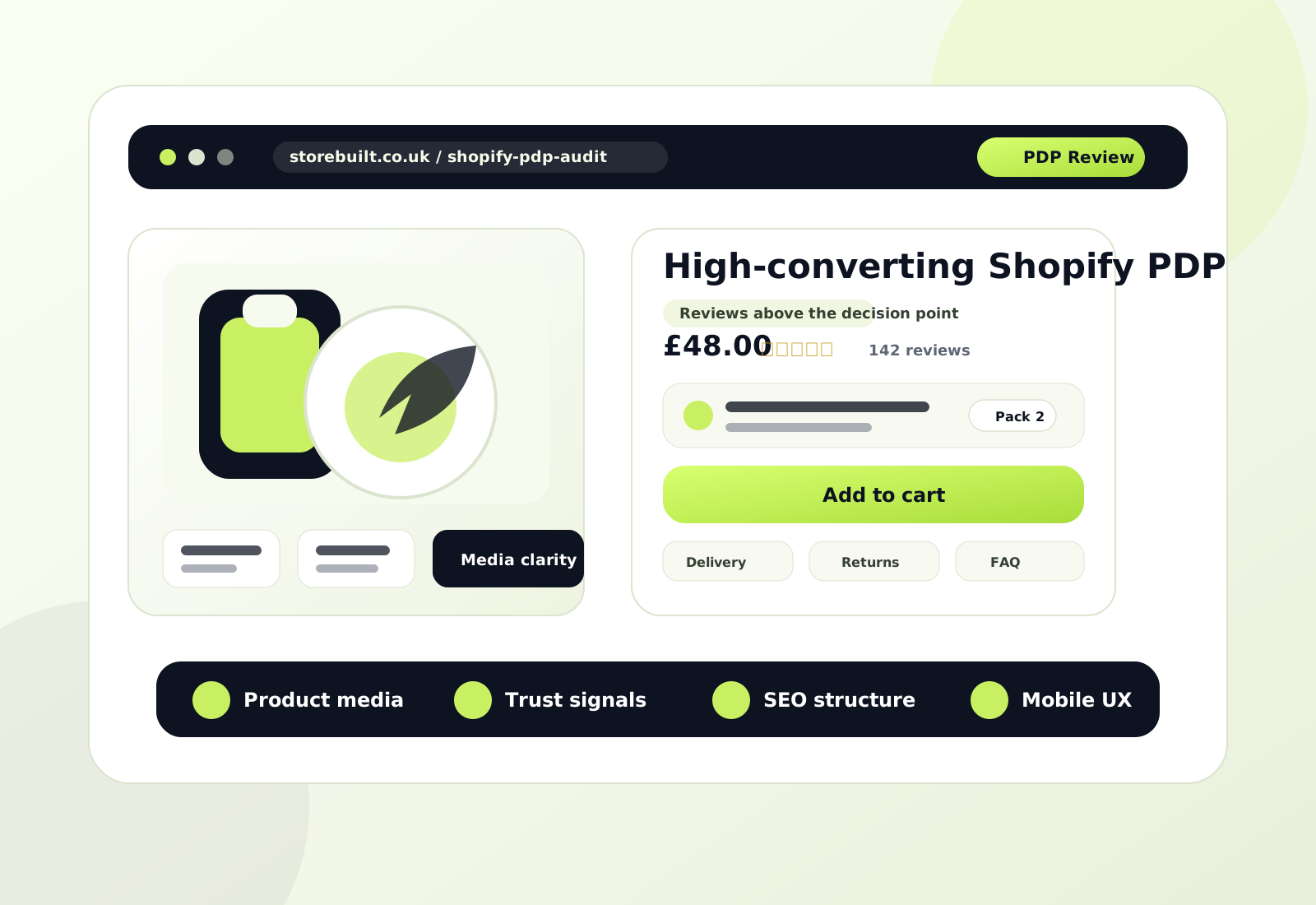
If a Shopify store is getting traffic but product pages are not converting, the problem is rarely one missing widget.
It is usually a structure problem.
The page is asking the customer to work too hard. Important proof sits too low. Product media looks polished but does not answer enough questions. Variant or bundle choices feel unclear. Ingredients, sizing, usage, or delivery detail is technically present, but not where the customer needs it.
That is why Shopify product page best practices matter so much. The product detail page is where interest turns into hesitation or purchase.
This guide focuses on practical PDP decisions that help ecommerce brands reduce uncertainty, improve clarity, and make conversion easier without turning the page into clutter.
If you want a senior review of your current Shopify PDPs, Contact StoreBuilt.
A StoreBuilt view from live Shopify product pages
The most useful PDP advice comes from live stores, not isolated templates.
Across StoreBuilt portfolio examples, three live patterns are especially useful:
- Rejuvia Sleep Spray combines reviews, ingredients, FAQs, comparison content, and pack-size merchandising in one journey.
- ESHO uses a stronger system narrative than a standard single-product page and routes customers toward bundle thinking.
- Hotlips by Solange Classic Red shows how clear product imagery and direct shade naming can reduce friction in style-led categories.
Those examples matter because they show the real job of a Shopify PDP:
- explain the product faster
- reduce the next objection sooner
- make comparison easier
- support search intent and conversion at the same time

1. Make the first screen answer the first five buying questions
The first screen of a product page should not try to do everything.
It should answer the first five buying questions clearly:
- what is the product?
- who is it for?
- why is it different?
- how do I buy it?
- what removes risk?
That usually means the above-the-fold area needs:
- a clear product title
- useful subcopy or summary
- visible pricing
- variant or pack clarity
- a strong add-to-cart area
- immediate trust support
Many Shopify PDPs waste this zone on decorative whitespace, weak copy, or generic benefit language that could belong to any product.
The goal is not to say everything. The goal is to make the next step feel easier.
2. Use product media to explain, not just decorate
One of the biggest PDP mistakes is treating product media like a gallery instead of a sales tool.
The best Shopify product page design usually uses media to answer specific questions:
- what does it look like?
- what is included?
- how is it used?
- what results or benefits should I expect?
- how does it compare to alternatives?
Rejuvia is a strong example here because the Sleep Spray page does not stop at a single hero image. It extends into ingredients, reviews, key points, benefits, comparison, and pack-size imagery. That creates a much stronger information sequence than a gallery that only shows packaging from slightly different angles.

If the product media does not remove uncertainty, it is not doing its real job.
3. Put proof before hesitation gets expensive
Trust should not arrive after the customer has already started doubting the page.
Useful PDP proof often includes:
- reviews
- aggregate rating
- review count
- before-and-after or comparative content
- press mentions
- expert or founder credibility
- delivery clarity
- returns reassurance
On Rejuvia’s live product flow, review signals are not abstract. The storefront surfaces a 4.6 rating from 4,836 reviews, and the wider store also reinforces the brand with claims around heavy repeat usage. That sort of proof is commercially useful because it helps the customer move forward faster.
The key is placement. A trust block buried too low behaves more like decoration than reassurance.
If your product pages are visually polished but trust still feels delayed, Contact StoreBuilt.
4. Treat ingredients, materials, and specs as conversion content
In many categories, the difference between bounce and conversion is not design. It is detail.
Customers often need product-specific clarity around:
- ingredients
- material quality
- sizing
- usage instructions
- care
- compatibility
- delivery expectations
- what’s included
Too many stores hide that detail in the wrong place or reduce it to thin accordion copy.
For health, beauty, wellness, or technical products, detail is not a compliance box. It is part of the sale.
Rejuvia’s routing into ingredients and FAQs is a strong reminder of this. The store treats supporting information as part of the buying journey rather than a separate afterthought.
5. Make packs, bundles, and quantity choices easy to compare
A high-performing PDP does not only sell one unit. It often helps the customer choose the right purchase shape.
That can mean:
- single unit vs multi-pack
- starter kit vs refill
- bundle vs individual item
- one-time purchase vs subscription
The important part is comparison clarity.
If the customer has to leave the page to understand which pack is best value, which option lasts longer, or which bundle solves the full routine, the page is leaking momentum.
Rejuvia’s pack-size merchandising and ESHO’s broader bundle routes both point in the same direction: comparison should happen inside the buying flow, not outside it.
6. Keep variant logic visually obvious
This matters more than many teams expect.
Variant friction appears when:
- option names are vague
- shade names are unclear
- size differences are hidden
- subscription terms are hard to compare
- unavailable states are confusing
In style-led or shade-led categories, naming and image clarity become even more important.
The Hotlips by Solange Classic Red example is useful because the shade naming is direct and the visual presentation makes the product identity obvious quickly.

If the customer needs too much interpretation before they can choose a variant, the PDP is adding friction instead of reducing it.
7. Build mobile PDPs for thumb flow, not desktop compression
A Shopify product page can look clean on desktop and still underperform badly on mobile.
Mobile PDP reviews should focus on:
- how quickly the value proposition becomes clear
- whether the add-to-cart area is easy to reach
- how much scrolling happens before proof appears
- whether media sequencing makes sense
- whether accordions bury high-intent questions
- whether sticky bars help or interrupt
The mobile goal is not to shrink the desktop page. It is to preserve the decision flow in a much tighter space.
8. Write product copy for search intent and buying intent together
Shopify product page SEO should not be separated from product page UX.
The strongest PDP copy usually helps both.
That means:
- descriptive product titles
- useful opening summaries
- relevant category language
- product-specific attributes
- clean internal headings
- supporting copy that answers real intent
For Shopify stores, this matters because product pages can attract long-tail organic traffic around:
- product type
- concern
- benefit
- shade
- material
- ingredient
- comparison intent
If the copy is too thin, both SEO and conversion become weaker.
That is one reason StoreBuilt usually connects Shopify SEO & AI Search Readiness with CRO & UX Optimisation rather than treating them as separate fixes.
9. Link the PDP into the next best decision
A good product page should not feel isolated.
It should connect naturally to the next relevant step:
- ingredient detail
- FAQs
- routines
- bundles
- reviews
- comparison content
- related products
This improves both decision-making and internal linking.
For example:
- ESHO routes users toward bundle thinking and broader system logic
- Rejuvia connects the product into reviews, ingredients, and adjacent pack formats
If the PDP has no useful onward path except “add to cart or leave,” it is likely under-structured.
10. Use FAQs to reduce support load and increase confidence
FAQ content can be one of the strongest PDP components when it is written well.
It works best when it covers real questions such as:
- when should I use this?
- how long does it last?
- what is inside?
- who is it suitable for?
- how is it different from another option?
- when will it arrive?
Weak FAQs repeat the product description.
Strong FAQs reduce hesitation and prevent support tickets.
If you are writing FAQ content only for SEO, it usually reads badly. If you write it around real buyer objections, it can help both SEO relevance and conversion clarity.
11. Decide what should stay visible and what should collapse
Not every PDP detail deserves the same visual weight.
This is where hierarchy matters.
Usually, the most important details should stay visible:
- the product promise
- the purchase controls
- the main trust support
- the highest-priority objections
Expandable patterns work better for:
- secondary spec detail
- deeper brand context
- extended care guidance
- lower-priority supporting information
Too much collapsing makes the page feel sparse and forces the customer to work harder. Too little collapsing makes the page feel heavy and unfocused.
The right balance depends on the category, but the principle stays the same: do not hide the information that customers need before they feel safe buying.
12. Review PDP quality every week, not once a quarter
Shopify PDPs change constantly.
Products get updated. Reviews increase. Pack logic changes. Offers come and go. Apps add new elements. Internal teams insert new blocks. Merchandising priorities shift.
That is why PDP quality should be reviewed weekly against a short checklist:
- Is the value proposition clear above the fold?
- Are the main proof points visible early enough?
- Is the variant or pack logic easy to understand?
- Does media answer real buyer questions?
- Are FAQs and detail blocks still accurate?
- Is the page strong on mobile?
- Are related links, bundles, or supporting routes still relevant?
That weekly rhythm is usually more useful than waiting for a large redesign.
When to iterate a Shopify PDP and when to rebuild it
Not every weak product page needs a full redesign.
Iteration is usually enough when the core structure is sound and the main issues are:
- copy clarity
- proof placement
- FAQ quality
- image sequence
- pack comparison
A deeper rebuild is more likely when:
- the page template is fighting the product category
- the merchant cannot update the page flexibly
- proof and media are structurally weak
- mobile behaviour is poor
- SEO and UX are working against each other
That is where StoreBuilt typically connects Shopify Store Design & Development, CRO & UX Optimisation, and support, maintenance, and audits instead of solving the PDP in isolation.
If you want StoreBuilt to review your current product pages and prioritise the changes most likely to improve conversion, Contact StoreBuilt.
High-intent AI search implementation layer
The AI-search version of this topic is not just “write more content”. A useful answer engine result needs a page that gives a direct answer, proves the claim, and shows the next operational step inside Shopify.
| Area | StoreBuilt implementation check |
|---|---|
| Primary intent | The page should map to Shopify product page best practices and one clear buyer or operator problem, not a vague traffic topic. |
| Shopify surface | Identify whether the work belongs on a collection, product page, theme section, checkout step, app workflow, email flow, or support process. |
| Proof | Add first-hand observations, product/category examples, screenshots, policy notes, review signals, or trustworthy external sources where they make the advice safer. |
| Internal route | Link the reader to the service most likely to solve the issue: Shopify SEO and AI search readiness. |
| Measurement | Check Search Console, analytics, assisted conversions, enquiry quality, and AI-response mentions after the update rather than judging success by pageviews alone. |
For this article, the useful research inputs are: StoreBuilt CRO audit patterns, analytics QA checks, Shopify theme constraints, and buyer-intent SERP patterns. StoreBuilt would prioritise technical SEO, collection architecture, Product schema, answer-first content, GEO, and Search Console monitoring before expanding into broader supporting content.
If this topic maps to a live store problem, review the related StoreBuilt service or Contact StoreBuilt with the store URL and the issue you want fixed.