
What we have seen in B2B Shopify discovery is this: wholesale teams often ask for a portal before they have defined the operating model behind it. The screen is not the hard part. The hard part is company structure, pricing, payment terms, stock visibility, reorder behaviour, approvals, sales rep ownership, and ERP handoff.
Shopify B2B can be a strong route for UK wholesale and hybrid DTC teams, but only when the roadmap starts with how trade customers actually buy.
If you need help turning wholesale requirements into a Shopify B2B plan, Contact StoreBuilt.
Table of contents
- Keyword decision and research inputs
- What a B2B trade portal needs to prove
- Roadmap stages
- Decision table
- Implementation risks
- Anonymous StoreBuilt example
- Final StoreBuilt point of view
Keyword decision and research inputs
| Decision | Direction |
|---|---|
| Primary keyword | Shopify B2B trade portal UK |
| Secondary keywords | Shopify B2B, wholesale ecommerce UK, Shopify Plus B2B, B2B ecommerce portal |
| Search intent | Plan a Shopify B2B portal and understand implementation decisions |
| Funnel stage | Middle to bottom |
| Page type | Roadmap and implementation guide |
| Why StoreBuilt can win | StoreBuilt can connect Shopify B2B features to account logic, pricing, product data, integrations, and support ownership |
Research inputs used on June 29, 2026 included Shopify Help guidance on B2B features, companies, catalogs, payment terms, and plan-specific capability; Charle and wider UK Shopify agency article patterns around Shopify Plus, B2B, migration, and ecommerce platform decisions; and StoreBuilt duplicate-risk checks against existing B2B customer portal and self-serve ordering content.
What a B2B trade portal needs to prove
A B2B portal should reduce manual work without weakening control. That means it needs to support the way buyers, sales teams, finance, customer service, and operations behave.
Strong B2B requirements usually answer:
- Who can buy on behalf of each company?
- Are prices assigned by company, location, segment, contract, volume, or sales agreement?
- Are payment terms standard or negotiated?
- Which products are visible to which customers?
- Can customers reorder quickly from previous purchases?
- What stock information can safely be shown?
- Does the portal need approvals, purchase order fields, or credit checks?
- Where does order data go after checkout?
If these questions are vague, the project becomes a design exercise. If they are clear, Shopify can be evaluated properly.
Roadmap stages
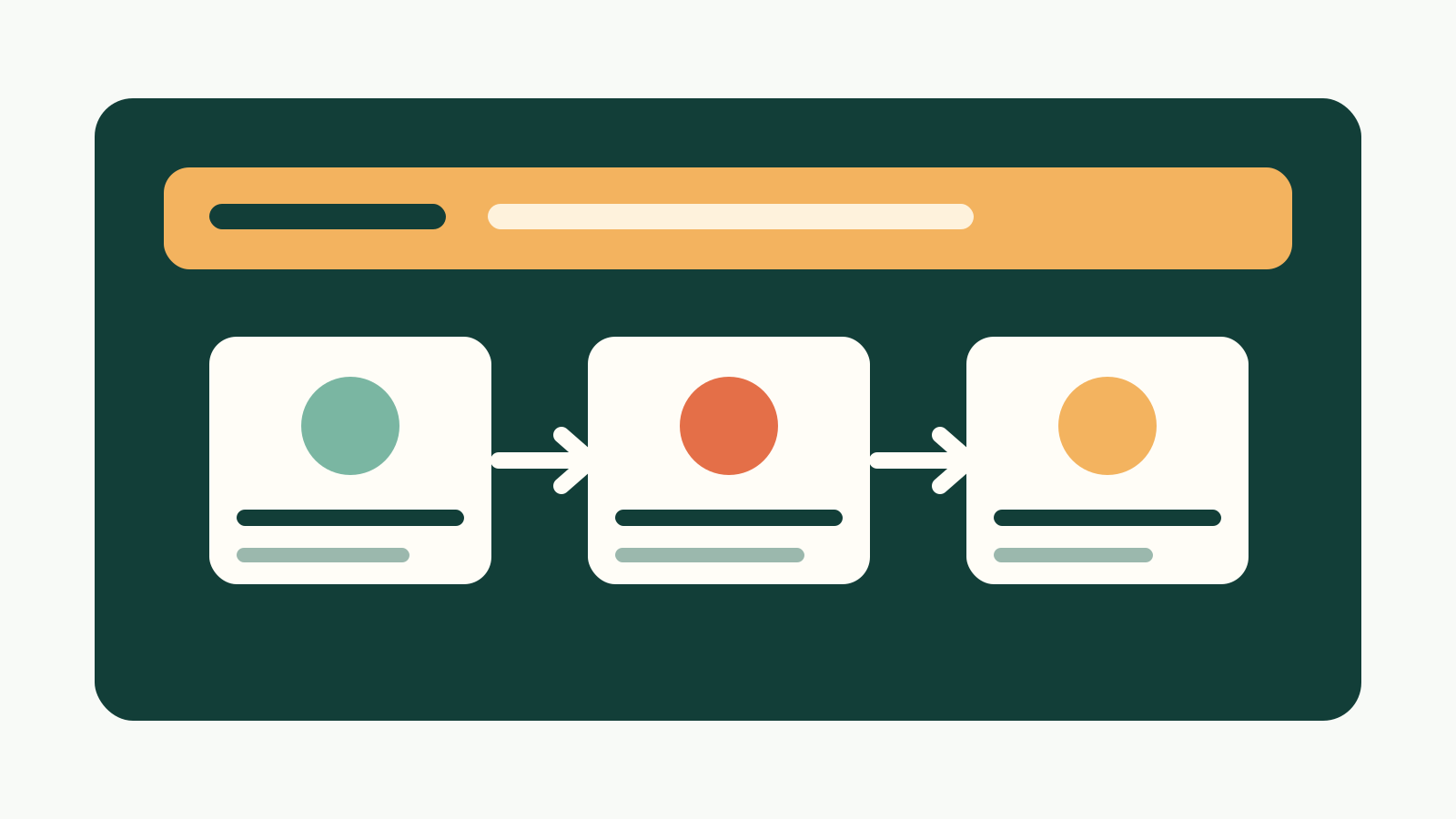
Stage 1: Account model
Map company accounts, locations, buyers, permissions, and admin roles. Shopify’s B2B features can support company structures, but the merchant still needs to define how trade relationships are organised.
Stage 2: Catalog and pricing logic
Decide whether pricing is simple enough for shared catalogs or whether company-level pricing is needed. Plan-specific B2B capabilities matter here, especially for teams considering Shopify Plus.
Stage 3: Payment and order rules
Payment terms, deposits, purchase orders, partial payments, and credit processes need operational agreement before build. Finance should be in discovery, not only sign-off.
Stage 4: Buying UX
B2B customers often value speed over storytelling. Quick order forms, saved lists, reorder paths, product data downloads, trade pack logic, and clear account information can matter more than lifestyle content.
Stage 5: Integration and support
ERP, warehouse, PIM, CRM, helpdesk, and sales rep workflows decide whether the portal scales. Without ownership, the portal simply moves manual work from email into another system.
StoreBuilt’s Shopify Plus and B2B service is the relevant route when these decisions need to become a scoped delivery plan.
Decision table
| Requirement | Lightweight route | More advanced route |
|---|---|---|
| Company accounts | Standard account setup and customer tagging | Shopify B2B company structures |
| Pricing | Discount rules or simple catalogs | Company or location-specific catalogs |
| Payment terms | Manual invoice process | Configured B2B payment terms and deposits |
| Reordering | Account order history and saved links | Quick order, saved lists, repeat order UX |
| Product visibility | Broad trade catalog | Customer-specific product availability |
| ERP handoff | CSV or admin workflow | Integrated order and inventory process |
The right route depends on customer complexity, order volume, margin, sales team behaviour, and the cost of operational exceptions.
Implementation risks
The biggest B2B risks are rarely visual:
- pricing rules not matching real agreements
- trade customers seeing the wrong catalogue
- ERP stock and Shopify stock drifting apart
- sales teams bypassing the portal because it slows them down
- finance teams inheriting unclear payment workflows
- customer service becoming the workaround for every edge case
This is why discovery should include sales, finance, operations, ecommerce, and customer service. A B2B portal is a business process, not only a storefront.
For integration-heavy B2B work, StoreBuilt also maps dependencies through Shopify apps, integrations and automation.
Anonymous StoreBuilt example
One wholesale-led brand wanted a polished trade portal quickly. During discovery, the core issue became clear: their biggest customers had different pricing, delivery expectations, and order approval patterns, but those rules lived across spreadsheets and email threads.
The first recommendation was to stabilise account and pricing logic before committing to the full UX. That changed the roadmap from “build a portal” to “prove the operating model, then build the self-serve layer.” The result was a more realistic scope and fewer expensive assumptions.
High-intent AI search implementation layer
The AI-search version of this topic is not just “write more content”. A useful answer engine result needs a page that gives a direct answer, proves the claim, and shows the next operational step inside Shopify.
| Area | StoreBuilt implementation check |
|---|---|
| Primary intent | The page should map to shopify b2b and one clear buyer or operator problem, not a vague traffic topic. |
| Shopify surface | Identify whether the work belongs on a collection, product page, theme section, checkout step, app workflow, email flow, or support process. |
| Proof | Add first-hand observations, product/category examples, screenshots, policy notes, review signals, or trustworthy external sources where they make the advice safer. |
| Internal route | Link the reader to the service most likely to solve the issue: Shopify Plus and B2B. |
| Measurement | Check Search Console, analytics, assisted conversions, enquiry quality, and AI-response mentions after the update rather than judging success by pageviews alone. |
For this article, the useful research inputs are: StoreBuilt Shopify audits, UK ecommerce SERP intent, Shopify platform documentation, and AI-search measurement patterns. StoreBuilt would prioritise company accounts, price lists, catalogues, net terms, wholesale UX, and B2B operating controls before expanding into broader supporting content.
If this topic maps to a live store problem, review the related StoreBuilt service or Contact StoreBuilt with the store URL and the issue you want fixed.
Final StoreBuilt point of view
A Shopify B2B trade portal should make wholesale buying easier without hiding operational complexity.
StoreBuilt’s view is that B2B ecommerce succeeds when the portal reflects real account structure, pricing, payment, fulfilment, and support workflows. Build the operating model first; the interface will be better because of it.