
What we have seen in wholesale projects is this: many brands say they need a B2B portal when what they actually need is a reliable self-serve buying system that trade customers can trust without creating constant back-office intervention. The portal matters, but only as part of a wider operating model.
If your wholesale journey still depends on too much manual support, Contact StoreBuilt.
Table of contents
- Keyword decision and research inputs
- What a B2B customer portal should actually do
- The implementation layers that matter most
- Dedicated versus blended store decision
- B2B portal implementation table
- StoreBuilt example
- Common mistakes that create support load
- Final StoreBuilt point of view
Keyword decision and research inputs
Primary keyword: shopify b2b customer portal
Secondary keywords:
- customer portal Shopify Plus
- Shopify wholesale portal
- B2B self-serve ordering Shopify
- UK wholesale ecommerce portal
- Shopify company accounts B2B
Search intent: high-intent implementation. The reader is usually building or improving a wholesale buying flow, evaluating Shopify B2B capabilities, or trying to reduce manual order handling.
Funnel stage: middle to bottom.
Page type: implementation guide.
Why StoreBuilt can realistically win this topic:
- We treat the portal as part of a broader wholesale operating model rather than a visual feature request.
- UK wholesale brands often need practical advice on approval flows, account structure, price visibility, and blended-store tradeoffs.
- Competitor content often explains that the feature exists. Fewer guides focus on what makes it usable after launch.
Research inputs used on June 18, 2026:
- Current SERP review for
shopify b2b customer portal,shopify wholesale portal, and related account-management queries. - Competitor content review from Flux, Swanky, Underwaterpistol, and other specialist Shopify agencies publishing on B2B or Shopify Plus delivery.
- Official Shopify Help Center documentation on B2B features, customer accounts, company account requests, company contacts, quick-order lists, and dedicated versus blended setup checklists.
What a B2B customer portal should actually do
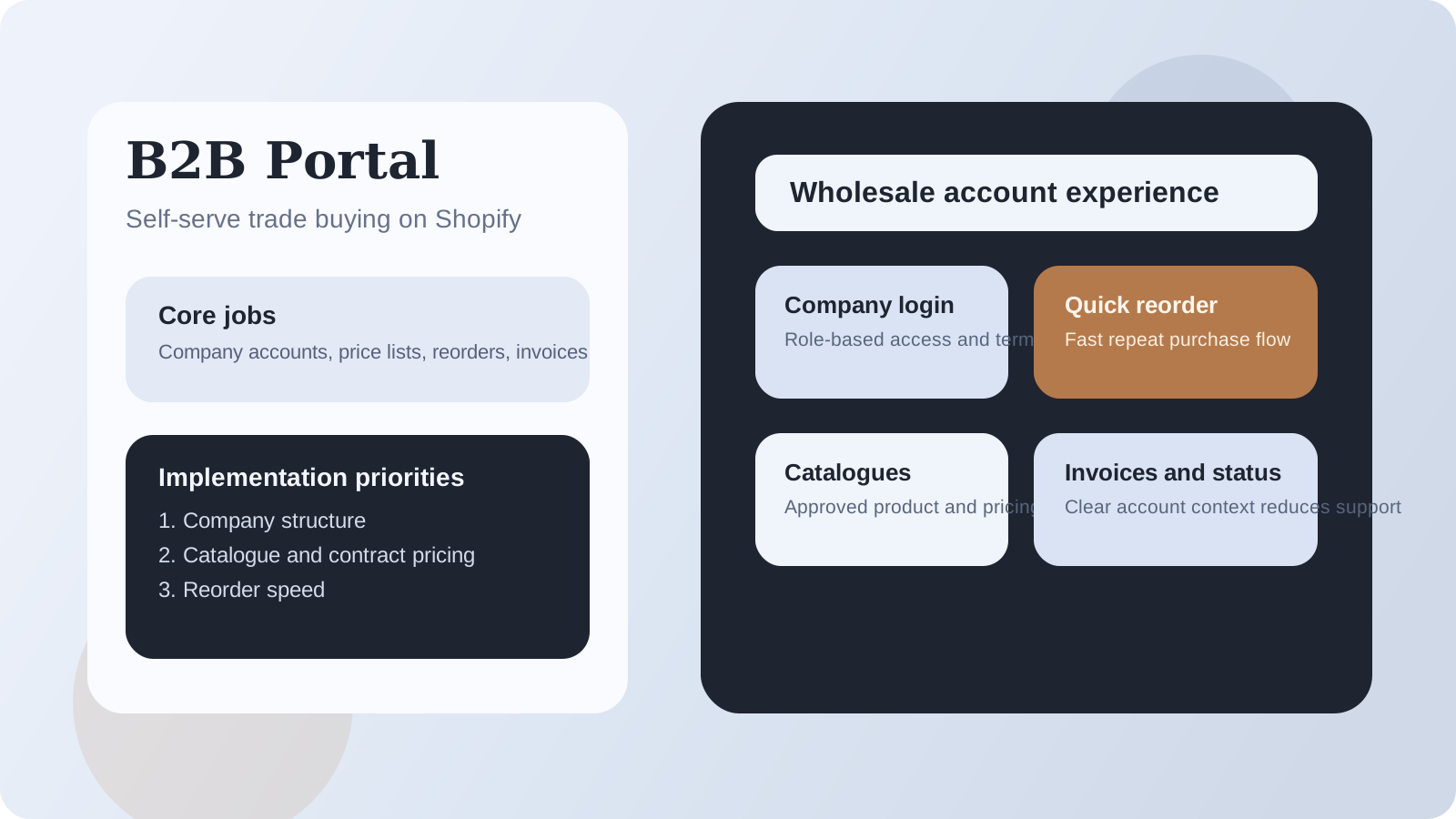
A useful B2B portal should reduce dependency on email and manual intervention for routine buying tasks.
That usually means trade customers can:
- sign in cleanly
- see the right catalogue and pricing
- review past orders
- reorder efficiently
- understand payment or approval status
- manage common account tasks without waiting for support
Current official Shopify guidance reinforces that this is not just about a login area. Customer accounts in B2B now connect to order history, company information, saved payment methods, reorder workflows, return requests, and company-specific access patterns.
The core lesson is simple: a portal is good when it removes repetition and ambiguity from trade buying.
The implementation layers that matter most
1. Company and contact structure
Before design work starts, teams need clarity on how buyers are grouped:
- by company
- by location
- by role
- by permission level
This is the layer that prevents price visibility mistakes and approval confusion later.
2. Catalogue and pricing logic
If buyers cannot reliably see the right products, pack sizes, or contract pricing, the portal becomes a trust problem immediately.
For many UK wholesale brands, the portal succeeds or fails on catalogue discipline more than account styling.
3. Self-serve reorder speed
Trade customers value speed and accuracy more than novelty. Reorder pathways, quick-order flows, and clear line-item visibility often matter more than decorative interface work.
4. Payment terms and account clarity
B2B customers need confidence around payment terms, invoice expectations, and order state. If that is vague, the support burden simply moves from phone or email into confusion inside the portal.
5. Theme and storefront behaviour
This is where implementation quality matters. The portal should feel consistent with the wider storefront while still being obviously business-oriented. It should not force trade users through a consumer journey that creates unnecessary friction.
If your Shopify B2B setup also needs broader channel structure and service design, StoreBuilt Shopify Plus and B2B is the right service path.
Dedicated versus blended store decision
One of the most important planning choices is whether B2B should live inside a blended store or a dedicated environment.
A blended model can work well when:
- DTC and B2B share much of the catalogue
- the team wants simpler platform management
- account logic is clear and well governed
A dedicated setup can be stronger when:
- B2B buyers need a materially different experience
- pricing, shipping, or approval logic is much more complex
- the sales process would otherwise distort the consumer journey
Shopify’s own B2B setup guidance now explicitly separates blended and dedicated checklists for a reason. The decision shapes everything else: navigation, content, catalogue exposure, QA, and support ownership.
B2B portal implementation table
| Implementation layer | Good sign | Weak sign | Likely consequence |
|---|---|---|---|
| company structure | contacts and permissions are clear | accounts are added ad hoc | access and pricing mistakes |
| catalogue control | correct products by customer type | mixed visibility and contract ambiguity | ordering errors |
| reorder workflow | repeat buying is fast | buyers rebuild baskets manually | support burden and slower purchase |
| payments and terms | clear trade-payment expectations | invoices and terms feel hidden | account friction |
| storefront UX | trade flow feels deliberate | B2B users forced through DTC assumptions | weak self-serve adoption |
| QA | scenario testing covers real trade cases | only happy-path testing | messy launch and escalations |
StoreBuilt example
One wholesale-focused UK brand wanted a “portal redesign” after trade customers continued placing orders through email even though ecommerce access already existed. The problem turned out not to be the lack of a portal. The problem was that the buying route still felt unreliable. Product visibility varied by account, reorder actions were slower than the sales team expected, and payment-term context was too hidden.
The better fix was operational first and visual second. We clarified account logic, simplified reorder pathways, and made pricing and account context more legible. Once the workflow felt dependable, adoption improved because customers no longer had to second-guess whether the portal would save time.
Common mistakes that create support load
The most common mistakes are:
- treating portal access as the end goal instead of self-serve ordering
- exposing mixed DTC and B2B logic without clear separation
- under-testing company-account scenarios
- forgetting account-request and onboarding flows
- focusing on front-end polish before pricing and catalogue ownership
This is also where competitor content needs interpretation. Flux-style implementation content is useful because it frames B2B as a workflow problem, not just a frontend problem. That is the right lesson. The wrong lesson is assuming native capability removes the need for operational design.
For a live review of whether your wholesale flow needs blended-store cleanup or a more deliberate B2B architecture, use the StoreBuilt free Shopify audit.
High-intent AI search implementation layer
The AI-search version of this topic is not just “write more content”. A useful answer engine result needs a page that gives a direct answer, proves the claim, and shows the next operational step inside Shopify.
| Area | StoreBuilt implementation check |
|---|---|
| Primary intent | The page should map to shopify b2b and one clear buyer or operator problem, not a vague traffic topic. |
| Shopify surface | Identify whether the work belongs on a collection, product page, theme section, checkout step, app workflow, email flow, or support process. |
| Proof | Add first-hand observations, product/category examples, screenshots, policy notes, review signals, or trustworthy external sources where they make the advice safer. |
| Internal route | Link the reader to the service most likely to solve the issue: Shopify Plus and B2B. |
| Measurement | Check Search Console, analytics, assisted conversions, enquiry quality, and AI-response mentions after the update rather than judging success by pageviews alone. |
For this article, the useful research inputs are: StoreBuilt Shopify audits, UK ecommerce SERP intent, Shopify platform documentation, and AI-search measurement patterns. StoreBuilt would prioritise company accounts, price lists, catalogues, net terms, wholesale UX, and B2B operating controls before expanding into broader supporting content.
If this topic maps to a live store problem, review the related StoreBuilt service or Contact StoreBuilt with the store URL and the issue you want fixed.
Final StoreBuilt point of view
A Shopify B2B customer portal is successful when it makes repeat trade buying boring in the best possible way.
For UK wholesale brands, the real work is not proving that a portal exists. It is making sure account structure, catalogue logic, reorder speed, and payment clarity are strong enough that customers trust the system and stop routing routine orders through manual channels.