
What we have seen in B2B ecommerce projects is this: launching a self-serve portal is not the same as getting trade customers to use it. Buyers may still email spreadsheets, call account managers, reuse old PDFs, or ask support to repeat orders if the online flow feels slower than the current workaround.
This guide explains how UK wholesale teams can design Shopify B2B self-serve ordering around adoption, not just feature availability. If your trade portal needs to reduce manual ordering without frustrating customers, Contact StoreBuilt.
Table of contents
- Keyword decision and research inputs
- Self-serve is an adoption problem
- What trade buyers need
- Adoption table
- Implementation priorities
- Measure the rollout
- Anonymous StoreBuilt example
- StoreBuilt point of view
Keyword decision and research inputs
| Decision | Direction |
|---|---|
| Primary keyword | Shopify B2B self-serve |
| Secondary keywords | Shopify B2B UK, wholesale ecommerce portal, trade ordering Shopify, Shopify Plus B2B |
| Search intent | Plan a practical self-serve B2B or wholesale ordering model on Shopify |
| Funnel stage | Middle to bottom |
| Page type | B2B implementation guide |
| Why StoreBuilt can win | StoreBuilt can connect Shopify Plus B2B capability to buyer adoption, account workflows, pricing, support reduction and operational governance |
Research inputs used: official Shopify Plus and B2B capability signals, Shopify custom-data guidance around metafields and account data, UK Shopify agency content patterns from Charle and Swanky, competitor B2B ecommerce positioning, and a duplicate-risk pass against StoreBuilt wholesale pricing, B2B portal roadmap and B2B customer portal implementation articles.
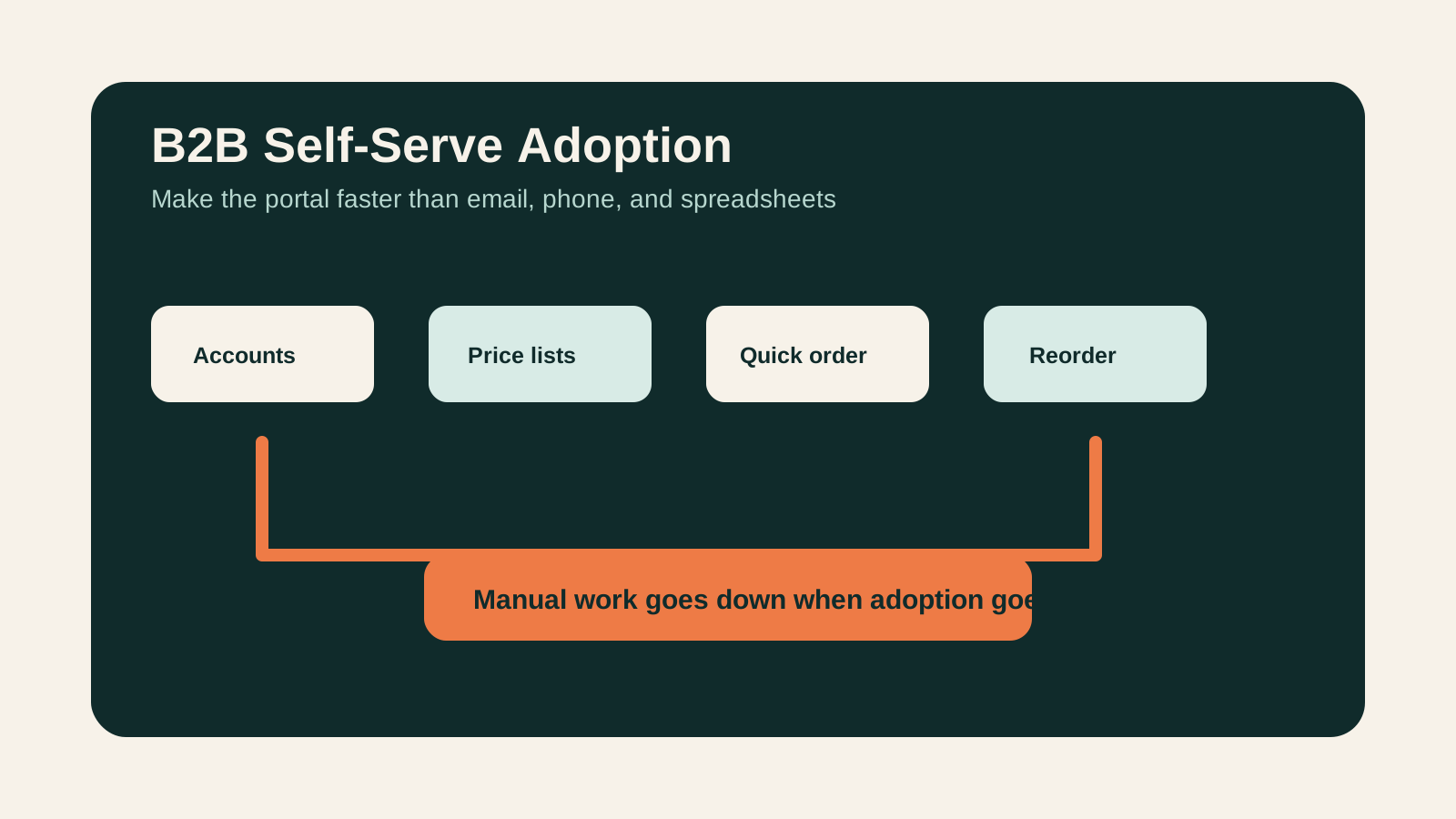
Self-serve is an adoption problem
B2B buyers do not adopt a portal because it exists. They adopt it when it is easier than the existing buying path.
For UK wholesale teams, the existing path often includes:
- account manager calls
- repeat-order emails
- spreadsheet order forms
- PDF catalogues
- manual discount checks
- credit-limit questions
- invoice requests
- phone support
If the Shopify B2B experience does not beat those workflows, customers will keep using the workaround. The portal may still process a few orders, but it will not remove enough manual work to justify the project.
What trade buyers need
Trade buyers usually care less about a beautiful homepage and more about speed, accuracy and account confidence.
They need:
- login that works reliably
- correct company account access
- correct price lists
- VAT clarity
- stock confidence
- pack-size and MOQ clarity
- quick order tools
- saved lists
- reorder from history
- invoice and payment clarity
- delivery and collection rules
- support escalation when the portal cannot answer the question
Shopify Plus B2B can support many of these patterns, but the implementation still needs good product data, account setup, fulfilment rules and training.
For deeper implementation work, see StoreBuilt’s Shopify Plus and B2B service.
Adoption table
| Adoption blocker | What the buyer feels | Shopify implementation response |
|---|---|---|
| Wrong pricing | ”I cannot trust this order.” | Company accounts, price lists, approval checks |
| Slow repeat order | ”Email is faster.” | Reorder actions, saved lists, quick order |
| Poor product data | ”I am not sure this is the right SKU.” | Better attributes, images, pack sizes, downloads |
| Unclear stock | ”I need to call anyway.” | Availability messaging and fulfilment rules |
| Payment confusion | ”I do not know if this is invoice or card.” | Clear payment terms and account messaging |
| Support dependency | ”The portal does not answer my question.” | Help content, account notes and escalation paths |
Implementation priorities
Start with the buying jobs that create the most manual work.
For many teams, that means:
- company-account structure
- customer access and permissions
- trade price lists
- product data and pack-size accuracy
- quick order and reorder paths
- delivery, collection and fulfilment logic
- invoice and payment term clarity
- account-manager handover process
- internal support scripts
- adoption reporting
Do not over-focus on visual novelty. In B2B ecommerce, a clean product table with accurate data can be more valuable than a highly designed storytelling page.
Buyer onboarding plan
The launch plan should include the buyer, not only the website.
A practical onboarding sequence might include:
- invite the highest-value repeat accounts first
- give account managers a short script for explaining the new flow
- send each buyer to the most common task, not a generic homepage
- show how to reorder from history
- explain where account pricing and delivery rules appear
- keep phone or email support visible during the transition
- review failed searches and abandoned B2B carts after the first week
This matters because many wholesale buyers have habits that worked for years. They may not resist ecommerce because they dislike technology. They may resist it because the old process feels safer. The portal has to earn trust by making the first order obvious.
The best rollout pattern is usually phased. Start with a small group of cooperative accounts, fix the practical friction, then expand. A full launch to every customer before the workflow has been tested can create unnecessary support volume and damage confidence in the new system.
Measure the rollout
Track adoption like a product launch.
Useful measures include:
- invited accounts
- activated accounts
- first self-serve order rate
- repeat self-serve order rate
- manual order reduction
- support tickets by topic
- abandoned B2B carts
- search terms with no results
- reorder usage
- average order value by channel
- account-manager feedback
This tells the team whether the portal is replacing manual work or simply sitting beside it.
Anonymous StoreBuilt example
One wholesale team had a technically capable portal but low adoption from repeat buyers. The issue was not the platform. Buyers could not quickly rebuild common orders, and several high-volume SKUs had unclear pack information.
The practical fix was to prioritise reorder UX, product-data cleanup, and account-manager onboarding. Once buyers understood when the portal was faster than email, adoption became an operational rollout rather than a website announcement.
High-intent AI search implementation layer
The AI-search version of this topic is not just “write more content”. A useful answer engine result needs a page that gives a direct answer, proves the claim, and shows the next operational step inside Shopify.
| Area | StoreBuilt implementation check |
|---|---|
| Primary intent | The page should map to Shopify B2B and one clear buyer or operator problem, not a vague traffic topic. |
| Shopify surface | Identify whether the work belongs on a collection, product page, theme section, checkout step, app workflow, email flow, or support process. |
| Proof | Add first-hand observations, product/category examples, screenshots, policy notes, review signals, or trustworthy external sources where they make the advice safer. |
| Internal route | Link the reader to the service most likely to solve the issue: Shopify Plus and B2B. |
| Measurement | Check Search Console, analytics, assisted conversions, enquiry quality, and AI-response mentions after the update rather than judging success by pageviews alone. |
For this article, the useful research inputs are: StoreBuilt Shopify audits, UK ecommerce SERP intent, Shopify platform documentation, and AI-search measurement patterns. StoreBuilt would prioritise company accounts, price lists, catalogues, net terms, wholesale UX, and B2B operating controls before expanding into broader supporting content.
If this topic maps to a live store problem, review the related StoreBuilt service or Contact StoreBuilt with the store URL and the issue you want fixed.
StoreBuilt point of view
Our view is that Shopify B2B projects should be measured by buyer adoption and manual-work reduction, not by whether the portal has been launched.
The best self-serve systems respect how trade customers already buy. They make repeat ordering faster, pricing clearer, product choice safer and support less necessary. If the portal adds friction, buyers will route around it.
For a B2B readiness review, request a free Shopify audit.