
What we have seen in Shopify SEO projects is this: most content calendars are organised by what the brand wants to say, not by how customers search, compare, hesitate and buy. That creates blog posts with no commercial path, category pages with weak intent coverage, and product pages forced to answer questions they were never designed to handle.
This guide shows how UK Shopify teams can map ecommerce search intent into pages that Google can crawl, shoppers can use, and internal teams can maintain. If your organic traffic is scattered across pages that do not convert, Contact StoreBuilt.
Table of contents
- Keyword decision and research inputs
- Why intent mapping matters
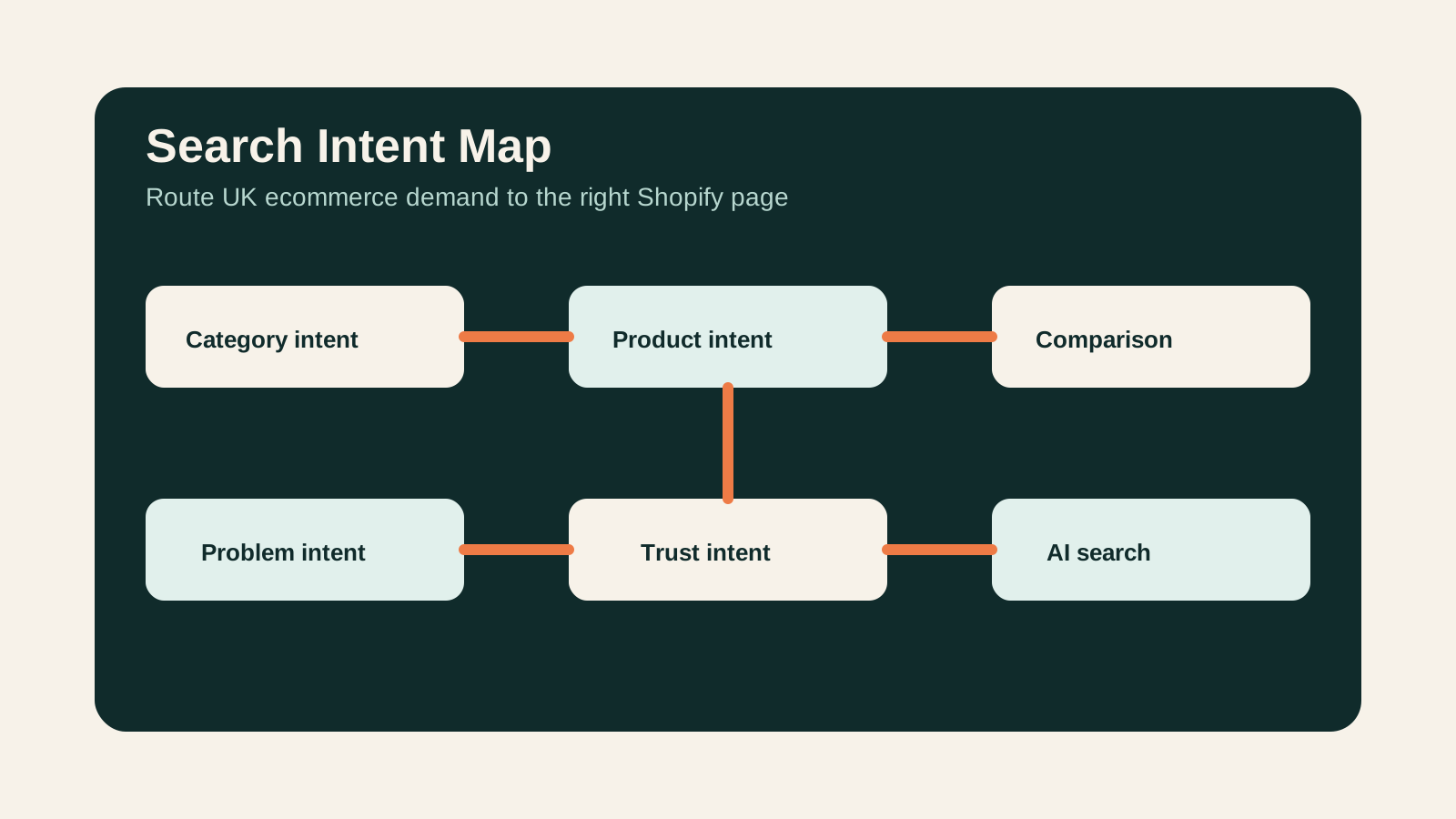
- The six ecommerce intent types
- Map intent to the right Shopify page
- Competitor patterns to watch
- Operational workflow
- Anonymous StoreBuilt example
- StoreBuilt point of view
Keyword decision and research inputs
| Decision | Direction |
|---|---|
| Primary keyword | ecommerce search intent |
| Secondary keywords | Shopify SEO content strategy, ecommerce UK market SEO, category search intent, Shopify category SEO |
| Search intent | Build a content and page architecture that matches buyer journeys |
| Funnel stage | Middle |
| Page type | SEO strategy guide |
| Why StoreBuilt can win | StoreBuilt can connect search intent to Shopify collections, product data, internal links, CRO and lead-generating service workflows |
Research inputs used: current ecommerce SEO SERP patterns, Charle-style Shopify SEO and ecommerce guide formats, UK Shopify agency content libraries including Charle, Swanky and We Make Websites, Google Search Central ecommerce guidance, public keyword-modifier patterns around “best”, “vs”, “near me”, “UK”, “size”, “delivery”, “returns” and “how to choose”, plus a duplicate-risk review against StoreBuilt category, content-cluster and demand-capture articles.
Why intent mapping matters
Search intent is the job behind the query. In ecommerce, that job can be broad research, product comparison, delivery reassurance, category exploration, local availability, brand validation, or purchase execution.
If all intent is sent to blog posts, the store gets traffic without a clean buying path. If all intent is sent to collections, the store misses educational and comparison searches. If all intent is sent to product pages, PDPs become bloated and still fail to answer higher-funnel questions.
The right structure lets each page do one job well and support the next step.
The six ecommerce intent types
| Intent type | Example query shape | Best page type |
|---|---|---|
| Category intent | ”linen bedding UK”, “men’s waterproof jackets” | Collection or category page |
| Product intent | Brand, SKU, model, ingredient, size or use-case query | Product page |
| Comparison intent | ”Shopify vs WooCommerce”, “best running shoes for flat feet” | Comparison page, guide or collection support content |
| Problem intent | ”how to stop foundation oxidising”, “best mattress for side sleepers” | Guide, buying advice or PDP support content |
| Trust intent | delivery, returns, reviews, sustainability, warranty | PDP modules, policy pages and help content |
| Local or fulfilment intent | ”click and collect”, “next day delivery UK”, local stock | Store locator, fulfilment page or collection support copy |
UK ecommerce search often combines commercial and reassurance intent. Shoppers want the product, but they also want delivery confidence, return clarity, payment trust and proof that the brand understands the local buying context.
Map intent to the right Shopify page
Shopify gives teams several page types, but the strategy has to decide what each one owns.
Collections should own category demand, merchandising logic, filtering, internal links and commercially useful buying guidance. Product pages should own product-specific proof, variant clarity, delivery, returns, reviews, product data and conversion. Blog posts should answer research or comparison questions that are too broad for one collection. Landing pages should support campaigns, bundles, seasonal pushes and high-intent paid traffic.
The risk is cannibalisation. A blog post targeting the same broad commercial term as a collection can compete with the collection and weaken the site’s internal signal. A better pattern is to use the blog to support the collection with contextual links and answer adjacent questions.
For Shopify SEO architecture, connect intent mapping to Shopify SEO and AI search readiness.
Competitor patterns to watch
Competitor article libraries are useful intent signals. Charle publishes across Shopify platform comparisons, SEO, CRO, app reviews and ecommerce growth questions. Larger Shopify agencies often use broad guides to capture early-stage researchers and then route them into service pages.
Do not copy their titles. Instead, study:
- which commercial queries they support with guides
- which service pages their articles internally link to
- whether their articles answer operational questions or stay generic
- how they use proof, examples and author signals
- whether they leave gaps around implementation detail
StoreBuilt can compete by being more operationally specific. A guide that shows the page type, owner, internal link and maintenance workflow is more useful than another abstract list of SEO tips.
Operational workflow
Use this process before commissioning content:
- Export target queries from Search Console, keyword tools or SERP research.
- Group queries by intent rather than by exact wording.
- Pick one canonical page for each commercial cluster.
- Decide whether the canonical page is a collection, product, landing page, service page or article.
- Identify supporting articles that should link back to the canonical page.
- Add internal links from related categories and guides.
- Check whether filters, variants and faceted URLs should be indexed or controlled.
- Review Search Console after publishing to see which page Google chooses.
- Rewrite titles and internal anchors if the wrong page starts ranking.
This workflow is especially important for stores with many similar categories, such as fashion, beauty, homeware, supplements, hobby products and B2B supplies.
Anonymous StoreBuilt example
One ecommerce team had a strong blog archive but weak category visibility. Several posts were winning impressions for category-style queries, while the collection pages were thin and under-linked.
The fix was to stop publishing more isolated guides and rebuild the intent map. The team strengthened category copy, added buying-guidance sections, linked supporting articles back into collections, and clarified which pages owned which queries. The goal was not more content. It was better page responsibility.
High-intent AI search implementation layer
The AI-search version of this topic is not just “write more content”. A useful answer engine result needs a page that gives a direct answer, proves the claim, and shows the next operational step inside Shopify.
| Area | StoreBuilt implementation check |
|---|---|
| Primary intent | The page should map to ecommerce search intent and one clear buyer or operator problem, not a vague traffic topic. |
| Shopify surface | Identify whether the work belongs on a collection, product page, theme section, checkout step, app workflow, email flow, or support process. |
| Proof | Add first-hand observations, product/category examples, screenshots, policy notes, review signals, or trustworthy external sources where they make the advice safer. |
| Internal route | Link the reader to the service most likely to solve the issue: Shopify SEO and AI search readiness. |
| Measurement | Check Search Console, analytics, assisted conversions, enquiry quality, and AI-response mentions after the update rather than judging success by pageviews alone. |
For this article, the useful research inputs are: Google Search Central guidance, Shopify platform documentation, Ahrefs AI Responses/Brand Radar patterns, and StoreBuilt Shopify audit observations. StoreBuilt would prioritise technical SEO, collection architecture, Product schema, answer-first content, GEO, and Search Console monitoring before expanding into broader supporting content.
If this topic maps to a live store problem, review the related StoreBuilt service or Contact StoreBuilt with the store URL and the issue you want fixed.
StoreBuilt point of view
Our view is that ecommerce SEO is mostly an architecture problem before it is a writing problem. If every query has a job, every page needs a role.
The best Shopify content systems make the buying path obvious: research leads to comparison, comparison leads to category exploration, category exploration leads to product confidence, and product confidence leads to purchase. Content that does not support that journey may still get visits, but it will not build the commercial visibility the business actually needs.
For a practical search-intent and internal-link review, request a free Shopify audit.