
What we have seen in subscription audits is this: failed payments are often treated as a billing issue, but they are really a retention system. A failed card, expired payment method or unclear retry message can quietly turn a good customer into churn before the ecommerce team notices.
This guide explains how UK Shopify brands should approach failed payment recovery across dunning, customer messaging, support, product value and margin. If your subscription revenue is leaking through avoidable churn, Contact StoreBuilt.
Table of contents
- Keyword decision and research inputs
- Why failed payments deserve a retention workflow
- The recovery system
- Dunning message table
- What to measure
- Common failure modes
- Anonymous StoreBuilt example
- StoreBuilt point of view
Keyword decision and research inputs
| Decision | Direction |
|---|---|
| Primary keyword | Shopify subscription failed payment recovery |
| Secondary keywords | Shopify subscription dunning, failed payment email, ecommerce subscription retention, UK subscription ecommerce |
| Search intent | Recover subscription revenue and reduce involuntary churn on Shopify |
| Funnel stage | Middle |
| Page type | Retention and operations guide |
| Why StoreBuilt can win | StoreBuilt can connect failed-payment recovery to Shopify subscription apps, Klaviyo flows, customer support, margin, product value and operational ownership |
Research inputs used: current SERP patterns around subscription dunning and failed payment recovery, UK ecommerce retention content patterns from Shopify agency competitors, Charle-style ecommerce growth topics, Shopify subscription and customer-account operating considerations, and a duplicate-risk review against StoreBuilt subscription, loyalty, retention, email and LTV:CAC articles.
Why failed payments deserve a retention workflow
Subscription churn has two broad shapes: customers who actively choose to leave, and customers who fall out because the payment process failed. The second category is often recoverable.
A failed payment may happen because:
- the card expired
- the bank declined the transaction
- the customer changed account details
- the billing address changed
- the customer did not recognise the charge
- the subscription app retry logic is weak
- the reminder email is unclear or too late
For UK ecommerce teams, this matters because acquisition costs are usually too high to let avoidable churn go unmanaged. A repeat customer who already wants the product is worth protecting.
The recovery system
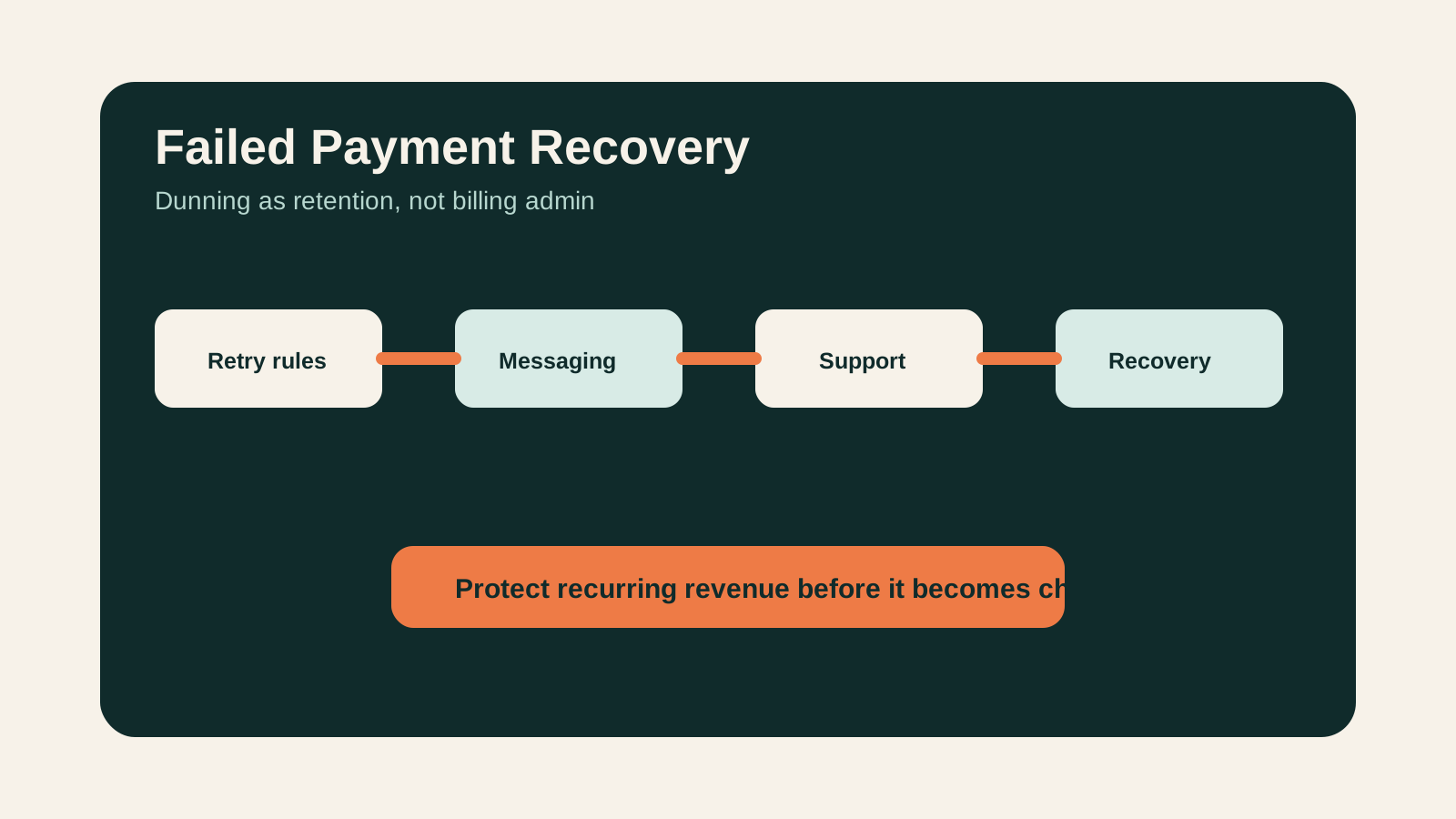
Failed payment recovery should sit across four layers.
First, the payment and subscription setup needs sensible retry rules. Do not retry in a way that creates customer irritation or support noise, but do not cancel too quickly either.
Second, the customer messaging needs to be clear. The message should explain what happened, what the customer needs to do, when the next retry happens, and how to get help.
Third, customer support needs visibility. If a customer replies with a payment concern, support should know the subscription status and the next action.
Fourth, the ecommerce team should use the signal. Failed payments can reveal unclear subscription value, billing-date issues, weak account UX, or customers who were likely to cancel anyway.
For subscription and retention architecture, see StoreBuilt’s subscriptions and recurring revenue service.
Dunning message table
| Moment | Message purpose | What to include |
|---|---|---|
| First failure | Explain calmly | Payment did not go through, subscription is still active, update-payment link |
| Before retry | Reduce surprise | Retry timing, product value reminder, support route |
| After second failure | Create urgency | Risk of missed delivery, clear next step, help option |
| Before pause or cancellation | Protect relationship | Final action date, account link, alternative pause option |
| After recovery | Reassure | Payment updated, next delivery, account management link |
The tone should be practical, not panicked. Customers do not need a dramatic warning after one failed attempt. They need a clear route back to a working subscription.
What to measure
Measure failed payment recovery as part of retention, not only billing.
Useful metrics include:
- failed payment rate
- recovered payment rate
- time to recovery
- failed payment churn
- retry success by attempt
- email open and click rate
- support tickets by failed-payment topic
- recovered customer repeat value
- cancellation after recovery
- plan, product or cohort differences
The most useful view is usually by cohort and product. If one subscription product has unusually high payment failure or cancellation after recovery, the issue may be value perception, product cadence or delivery timing rather than payment mechanics.
Common failure modes
Messages sound like system errors
“Your payment failed” is technically accurate, but it may not help. Tell the customer what happened, what it means, and what to do next.
Retry rules are invisible to support
Support teams cannot reassure customers if they do not know when the next retry will happen or whether the subscription is paused, active or cancelled.
The account page is hard to use
If updating a payment method is difficult on mobile, recovery drops. Test the account flow like a customer, not an admin.
The team ignores voluntary churn signals
Some failed payments mask a value problem. If recovered customers cancel soon after, the business needs a retention conversation, not another retry email.
Anonymous StoreBuilt example
One subscription brand had a healthy acquisition funnel but recurring revenue was less stable than expected. The billing report showed failures, but the retention report did not treat them as a churn source.
The recommended fix was to join subscription status, support topics and lifecycle messaging. The team tightened reminder copy, clarified account links, and reviewed product-level churn after recovery. That changed the work from “billing admin” into a visible retention workflow.
High-intent AI search implementation layer
The AI-search version of this topic is not just “write more content”. A useful answer engine result needs a page that gives a direct answer, proves the claim, and shows the next operational step inside Shopify.
| Area | StoreBuilt implementation check |
|---|---|
| Primary intent | The page should map to Shopify subscriptions and one clear buyer or operator problem, not a vague traffic topic. |
| Shopify surface | Identify whether the work belongs on a collection, product page, theme section, checkout step, app workflow, email flow, or support process. |
| Proof | Add first-hand observations, product/category examples, screenshots, policy notes, review signals, or trustworthy external sources where they make the advice safer. |
| Internal route | Link the reader to the service most likely to solve the issue: Subscriptions and recurring revenue. |
| Measurement | Check Search Console, analytics, assisted conversions, enquiry quality, and AI-response mentions after the update rather than judging success by pageviews alone. |
For this article, the useful research inputs are: StoreBuilt Shopify audits, UK ecommerce SERP intent, Shopify platform documentation, and AI-search measurement patterns. StoreBuilt would prioritise replenishment, delivery cutoffs, subscriptions, compliance messaging, PDP trust, and retention before expanding into broader supporting content.
If this topic maps to a live store problem, review the related StoreBuilt service or Contact StoreBuilt with the store URL and the issue you want fixed.
StoreBuilt point of view
Our view is that failed payment recovery should be designed as customer experience, not just payment automation. The best systems are calm, clear and operationally owned.
If a customer still wants the product, the store should make recovery easy. If the customer was already drifting, the failed payment should trigger a better retention question: is the subscription cadence, product value or account experience still working?
For a Shopify retention and subscription review, request a free Shopify audit.