
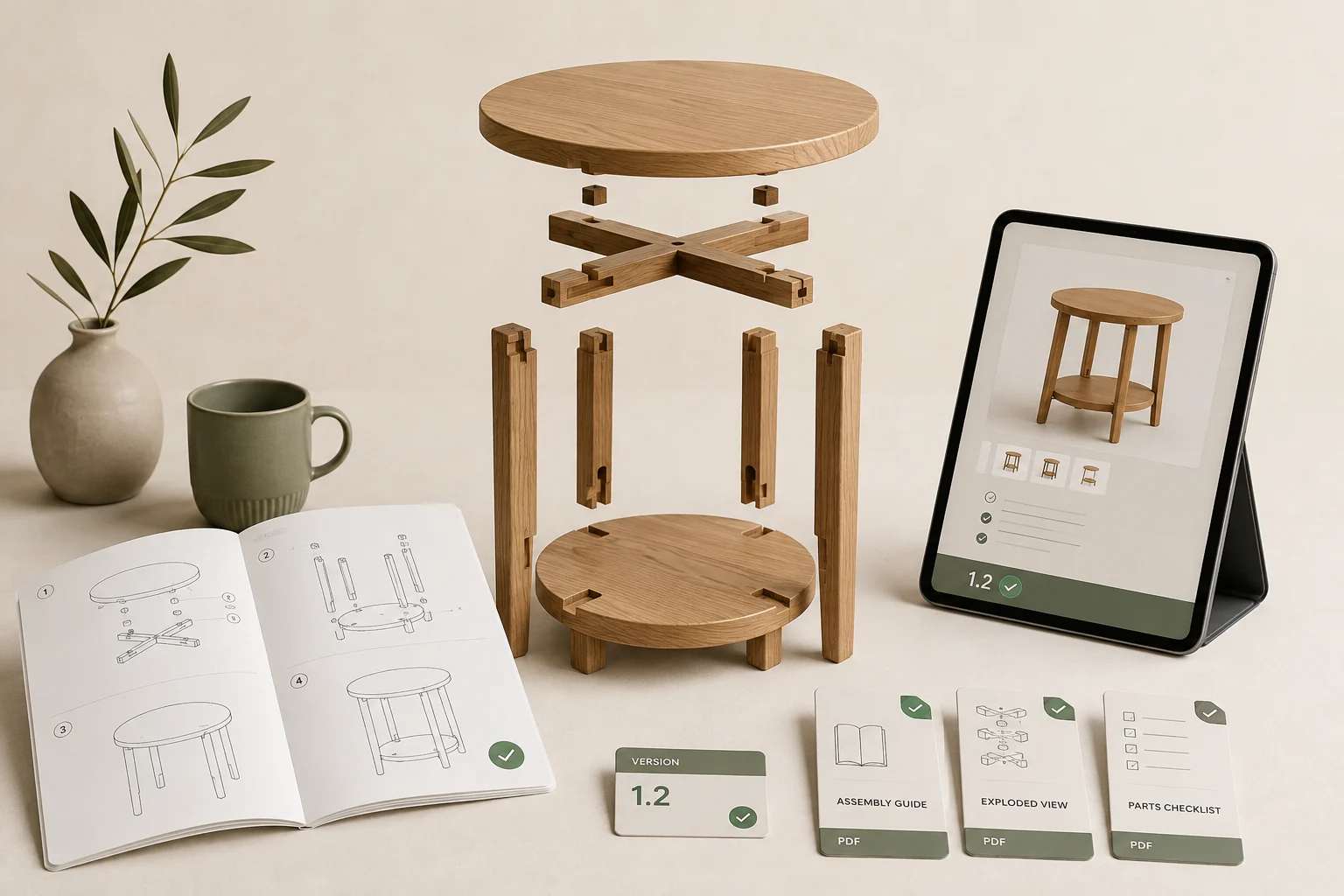
StoreBuilt’s approach to Shopify product information starts with a practical check: can the shopper find the evidence needed to choose and use the item? A beautiful product page can still leave an unanswered question about assembly, care or compatibility. A Shopify product manuals library gives those answers a dependable home, before purchase and long after delivery.
This guide focuses on document operations for UK ecommerce teams. It covers public manuals for physical products, rather than selling paid digital content. Examples are illustrative implementation scenarios, not claims about measured client results.
Contact StoreBuilt to review how product information reaches your customers.
Table of contents
- Choose the right document model
- Design a useful document register
- Make downloads easy to understand
- Control revisions and retired products
- Test the complete customer journey
- Measure usefulness
- StoreBuilt point of view
Choose the right document model
The primary intent is finding and managing Shopify product manuals; related searches include assembly PDF downloads and technical document libraries. This is an implementation guide supporting Shopify design and development. It does not replace a broader product-media strategy or a warranty portal: the central problem is getting the right version of a document to the right owner.
Begin by separating three situations. A public instruction sheet helps shoppers and existing owners. A paid pattern or digital book needs purchase-based delivery. A confidential trade document may require authenticated access. Uploading all three to the same public library creates a mismatch between the document’s purpose and its distribution.
Shopify’s Files guidance explains how uploaded files can be linked from storefront content. Files should be treated as publicly accessible assets, not a secure document vault. For purchased digital goods, review Shopify’s separate digital delivery tools and their current behaviour before selecting an implementation.
Keep essential purchasing facts on the page itself. Dimensions, required fittings, care restrictions and what is included should not be discoverable only after opening a large PDF. The document provides depth, printing and detailed diagrams; HTML provides immediate context on mobile and a clearer reading experience.
Design a useful document register
Inventory your current PDFs before redesigning the download section. Collect documents attached to product descriptions, help pages, email templates and old supplier folders. Identify broken links, duplicates and files whose names reveal nothing about their contents. Assign a document owner in the buying, technical or content team.
| Register field | What to record | Why it matters |
|---|---|---|
| Document identifier | stable internal reference | avoids title-based confusion |
| Product scope | model and applicable revisions | prevents incorrect instructions |
| Type | assembly, care, specification | helps customers choose |
| Language | actual document language | avoids misleading labels |
| Version | supplier revision and date | supports controlled replacement |
| Review owner | person or responsible team | makes corrections actionable |
| Public link | current approved URL | enables link checks |
A product name alone is a weak matching key. A manufacturer may keep the same name while changing a bracket, power supply or fitting. Record the applicable model range and revision in the register, and carry enough of that information into the visible link label for customers to recognise their purchase.
For a small catalogue, a controlled register and carefully maintained product links may work. At larger scale, use structured product-to-document relationships and a reusable theme component. Confirm how shared documents, variant-specific instructions and regional versions are handled before buying an app. Ask for a demonstration with your awkward products, not only a simple single-PDF example.
Make downloads easy to understand
Place the section where the document resolves uncertainty. A technical specification can sit near dimensions; assembly instructions belong alongside delivery and setup information. A care guide should also be reachable from the support journey. Avoid burying all documents under an unexplained paperclip icon.
Use descriptive link text such as “Assembly guide — Oak Shelf, revision B, English, PDF”. Add file size when it helps the reader anticipate a download. Indicate whether a link downloads a file or opens a new tab. Provide visible keyboard focus and enough spacing to select the correct link on a phone.
A PDF should contain selectable text, a sensible reading order and useful headings where possible. If supplier files are image scans or difficult to navigate, request a better original and provide an accessible HTML alternative for key information. Check diagrams at realistic screen sizes instead of assuming that a clear desktop document is usable on mobile.
Consider an illustrative furniture retailer with two versions of the same shelf. The older bracket uses a different screw sequence. A single “Download instructions” button is ambiguous. A model selector, a photograph of the identifying label and two clearly dated manuals let the owner choose deliberately. The design resolves a concrete uncertainty without pretending to identify the customer’s product automatically.
Control revisions and retired products
A replacement PDF should pass through review, product matching, preview, publication and verification. Record what changed and whether it affects current stock, older purchases or both. If the supplier only changes typography, the release can be simple. If assembly steps change, involve the responsible technical team before publishing.
Avoid silently overwriting historical instructions when the new file only applies to a redesigned product. Existing owners may arrive from a bookmarked support page or an old order email. Preserve a labelled archive where appropriate and keep the current product page focused on the version being sold.
| Change | Publication action | Verification |
|---|---|---|
| Corrected wording | replace applicable revision | inspect changed passage |
| New model hardware | create separate document mapping | check both model links |
| Additional language | add language-specific entry | review actual PDF language |
| Retired product | retain useful support route | test old customer journey |
| Supplier withdrawal | follow technical escalation | review all affected links |
Document governance is not a substitute for product safety review. Where instructions concern regulated products or safety-critical installation, the qualified product team must approve them. The website implementation should distribute approved information faithfully rather than editorially reinterpret it.
Test the complete customer journey
Build a small test set covering a new product, an older model, a shared manual, a translated document and an item with no downloads. Empty states should disappear cleanly or explain where to get help; they should not display a broken heading or a dead button.
Open each document while logged out, on desktop and mobile. Check that the selected variant does not leave a mismatched document visible. Follow links from the product page, support hub, site search and a representative order email. Confirm the document title and internal model reference agree with the storefront label.
Test replacement behaviour as well. Browser and CDN caching can make an old document appear after a change. Use clear versioned assets when necessary and verify the actual file contents, not merely an HTTP success response. Schedule periodic link checks, but include a human content review because an available PDF can still be the wrong PDF.
When commissioning the work, specify acceptance examples. “Add PDFs” is incomplete. “Revision B is shown for the current shelf, revision A remains reachable from the support page, and both work without an account” gives the team something verifiable. Shopify support and audits can include these content and template checks.
Measure usefulness
Track document-link engagement by product and document type, without treating every click as a conversion. A high download rate could indicate helpful content or missing information on the product page. Read it alongside pre-sale questions, assembly enquiries, document-related complaints and return reasons.
Review the questions that remain after customers download a manual. Repeated confusion about a specific diagram should reach the product team. Repeated requests for dimensions suggest the product page needs clearer HTML content. Establish a monthly queue with owners and completion dates so measurement leads to actual corrections.
For a first release, choose a manageable product family with recurring questions. Capture the starting state, fix document mapping, test the customer routes and review support feedback after sufficient usage. Expand once the ownership and update process works. The library should grow with a repeatable maintenance method, not just with more files.
StoreBuilt point of view
A product manual is part of the product experience. StoreBuilt’s view is that reliable identification, clear access and careful revision handling matter more than an elaborate document widget. Start with the customer holding the product, then work backwards to the page, file and owner needed to answer their question.
Contact StoreBuilt to plan a maintainable Shopify document library.
For furniture buying decisions, pair document downloads with clear product measurements and delivery access guidance on the page itself.
Pair demonstrations with reviewed video captions and descriptive transcripts so instructions remain useful without sound.
For the next implementation step, read Make Product Care Instructions Useful on Shopify.
For the specific implementation steps, read Replace Shopify Files Without Breaking Customer Links.