
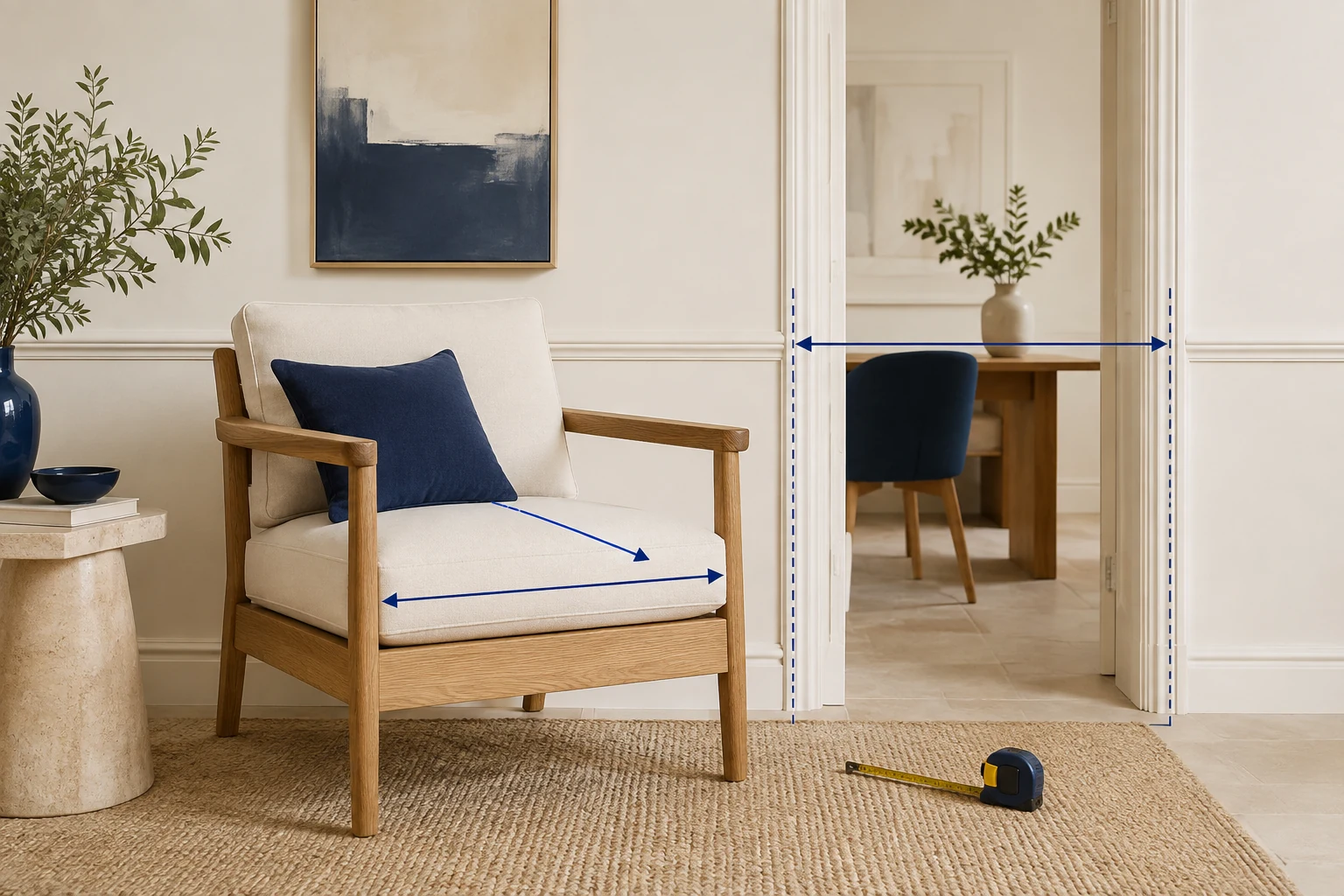
While researching this guide, StoreBuilt compared measurement-focused search results with the questions a Shopify product page actually needs to answer. “Width, depth and height” is only the beginning. A customer may need to know whether a chair fits under a desk, whether a cabinet holds a particular object, or whether a sofa can reach an upstairs room.
Better Shopify furniture measurements connect those questions to specific evidence. This guide covers the buying experience for UK furniture and homeware stores, rather than package dimensions used to calculate shipping rates. The examples are illustrative design scenarios, not claimed client results.
Contact StoreBuilt to review the measurement information around your furniture buying journey.
Table of contents
- Separate three measurement jobs
- Create a controlled measurement record
- Design diagrams that answer questions
- Handle variants and tolerances
- Explain delivery access carefully
- Test and maintain the guide
- StoreBuilt point of view
Separate three measurement jobs
Overall dimensions describe the assembled product’s outer envelope. Usable dimensions describe the space or position the customer will actually use. Delivery dimensions describe the item or packages moving through the building. These measurements may be different, and combining them under a single “Size” heading invites mistakes.
A dining chair’s overall height does not tell you its seat height. A bookcase’s external width does not reveal the usable width between its sides. A flat-packed desk may arrive in cartons much smaller than the assembled desk, but that does not remove the need to check the room where it will stand.
| Measurement group | Example | Buying question |
|---|---|---|
| Overall | assembled width and depth | will it occupy the available floor space? |
| Usable | internal shelf width | will the intended object fit? |
| Interaction | drawer extension | is there room to use it? |
| Access | packaged size and handling needs | can it reach the intended room? |
| Connection | clearance around a fitting | can it be installed as intended? |
Choose fields by product type. A generic table containing every possible measurement can be as confusing as no table. Ask support which questions recur for each category and give those dimensions prominence near the product choice.
Create a controlled measurement record
Assign a source and reviewer to every important value. Supplier spreadsheets, technical drawings and your own measurements can disagree. Resolve the difference before publication rather than choosing the number that appears most often. Record the model and revision to which the measurement applies.
Keep the unit explicit and the measurement method consistent. Width should always refer to the same orientation. If an armchair’s widest point is at the arms, measuring the seat cushion instead is not an interchangeable alternative. Use a short internal definition for each field so future products are measured consistently.
Do not create false precision during conversion. A rounded supplier value converted into several decimal places looks more certain than the original evidence. Agree an appropriate presentation precision with the product team, retain the source value and use the same conversion approach throughout the catalogue.
For implementation, use a repeatable product information structure and a reusable theme section. A small store may start with carefully managed tables; a larger catalogue benefits from controlled data connected to templates. Shopify design and development should include data ownership as well as page appearance.
Design diagrams that answer questions
A useful diagram makes the measurement endpoints obvious. Show the front or side view needed for the question, draw clear extension lines and place the label where it cannot be mistaken for another dimension. Avoid a dense technical drawing when two simpler views would be easier to read.
Provide the same values in HTML beside the image. Customers should be able to copy a measurement into a message or read it without zooming into a graphic. Descriptive alternative text should explain the diagram’s purpose, while the adjacent table carries the complete numerical information.
Shopify’s discussion of visualising dimensions illustrates why spatial understanding matters in online buying. Treat any visualisation tool as supplementary: verify its current availability and suitability before adopting it, and retain ordinary diagrams and written dimensions for customers who cannot use it.
Consider an illustrative desk retailer. Its page says the desk is 120 centimetres wide, yet customers ask whether a particular chair slides beneath it. Adding the clear knee-space width and underside height answers a different question from the outer dimensions. A second diagram is more useful than enlarging the existing lifestyle photograph.
Handle variants and tolerances
A size selector must change all relevant measurement information together. The price and title might update correctly while a static diagram still shows the smallest version. Test the largest and smallest variants, then a direct link to a non-default option. Check any quick-view component that offers purchasing without the full page.
Separate colour-only choices from structural choices. A finish change might not affect dimensions, but a leg option, extension mechanism or cushion construction might. Do not assume that all variants can share one measurement table simply because they belong to the same product record.
Where a product has genuine manufacturing variation, explain the approved tolerance clearly and precisely enough to help the buyer. Do not invent a universal allowance or use vague wording to excuse inaccurate data. The product team should confirm what varies, how much and whether it affects the intended use.
| Change | What to verify | Where to update |
|---|---|---|
| Larger size | outer and usable dimensions | table, diagram and selector |
| Different legs | overall and underside height | relevant views and copy |
| New supplier revision | actual specification differences | all affected product records |
| Packaging redesign | delivery package measurements | access guidance, not assembled size |
Explain delivery access carefully
A piece of furniture fitting inside a room does not prove it can get there. Explain the route customers should consider: external entrance, internal doors, turns, stairs, lifts and the final room. Include packaging and safe handling space where relevant to your delivery method.
Avoid a simplistic fit calculator that declares success from one doorway measurement. A long object turning through a narrow corridor creates a different geometry from moving straight through a door. Some products can be disassembled by the delivery team; others cannot. Only describe handling options that your actual service supports.
Invite customers to contact the delivery team when access is uncertain, with a clear list of useful information. Ask for relevant measurements and photographs through an appropriate private channel. Do not ask customers to publish their home layout or address in product reviews.
Explain who assesses unusual access and what happens before dispatch. If a specialist assessment is necessary, make that process visible before checkout. Keep any service terms aligned with the business’s actual delivery arrangements and obtain appropriate review of contractual wording.
Test and maintain the guide
Build a representative QA set: a simple chair, an extendable table, a flat-packed unit, a product with multiple sizes and an item requiring specialist handling. Check mobile and desktop layouts, image zoom, units, variant changes and the relationship between diagram labels and text values.
Ask someone unfamiliar with the catalogue to answer three concrete questions from the page. For example: how wide is the assembled item, how much usable space is inside, and what information is needed to check delivery access? Their answers reveal ambiguity that a familiar merchandising team may overlook.
Review related support questions after publication. A decline in dimension-related enquiries may be encouraging, but it is not proof that the guide caused a conversion increase. Look at product mix, traffic, return reasons and the actual wording of remaining questions before drawing conclusions.
Schedule a review when a supplier changes specifications, a variant is added or a theme section is replaced. Reuse the same acceptance questions to catch regressions. For deeper instructions, connect customers to a maintained product manual library without burying buying-critical measurements in a PDF.
StoreBuilt point of view
Measurement content should help someone make a physical decision from a digital page. The strongest guide does not contain the most dimensions; it shows the dimensions that answer the customer’s real question, identifies uncertainty and provides a dependable next step when the page cannot settle it.
Contact StoreBuilt to plan a reusable furniture specification and measurement experience.
Related implementation guide
Check product template assignment when the intended information layout does not appear.