
StoreBuilt reviewed Shopify’s theme accessibility guidance alongside W3C’s media resources for this article. One publishing gap stands out: supplying a video file is different from supplying an understandable product demonstration. The player, captions, transcript and surrounding product information all need to work together on the actual page.
Shopify product video captions help customers follow relevant audio, including people who cannot hear it and shoppers watching with sound off. A useful transcript can also explain information that is only visible in the demonstration. This guide focuses on production and acceptance checks for UK ecommerce teams, with illustrative examples rather than claimed client outcomes. It is practical implementation guidance, not a legal compliance assessment.
Contact StoreBuilt to review the product-media experience across your theme and video provider.
Table of contents
- Identify the information the video carries
- Distinguish captions from transcripts
- Review automatic text against the final edit
- Check the actual Shopify player
- Design the muted mobile experience
- Publish a transcript people can use
- Make acceptance part of the publishing workflow
- Measure usefulness beyond play counts
- StoreBuilt point of view
Identify the information the video carries
Before commissioning captions, write down what a shopper learns from the clip. A lifestyle montage may communicate atmosphere. A fitting demonstration may explain a specific mechanical action. A product comparison may combine spoken claims, labels and visible differences that are essential to the decision.
This inventory reveals what must exist outside the soundtrack. If the presenter silently turns a locking ring, copying only the spoken words will miss the step. If a size appears as small text on screen, a shopper using a narrow phone may struggle even when the audio is clear.
| Video content | Information at risk | Useful accompanying asset |
|---|---|---|
| Spoken product explanation | unheard dialogue | reviewed captions |
| Silent assembly step | unseen action | descriptive instructions |
| On-screen measurement | small visual label | readable page specification |
| Comparison demonstration | unexplained difference | text comparison |
| Care instructions | missed sequence | structured written steps |
Keep this inventory with the creative brief. It is cheaper to plan clear narration and framing before filming than to reconstruct missing meaning after the final edit has been approved.
Distinguish captions from transcripts
Captions are tied to playback. A transcript can be read independently, searched within the page and reviewed at the shopper’s own pace. They support different uses, so one should not be treated as a universal substitute for the other.
W3C’s transcript guidance distinguishes basic transcripts of relevant audio from descriptive transcripts that also convey visual information. It notes that caption text can be a starting point, but important visuals may need to be added. Use that distinction when commissioning a product demonstration.
For a table lamp, the caption might reproduce the presenter’s explanation of the switch. The transcript might additionally describe where the switch sits on the cable if that fact is shown but never spoken. Keep descriptions concise and factual. Avoid turning accessibility text into another layer of promotional copy that obscures the instructions.
Review automatic text against the final edit
Automatic transcription can accelerate the first draft, but product terminology needs human review. A model name, material, measurement or instruction can be misheard. Small errors matter when the shopper is deciding whether an item fits or how to assemble it.
Use the approved final video rather than an earlier cut. Check the beginning and end of each caption, line breaks and whether text remains visible long enough to read. Preserve meaningful sounds when they explain the action, such as a latch clicking into place. W3C’s transcription resource provides a useful reference for accurate audio description in text.
Assign one reviewer who understands the product. A general copy edit may fix punctuation while missing that the demonstrated setting is different from the written instruction. Keep unresolved terminology questions with the product owner, and do not publish a guessed technical phrase merely because the subtitle software produced it confidently.
Check the actual Shopify player
Identify whether the clip is rendered through a theme media gallery, an embedded host, an app block or a custom section. The process for attaching and displaying captions depends on that choice. Do not assume that uploading a separate text file somewhere in the admin makes the customer-facing player use it.
Shopify’s accessibility best practices include media and control considerations. For this release, turn those into observable tasks: start and pause playback, enable captions, reach controls with a keyboard, and keep the focus indicator visible.
Test the published component at the size customers will see. A player can offer a caption control that is practically unreachable beneath another sticky element. A transcript link can disappear inside a collapsed area with no clear label. These are page-composition problems as much as video-production problems, so the designer and developer should review the same example together.
Design the muted mobile experience
Play the demonstration without sound on a narrow screen. Check whether the product, captions and controls compete for the same space. If captions cover the fitting being demonstrated, consider the camera framing or caption placement supported by the player rather than shrinking the text until it becomes unreadable.
Keep essential product facts in normal page content as well. Dimensions, compatibility and included accessories should not require a shopper to scrub through a video. Link the demonstration to the relevant explanation using a clear label such as “Watch the folding mechanism” instead of a vague “Play”.
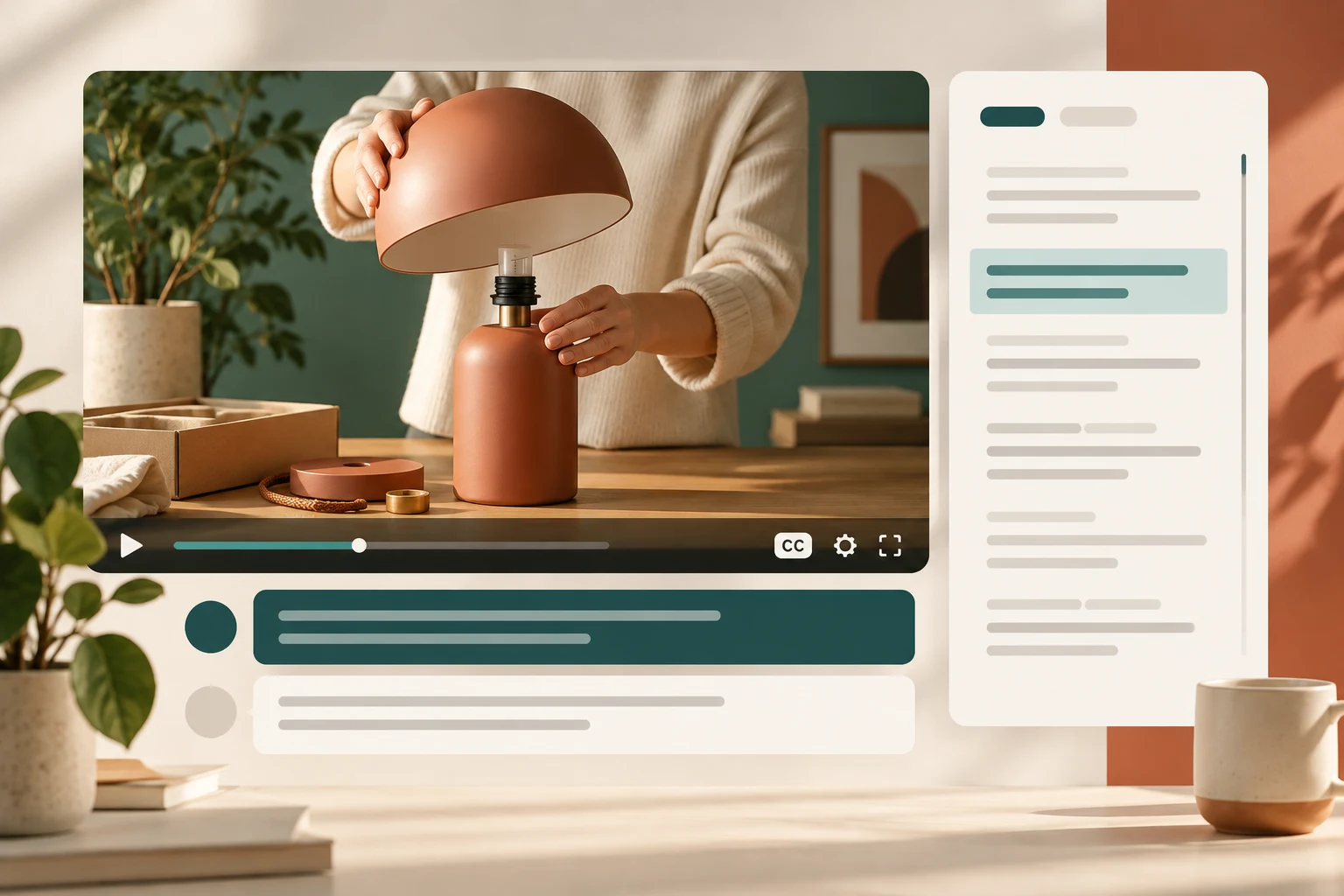
For an illustrative homeware demonstration, a presenter shows how a lamp shade attaches to its base. The mobile version needs to preserve the connection point while the captions explain the action. If the same wide crop makes both elements too small, the creative team should reconsider the composition, not merely compress the file again.
Publish a transcript people can use
Place the transcript near the video or provide an obvious link to it. Use short paragraphs, descriptive subheadings and numbered steps where the sequence matters. A dense wall of text may technically contain the words while making the instructions hard to follow.
Label the product version and language when confusion is possible. If the video demonstrates a newer fastening than an older model uses, explain that scope. Link to the appropriate manual for detailed assembly or safety information rather than trying to squeeze an entire document into captions.
The Shopify product manuals guide covers the wider document-library problem. Here, the goal is to keep the video and its accessible text alternatives aligned. Treat the transcript as maintained product content, with an owner who checks it when the underlying item or demonstration changes.
Make acceptance part of the publishing workflow
Review one complete example before producing captions for a large catalogue. That pilot should include the final video, caption track, transcript, poster image and product page. Confirm the delivery method works before paying to prepare dozens of assets in an unsupported format.
| Check | Pass condition | Reviewer |
|---|---|---|
| Product language | names and measurements accurate | product owner |
| Caption timing | readable and aligned with speech | content reviewer |
| Visual-only steps | meaning available in text or description | accessibility reviewer |
| Player controls | usable by keyboard and touch | developer |
| Mobile playback | subject and text remain understandable | designer |
| Replacement video | all related text reviewed together | publishing owner |
Maintain a simple asset record with video version, language, review date and caption source. If the marketing team trims the clip for another placement, the old timings may no longer fit. Make that dependency visible so a seemingly minor creative edit does not silently break the accessible version.
Measure usefulness beyond play counts
A play event shows that someone started the clip, not that they understood it. Combine available engagement signals with product questions and usability observations. Ask whether customers can find the answer without sound and whether they can return to a specific instruction without watching the entire video again.
Avoid claiming that captions alone increase sales or secure search visibility. Their immediate value is a more understandable and inclusive product explanation. If the team runs a broader product-page test, keep caption availability as part of the experience being evaluated rather than removing access to create a comparison group.
StoreBuilt point of view
A product video earns its place when it explains something that matters and remains usable in the customer’s circumstances. StoreBuilt would prioritise accurate text, clear framing and reliable controls before adding another carousel of clips.
Explore our Shopify design and development service or Contact StoreBuilt to turn the media brief into a publishable, testable experience.