
For this guide, StoreBuilt checked Shopify’s product guidance and current UK returns information before defining an outlet workflow. The key question is not simply how to apply a discount. It is how to make sure the customer buys the exact item whose condition they understood, and the warehouse sends that same item.
Shopify ex display products require a different information model from interchangeable new stock. A showroom chair with one scratch is not identical to another chair with a missing foot. This guide covers one-off display and open-box stock; examples are illustrative, and the operational guidance is not legal advice.
Contact StoreBuilt to design an outlet journey that connects condition information to fulfilment.
Table of contents
- Define the sellable unit
- Build a useful condition grade
- Photograph evidence customers can use
- Connect listing and warehouse
- Make the purchase clear
- Handle returns and sold pages
- StoreBuilt point of view
Define the sellable unit
Begin with a physical inspection and unique internal reference. Record what the item is, where it is stored, why it is being sold as ex-display or open-box, and whether it has passed the appropriate product checks. Do not let a marketing label substitute for an actual inspection.
Choose whether the unit needs its own product listing. If two units differ materially in appearance, accessories or function, a generic quantity of two can mislead the buyer. A separate listing often makes the evidence easier to follow. A shared product with condition variants can work only when each option clearly identifies the corresponding unit.
Shopify’s product management guidance explains adding, duplicating and controlling product availability. If duplication is your starting point, review every copied field before publishing. New-product copy, channel availability, images and stock settings may be inappropriate for the display item.
Give the listing an owner and an inspection status. “Awaiting inspection” should not be treated as saleable stock simply because a product page exists. Keep commercial publication separate from the warehouse’s decision that the item is ready to sell.
Build a useful condition grade
Grades help customers scan a collection, but their meaning must be explained. “Grade B” means little without a definition, and a broad definition cannot describe every scratch. Pair the grade with a short actual-item condition summary written in plain language.
Separate cosmetic condition, functional assessment, accessories and packaging. An unopened accessory pack does not prove that the main product is unused. Missing original packaging does not necessarily mean that the product is damaged. These distinctions help customers judge whether the item meets their needs.
| Condition field | Useful description | Avoid |
|---|---|---|
| Cosmetic marks | location, appearance and photograph | “minor wear” without context |
| Function | approved inspection performed | unsupported “as new” claims |
| Accessories | explicit included and missing items | “standard accessories” |
| Packaging | original, replacement or absent | leaving packaging unspecified |
| History | known showroom or return status | guessing how it was used |
Use an inspection checklist appropriate to the product category. Electrical, children’s or other safety-sensitive products need competent product review; a website grade is not a safety certification. Escalate uncertain items instead of trying to solve a physical product problem through careful copywriting.
Photograph evidence customers can use
Show the whole actual item, then close-ups of relevant marks and included components. Keep lighting and editing honest. The purpose of the image is to let a buyer understand condition, not to hide it under dramatic shadows or retouching.
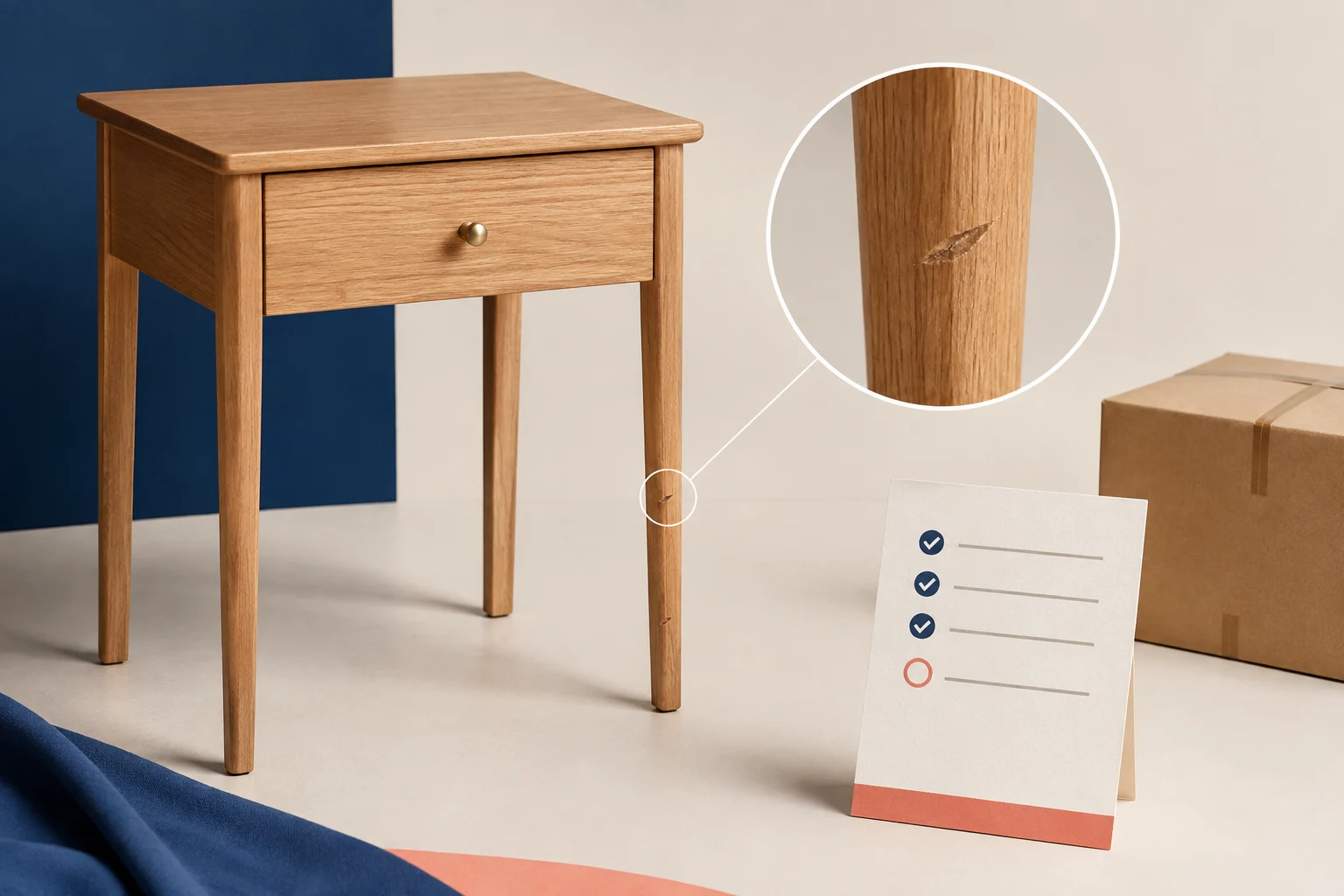
For each defect, provide context and detail. A close-up of a scratch without showing its location can exaggerate or minimise its significance. Pair it with a wider view that lets the customer locate the mark. Use consistent image naming internally so the photographs remain attached to the correct unit.
Supplier lifestyle images can explain the original design, but label their role if they are included. They should not displace the actual-item photographs at the point where the customer is choosing the outlet unit. Never use an AI-generated product image as evidence of an actual used item’s condition.
Consider an illustrative homeware shop selling a display side table. The top is clean, but one rear leg has a visible scuff. A whole-table photograph, a contextual side view and a close-up make the condition understandable. The listing can explain that the mark is on the rear leg without implying that every customer’s placement will conceal it.
Connect listing and warehouse
Attach the unique unit reference to the physical item and the sellable record. Pickers need to distinguish it from new stock of the same model. A generic product name such as “Oak Side Table” is insufficient when several units with different conditions are stored together.
Test stock behaviour across every channel that can sell the unit. An online listing, showroom till and marketplace must not independently promise the same single item. Define which system owns availability and how delays or failed updates are handled. Avoid allowing overselling for unique stock unless a deliberate process can fulfil the promise.
The packing step should verify the reference and accessories against the listing. Record any newly discovered condition change before dispatch. If the item has been damaged in storage after photography, pause the order and communicate appropriately; sending it anyway because the price was reduced is not a sensible resolution.
| Stage | Owner check | Evidence |
|---|---|---|
| Inspection | approve unit and condition | dated checklist |
| Publication | match copy and photographs | listing review |
| Allocation | reserve correct physical item | unit reference |
| Packing | verify accessories and condition | packing record |
| Return | inspect before resale | fresh condition decision |
Make the purchase clear
Show the condition near the price and selection controls, not only at the bottom of a long description. Repeat the unit or condition label in the cart and order communication where your implementation supports it. The buyer should not have to remember which outlet option they selected.
Explain what is included, whether assembly is required and how delivery differs from the new item. If the original packaging is absent, make sure your team has approved a suitable replacement before selling it. An outlet discount is not a shipping plan.
Be careful with comparison prices. Use a genuine, supportable reference and review applicable pricing rules with the responsible team. The article’s focus is product operations, so do not infer legal approval from a theme displaying a crossed-out price correctly.
UK government returns guidance explains that sale items retain consumer protections and describes online cancellation rules and exceptions. Do not use blanket “no refunds” wording to imply that a discount removes those rights. Have the business’s terms reviewed for the products and selling model involved.
Handle returns and sold pages
A returned outlet item needs a fresh inspection. The previous condition description may no longer be accurate, and accessories may be missing. Keep it unavailable until the responsible team decides whether it can be resold and updates the supporting evidence.
When the unit sells, show a clear sold state and relevant available alternatives. Avoid inviting payment for a product that cannot be replaced. If the model is still available new, a contextual link can help, provided the price and condition difference are clear.
Choose a later archive or redirect deliberately. Some sold pages answer continuing model questions; others have no enduring value. The existing discontinued product SEO guide discusses the wider lifecycle decision. Do not automatically redirect every sold outlet item to an unrelated category.
Review complaints by condition mismatch, wrong unit, missing accessory and transit damage. These are different failure modes with different owners. A single outlet return rate hides where the process needs improvement. Keep qualitative customer feedback alongside the operational categories.
StoreBuilt point of view
A good outlet programme sells certainty about an imperfect item. The grade, photographs, stock record and packing check should tell one consistent story. That consistency matters more than making the outlet collection resemble a polished catalogue of interchangeable new products.
Contact StoreBuilt for Shopify development support that makes one-off condition information useful throughout the purchase.