
What we have seen in omnichannel discovery work is this: teams often frame the POS decision as a feature comparison when the real issue is operating-model fit. A retail stack can look strong in demos and still create inventory lag, reporting confusion, or staff friction once stores, ecommerce, and fulfilment are all moving at the same time.
If your retail and ecommerce systems are no longer agreeing with each other, Contact StoreBuilt.
Table of contents
- Keyword decision and research inputs
- The real question behind Shopify POS vs separate POS
- Where Shopify POS has a structural advantage
- When a separate retail POS still makes sense
- Decision table for UK omnichannel brands
- Rollout and governance checklist
- StoreBuilt example
- Final StoreBuilt point of view
Keyword decision and research inputs
Primary keyword: shopify pos
Secondary keywords:
- Shopify POS vs retail POS
- omnichannel POS for ecommerce UK market
- Shopify POS Pro UK
- Shopify retail operations
- Shopify in-store and online inventory sync
Search intent: evaluative and solution-aware. The reader is deciding which operating model is safer or more scalable.
Funnel stage: middle to bottom.
Page type: decision guide.
Why StoreBuilt can realistically win this topic:
- We can connect the POS decision to stock integrity, customer data flow, and fulfilment reality rather than treating it as a standalone retail tool choice.
- Competitor content often explains Shopify POS features well, but less often explains when a separate POS is still the better call.
- UK omnichannel brands need practical decision filters, not just vendor messaging.
Research inputs used:
- Current Shopify Help guidance on Shopify POS, POS subscriptions, locations, hardware, and migration to Shopify retail workflows.
- Public UK competitor content patterns around omnichannel platform and POS positioning.
- StoreBuilt observations from catalogue, inventory, and omnichannel operations planning.
The real question behind Shopify POS vs separate POS
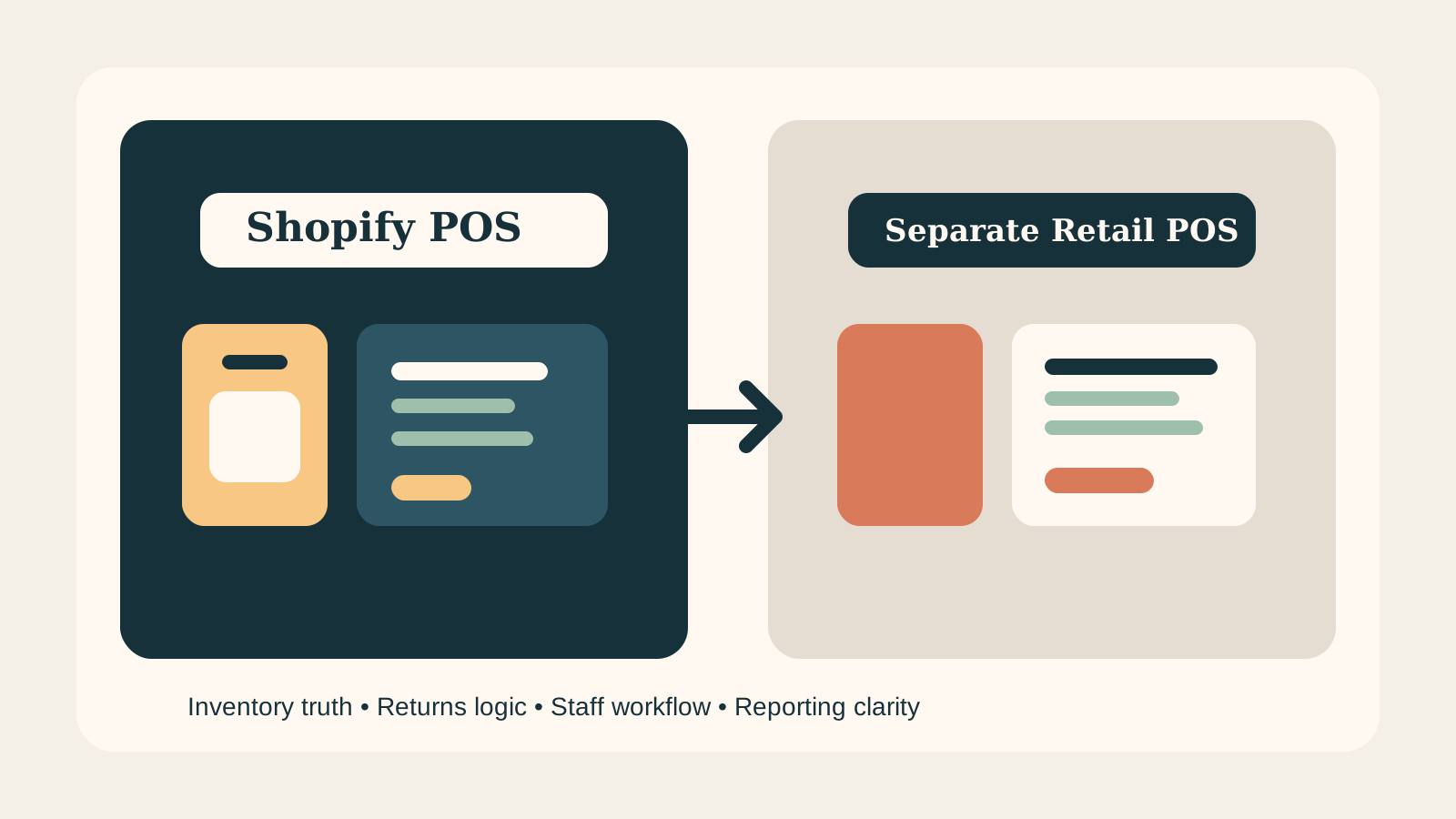
The wrong question is “Which POS has more features?” The better question is “Which setup keeps store trading, ecommerce trading, inventory truth, and reporting clarity most stable for our business model?”
That is especially important in the ecommerce UK market where many brands are trying to combine:
- online DTC growth;
- store sales;
- click and collect;
- local inventory visibility;
- returns across channels;
- campaign launches that affect both web and store traffic.
If your team is already paying a coordination tax every week, POS architecture is probably part of the story.
Where Shopify POS has a structural advantage
Shopify’s main strength is not glamour. It is operational unification. Shopify states that POS syncs orders and inventory across retail locations, the online store, and active sales channels. That matters because a single commerce system usually reduces the amount of cross-platform reconciliation a team must perform manually.
For many UK retailers, Shopify POS becomes attractive when the business values:
- one product catalogue;
- one customer record;
- one stock picture;
- cleaner order visibility across channels;
- simpler staff adoption for mixed online and in-store workflows.
This does not mean Shopify POS is automatically the best answer. It means the baseline architecture is often cleaner.
Shopify POS usually wins when:
- the retail estate is modest or growing, not heavily entrenched in legacy hardware logic;
- omnichannel returns and collection flows need to be simpler;
- stock drift is a larger commercial problem than niche retail feature depth;
- the business wants to move faster with one commerce admin rather than two operational truths.
When a separate retail POS still makes sense
A separate retail POS can still be the better choice when the store estate has unusual operational demands that Shopify POS does not handle as cleanly in native form. The issue is rarely ideology. It is complexity.
Examples include:
- highly specialised multi-location retail workflows with deep legacy peripherals;
- complex in-store appointment or service logic tightly coupled to retail operations;
- heavy estate-level reporting or local process controls built around an existing POS ecosystem;
- migration risk so high that a phased integration model is safer than a full replacement.
In those cases, the important discipline is not defending the old setup emotionally. It is proving that the extra integration complexity is worth the functional gain.
Decision table for UK omnichannel brands
| Decision factor | Shopify POS usually stronger when | Separate retail POS usually stronger when |
|---|---|---|
| Stock accuracy | One commerce stock picture matters most | Estate has complex local inventory processes already embedded elsewhere |
| Customer data | Unified online + store customer view is a priority | Store CRM and retail service logic are highly bespoke |
| Rollout speed | Team wants faster simplification | Existing store estate makes full change risky or slow |
| Reporting clarity | Leadership wants cleaner cross-channel visibility | Local retail reporting requirements are unusually specialised |
| Staff training | One workflow across channels is preferred | Existing store teams are deeply invested in mature POS habits and tooling |
| Long-term cost | Operational simplicity reduces coordination overhead | Extra retail feature depth materially protects revenue |
This is why the decision cannot be made by a feature grid alone. Feature comparisons ignore the hidden cost of operating around mismatched systems.
Rollout and governance checklist
1. Decide which channel owns truth for stock
If this is fuzzy, the project is already at risk. Every omnichannel brand needs an explicit rule for which system is authoritative and how corrections are handled.
2. Map returns before launch
Cross-channel returns cause more confusion than many teams expect. Staff need simple rules, not exception-heavy workarounds.
3. Review POS Lite vs POS Pro location needs properly
Shopify allows merchants to choose subscriptions by location. That matters because not every store needs the same feature depth. Many teams overbuy or under-scope because they do not model locations separately enough.
4. Treat hardware, staff PINs, and permissions as operational design
Hardware setup, staff management, and permissions are not setup chores. They shape how safely the system is used at busy trading moments.
5. Test store-to-online scenarios, not only single-channel tasks
The real QA path should include:
- store purchase;
- online return;
- click and collect;
- store fulfilment;
- local stock visibility changes;
- staff permission edge cases.
If your POS decision needs to support more than simple in-store checkout, StoreBuilt can help.
StoreBuilt example
One UK retailer had a familiar problem. Ecommerce trade was growing, but store operations still relied on a separate logic that made stock trust weaker every month. No single incident looked catastrophic. The commercial drag came from constant small inconsistencies: items available online but not really in store, returns that muddied reporting, and campaign periods that made reconciliation even harder.
The team did not need a more impressive feature deck. It needed fewer operational arguments. We mapped channel truth, return flows, stock visibility rules, and staff ownership before choosing the implementation path. The value came from clarity first, software second.
That is usually the sequence that protects omnichannel projects.
High-intent AI search implementation layer
The AI-search version of this topic is not just “write more content”. A useful answer engine result needs a page that gives a direct answer, proves the claim, and shows the next operational step inside Shopify.
| Area | StoreBuilt implementation check |
|---|---|
| Primary intent | The page should map to shopify pos and one clear buyer or operator problem, not a vague traffic topic. |
| Shopify surface | Identify whether the work belongs on a collection, product page, theme section, checkout step, app workflow, email flow, or support process. |
| Proof | Add first-hand observations, product/category examples, screenshots, policy notes, review signals, or trustworthy external sources where they make the advice safer. |
| Internal route | Link the reader to the service most likely to solve the issue: Apps, integrations and automation. |
| Measurement | Check Search Console, analytics, assisted conversions, enquiry quality, and AI-response mentions after the update rather than judging success by pageviews alone. |
For this article, the useful research inputs are: StoreBuilt support-retainer reviews, Shopify operations documentation, fulfilment/app governance patterns, and UK ecommerce operator intent. StoreBuilt would prioritise app stack decisions, integration logic, automation, data flow QA, and operational reliability before expanding into broader supporting content.
If this topic maps to a live store problem, review the related StoreBuilt service or Contact StoreBuilt with the store URL and the issue you want fixed.
Final StoreBuilt point of view
For UK omnichannel brands, Shopify POS is strongest when simplification is the commercial win. A separate retail POS still makes sense when the business truly needs deeper local retail capability and can justify the integration cost. The wrong answer is not picking one vendor over another. The wrong answer is keeping two conflicting operating models alive because nobody forced the business to decide which one should actually lead.