
What we have seen in Shopify launches is this: stores rarely miss because of one dramatic bug. They miss because dozens of small unchecked decisions stack up right before go-live.
If your launch timeline looks plausible on paper but fragile in practice, Contact StoreBuilt.
Table of contents
- Keyword decision and research inputs
- Why a Shopify launch checklist still matters
- The launch checklist by phase
- The go-live checks UK teams skip most often
- Launch-day ownership and escalation model
- StoreBuilt example
- Final StoreBuilt point of view
Keyword decision and research inputs
Primary keyword: shopify launch checklist
Secondary keywords:
- shopify launch plan
- ecommerce website launch checklist uk
- shopify qa checklist
- shopify go live checklist
Search intent: practical implementation guidance from brands preparing a new build, redesign, or replatform launch.
Funnel stage: middle to bottom.
Page type: operational guide with phased checklist and risk controls.
Why StoreBuilt can win this topic:
- We see launch risk as a systems problem across content, analytics, payments, search, and support.
- We can translate launch planning into an operator-friendly checklist.
- We understand the difference between “the store loads” and “the business can trade cleanly.”
Research inputs used:
- Current SERP review for
shopify launch checklistand related QA and go-live queries. - UK competitor content and service positioning checks across Charle and other Shopify agencies.
- StoreBuilt launch planning patterns across builds, redesigns, migrations, and post-launch support.
Why a Shopify launch checklist still matters
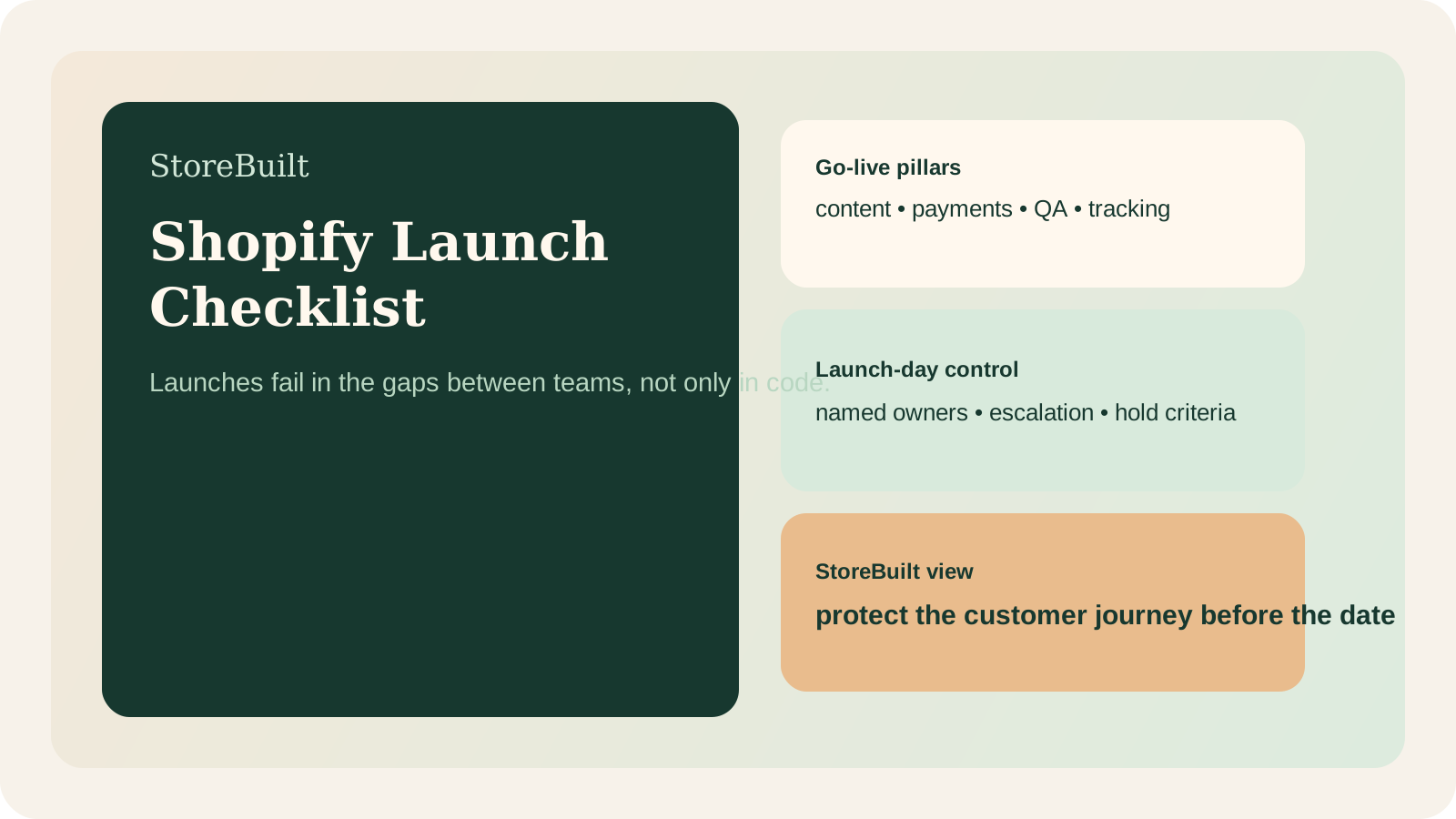
In the ecommerce UK market, the pressure around launches is usually commercial, not technical alone. Campaigns are booked. Inventory is committed. Internal teams are tired. The launch becomes a date everyone wants to protect, even when the decision quality is getting worse.
That is why a checklist matters. It creates a more honest gate between “we want to launch” and “we are ready to launch.”
The most useful launch checklists do three things:
- separate must-have launch requirements from later improvements
- assign clear ownership for each decision
- force the team to test the buyer journey, not just templates in isolation
That last part matters most. A launch can look polished on staging and still fail commercially because payments, confirmation emails, collection logic, search visibility, or support handling are weak.
The launch checklist by phase
The safest structure is to work backwards from the customer journey and internal operations.
| Phase | Checklist area | Key questions |
|---|---|---|
| 4-6 weeks before launch | Scope freeze | What is truly required for day one, and what moves to phase two? |
| 3-4 weeks before launch | Content and merchandising | Are collections, PDPs, policy pages, and navigation genuinely ready? |
| 2-3 weeks before launch | Technical and analytics QA | Are payments, events, apps, redirects, forms, consent, and feeds working? |
| 1 week before launch | End-to-end testing | Can a real user browse, buy, receive comms, and contact support cleanly? |
| Launch day | Monitoring and fallback | Who watches issues, who approves fixes, and what triggers rollback or hold? |
Here is the minimum working launch list most Shopify teams should review:
- Navigation, collections, product templates, and key landing pages are complete.
- Payment methods, shipping logic, taxes, and market settings are validated.
- Email flows, order notifications, and support contact routes are tested.
- Analytics, conversion tracking, consent, and key events are verified.
- Redirects, canonicals, robots rules, and sitemap output are checked.
- App permissions, scripts, search, filters, and on-site forms are reviewed.
- Merchandising and stock visibility are correct across key products.
- Internal support, fulfilment, and escalation owners are named for launch week.
If your store is launching after a rebuild or migration, StoreBuilt’s migration and replatforming service is usually the most relevant internal next step.
The go-live checks UK teams skip most often
The most common misses are not glamorous:
| Area | Typical miss | Commercial effect |
|---|---|---|
| Collection merchandising | Filter logic or sort order not reviewed on mobile | Lower product discovery and weaker conversion quality |
| Payment and shipping | Real transaction path not fully tested | Revenue loss or support surge |
| Post-purchase comms | Confirmation, dispatch, or delay emails inconsistent | Trust damage immediately after checkout |
| Tracking | Events fire, but attribution logic is incomplete | False confidence in launch performance |
| SEO controls | Redirect gaps, noindex mistakes, or thin collection copy | Search volatility after launch |
One pattern we see often is that teams spend a lot of time checking homepage polish and not enough time checking deep operational paths. That is backwards. The homepage matters, but revenue is usually protected or lost deeper in the journey.
Another frequent issue is hidden ownership. If no one clearly owns redirect QA, app cleanup, or support macros, those tasks drift until launch week. By then, they are harder to fix cleanly.
Launch-day ownership and escalation model
Launches need more than a checklist. They need a control room mindset.
Use this simple model:
| Role | Primary ownership |
|---|---|
| Delivery lead | scope control, approvals, risk decisions |
| Technical owner | theme, apps, integrations, bug triage |
| Merchandising owner | collections, products, stock visibility, promo setup |
| Marketing or analytics owner | tracking, forms, consent, campaign links |
| Support owner | inbox, macros, policy clarity, escalation loops |
Before launch, define:
- what blocks launch completely
- what can be fixed same day after launch
- what waits for the first stabilisation sprint
That creates faster decisions under pressure. Without it, every bug feels equally urgent, which makes the team slower and less accurate.
If your launch programme needs a stronger QA and ownership layer, StoreBuilt can support that.
StoreBuilt example
A UK merchant preparing a Shopify relaunch had strong visual progress but uneven operational readiness. The team was confident because main templates looked finished, yet end-to-end checks exposed softer risk:
- collection filtering behaved differently on key mobile paths
- some post-purchase messaging no longer matched the new delivery promises
- analytics looked active but conversion checkpoints were not aligned cleanly
None of those issues were dramatic in isolation. Together, they would have made launch week noisy, expensive, and harder to trust.
What changed the outcome was not heroic last-minute work. It was clearer phase separation, tighter launch gates, and better ownership of the non-visual details.
High-intent AI search implementation layer
The AI-search version of this topic is not just “write more content”. A useful answer engine result needs a page that gives a direct answer, proves the claim, and shows the next operational step inside Shopify.
| Area | StoreBuilt implementation check |
|---|---|
| Primary intent | The page should map to shopify launch checklist and one clear buyer or operator problem, not a vague traffic topic. |
| Shopify surface | Identify whether the work belongs on a collection, product page, theme section, checkout step, app workflow, email flow, or support process. |
| Proof | Add first-hand observations, product/category examples, screenshots, policy notes, review signals, or trustworthy external sources where they make the advice safer. |
| Internal route | Link the reader to the service most likely to solve the issue: Shopify store design and development. |
| Measurement | Check Search Console, analytics, assisted conversions, enquiry quality, and AI-response mentions after the update rather than judging success by pageviews alone. |
For this article, the useful research inputs are: Shopify Help documentation, StoreBuilt implementation patterns, UK ecommerce SERP intent, and common founder/operator questions. StoreBuilt would prioritise practical Shopify setup, theme structure, page hierarchy, product data, and launch-ready implementation before expanding into broader supporting content.
If this topic maps to a live store problem, review the related StoreBuilt service or Contact StoreBuilt with the store URL and the issue you want fixed.
Final StoreBuilt point of view
A Shopify launch checklist is valuable because it turns launch from a feeling into a decision.
The brands that protect revenue best are not the ones with the prettiest staging links. They are the ones that can prove customer journeys, trading operations, and support workflows are ready for the real world on day one.