
What we have seen in Shopify audits is this: a store can look modern and still create a surprising amount of friction once you follow the full customer journey honestly.
If your team is debating traffic quality when the deeper issue may be journey quality, Contact StoreBuilt.
Table of contents
- Keyword decision and research inputs
- Why customer journey audits find what dashboards miss
- The 5 stages to audit on Shopify
- A practical scorecard for journey friction
- How to prioritise fixes without chasing noise
- StoreBuilt example
- Final StoreBuilt point of view
Keyword decision and research inputs
Primary keyword: shopify customer journey audit
Secondary keywords:
- ecommerce customer journey audit
- shopify conversion audit
- customer journey optimisation shopify
- ecommerce UK market customer journey
Search intent: informational-commercial from brands diagnosing friction, conversion weakness, or post-launch performance issues.
Funnel stage: middle to bottom.
Page type: audit framework guide.
Why StoreBuilt can win this topic:
- We connect frontend friction to operational and trust issues, not just visual UX.
- We audit the full journey from discovery through post-purchase, not isolated pages.
- We prioritise fixes by commercial impact and implementation realism.
Research inputs used:
- Current SERP review for
shopify customer journey audit,shopify conversion audit, and related CRO investigation terms. - UK competitor content pattern checks across Charle and adjacent Shopify agencies.
- StoreBuilt observations from audits, rollout reviews, and post-launch optimisation work.
Why customer journey audits find what dashboards miss
Dashboards are useful, but they flatten experience into metrics. A customer journey audit does something different: it shows where confidence leaks out of the system.
That matters because many stores have acceptable topline numbers hiding uneven journey quality. For example:
- conversion may be stable overall but weak on high-intent mobile traffic
- paid landing sessions may reach PDPs but fail on reassurance and proof
- repeat customers may convert, while first-time buyers still struggle
- post-purchase messaging may create support load that the main funnel report never surfaces
In the ecommerce UK market, these softer friction points often show up around delivery trust, returns clarity, mobile discovery, and overcrowded product choices. They are rarely solved by “more traffic” or “better creative” alone.
The 5 stages to audit on Shopify
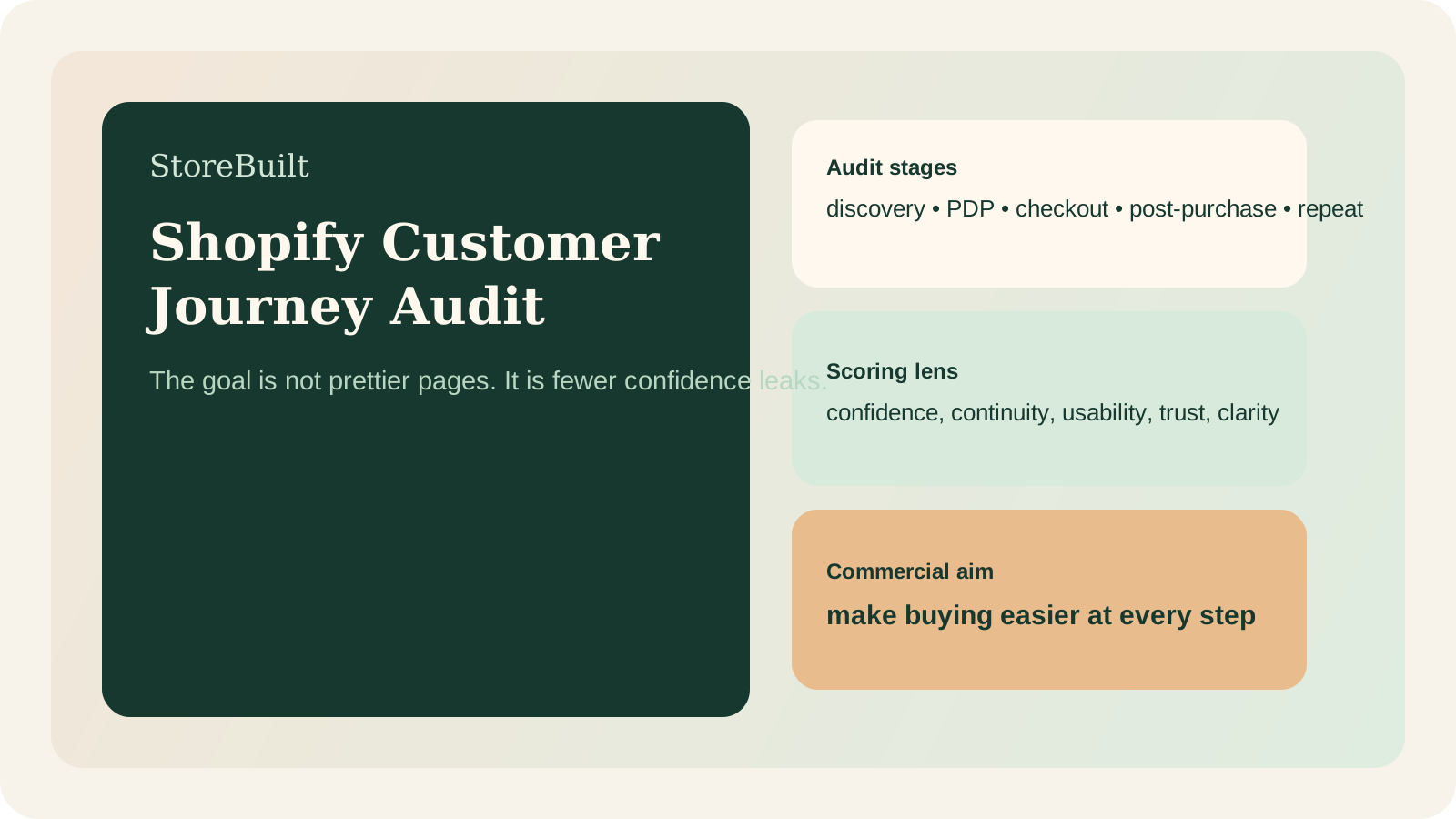
The simplest useful model is to audit the store in five stages.
| Stage | What to review | Typical friction |
|---|---|---|
| Discovery | landing pages, collections, search, filters, campaign continuity | wrong page type, weak range clarity, low confidence |
| Product evaluation | images, copy, proof, sizing, delivery, comparison support | hesitation before add to cart |
| Cart and checkout | cost clarity, trust signals, payment UX, error handling | avoidable abandonment |
| Post-purchase | confirmation, tracking, support, returns guidance | buyer anxiety and support pressure |
| Repeat purchase | account prompts, replenishment, re-engagement, loyalty | retention not compounding |
The value of this structure is that it stops teams from reviewing pages in isolation. A collection page that looks fine may still be failing because the PDPs it feeds are unclear. A checkout that technically works may still feel risky because delivery expectations were weak earlier in the journey.
That is also why StoreBuilt journey audits usually include both conversion and operations perspectives. If support tickets repeatedly explain information the store should already make obvious, the customer journey is underperforming.
A practical scorecard for journey friction
You do not need a giant CRO framework to make the audit useful. Start with a simple scorecard.
| Audit area | 1/5 signal | 5/5 signal |
|---|---|---|
| Message continuity | traffic lands on pages that do not match promise | campaign, category, and PDP messaging align cleanly |
| Product confidence | basic facts or proof are missing | objections are answered before checkout |
| Mobile usability | browsing feels cramped or uncertain | selection feels fast and clear on mobile |
| Checkout trust | costs or reassurance appear late | total confidence increases as buyer progresses |
| Post-purchase clarity | customer has to ask what happens next | communications reduce anxiety and support load |
Use the scorecard with real journeys, not only internal familiarity. Test:
- first-time visitor from a paid or email campaign
- organic visitor arriving on a collection or buying guide
- returning customer trying to reorder
- mobile buyer moving from discovery to checkout quickly
This helps expose where different intent types break differently.
If your audit is already showing collection, PDP, or checkout friction, StoreBuilt’s CRO and UX optimisation service is usually the right next move.
How to prioritise fixes without chasing noise
One reason audits fail is that they create long issue lists with no decision logic.
A better prioritisation filter is:
- Does this issue affect a core commercial journey?
- Does it block confidence, not just polish?
- Is the implementation effort reasonable relative to impact?
That usually pushes the right work upward:
- collection clarity
- PDP reassurance
- delivery and returns messaging
- payment and checkout friction
- post-purchase communication gaps
It also helps deprioritise cosmetic ideas that are attractive but commercially secondary.
The strongest teams separate three buckets:
- quick fixes that remove obvious friction
- structural improvements that need coordinated design, content, or dev work
- longer-horizon experiments worth testing after the core path is cleaner
StoreBuilt example
A UK home and lifestyle brand had solid traffic and acceptable overall conversion, but commercial performance felt inconsistent. On review, the main problem was not one page. It was the journey between pages.
Campaign traffic reached relevant collections, but product evaluation became slower than it needed to be. Key reassurance points appeared late, mobile comparison was harder than expected, and post-purchase communication did not fully reflect the promises made earlier in the funnel.
That combination created a common pattern: sessions looked engaged, yet confidence softened before or after purchase.
Once the audit reframed the issue around journey continuity rather than isolated template changes, prioritisation improved. The team stopped debating aesthetics and started improving confidence flow.
If your performance reviews still treat the site like separate screens instead of one connected journey, Contact StoreBuilt.
High-intent AI search implementation layer
The AI-search version of this topic is not just “write more content”. A useful answer engine result needs a page that gives a direct answer, proves the claim, and shows the next operational step inside Shopify.
| Area | StoreBuilt implementation check |
|---|---|
| Primary intent | The page should map to customer journey audit and one clear buyer or operator problem, not a vague traffic topic. |
| Shopify surface | Identify whether the work belongs on a collection, product page, theme section, checkout step, app workflow, email flow, or support process. |
| Proof | Add first-hand observations, product/category examples, screenshots, policy notes, review signals, or trustworthy external sources where they make the advice safer. |
| Internal route | Link the reader to the service most likely to solve the issue: Shopify support, maintenance and audits. |
| Measurement | Check Search Console, analytics, assisted conversions, enquiry quality, and AI-response mentions after the update rather than judging success by pageviews alone. |
For this article, the useful research inputs are: StoreBuilt CRO audit patterns, analytics QA checks, Shopify theme constraints, and buyer-intent SERP patterns. StoreBuilt would prioritise technical audits, roadmap priority, theme changes, app governance, reporting, and measured improvement before expanding into broader supporting content.
If this topic maps to a live store problem, review the related StoreBuilt service or Contact StoreBuilt with the store URL and the issue you want fixed.
Final StoreBuilt point of view
A Shopify customer journey audit is valuable because it reveals where the store asks customers to do too much work on their own.
For UK ecommerce brands, the biggest gains often come from making discovery clearer, product evaluation easier, checkout safer, and post-purchase communication calmer. Better conversion usually follows when the journey stops leaking confidence.