
What we have seen in content audits is this: many Shopify brands do not really have a content strategy problem first. They have a content-operations problem. Pages are hard to update, structured content is inconsistent, campaign and evergreen content live in different systems, and nobody is fully confident which fields actually control the storefront.
If your content model is slowing SEO, merchandising, or AI-search readiness work, Contact StoreBuilt.
Table of contents
- Keyword decision and research inputs
- What AI-ready content architecture really means
- When native Shopify content management is enough
- When a separate CMS starts to earn its keep
- Content architecture review table
- StoreBuilt example
- How to decide without chasing headless fashion
- Final StoreBuilt point of view
Keyword decision and research inputs
Primary keyword: shopify cms
Secondary keywords:
- Shopify content management
- AI-ready ecommerce content
- headless CMS for Shopify
- ecommerce UK market content operations
- Shopify SEO content architecture
Search intent: strategic implementation. The reader is usually evaluating whether Shopify’s native content capabilities are enough, whether a headless CMS is justified, or how to structure content for stronger discoverability and publishing speed.
Funnel stage: middle to bottom.
Page type: strategic implementation guide.
Why StoreBuilt can realistically win this topic:
- We connect content architecture to SEO, GEO, publishing speed, and merchandising rather than treating CMS choice as a purely technical preference.
- UK ecommerce teams often need a more grounded answer than “go headless” or “stay native.”
- Competitor content is increasingly discussing AI-ready stacks, but many brands still need a clearer commercial decision model.
Research inputs used on June 18, 2026:
- Current SERP review for
shopify cms,headless CMS for Shopify, and AI-search-readiness content queries. - Competitor and agency content review from Charle, Flux, We Make Websites, and adjacent Shopify publishers covering content systems, search readiness, and architectural strategy.
- StoreBuilt observations from Shopify content, SEO, and merchandising audits where weak field structure or mixed ownership slowed delivery quality.
What AI-ready content architecture really means
AI-ready content is an easy phrase to misuse.
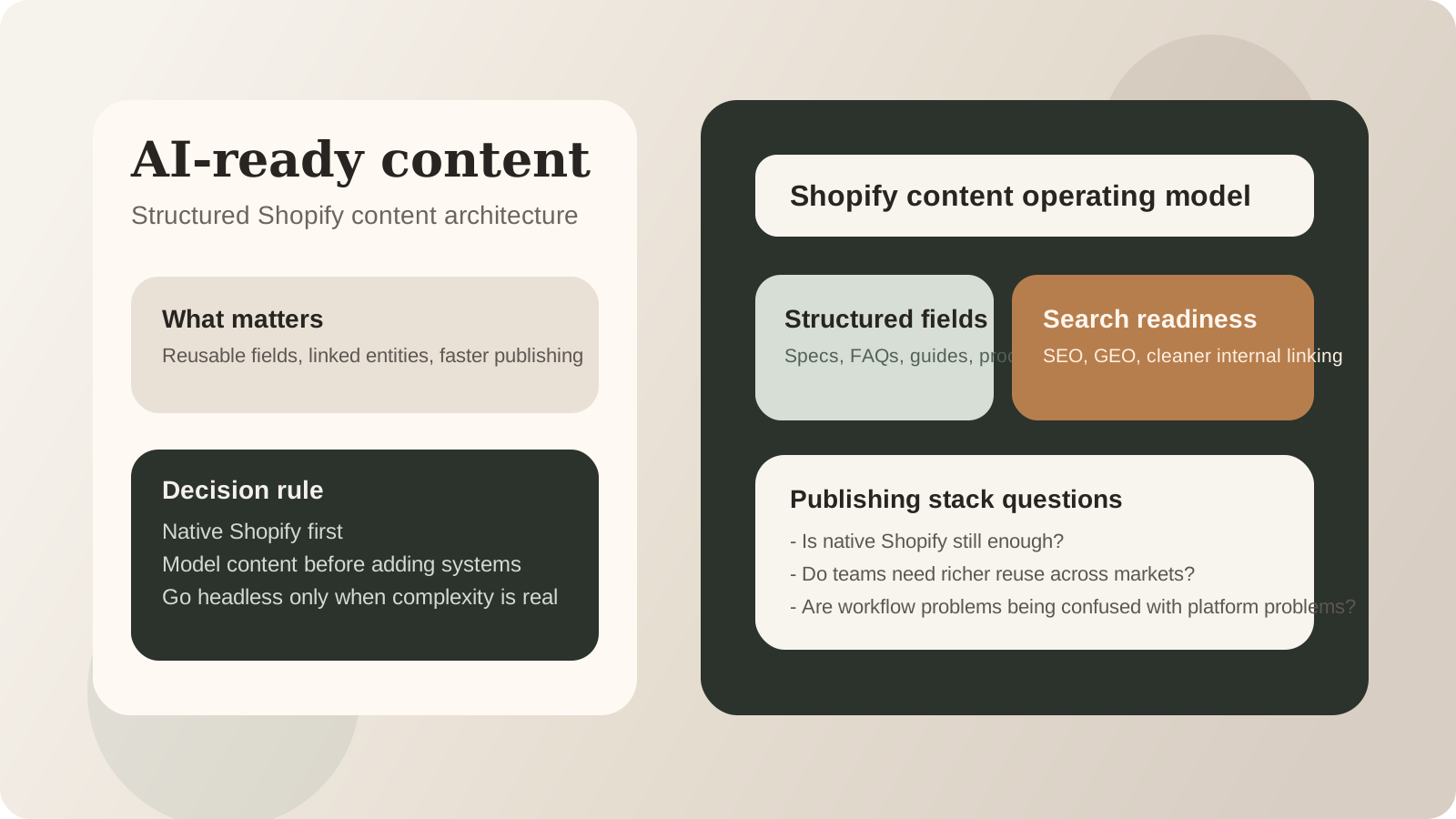
For Shopify brands, it does not mean stuffing pages with AI copy or buying a new CMS because the market sounds excited about agentic commerce. It means your content is structured, reusable, and specific enough that search systems, internal teams, and publishing workflows can all understand it reliably.
In practical terms, that usually means:
- product and category information is clearly modelled
- supporting content is not trapped in ad hoc rich-text blocks
- related entities such as FAQs, specs, ingredients, use cases, or comparison points can be reused
- editorial publishing is fast enough that content keeps pace with trading reality
- internal linking and commercial page relationships are deliberate
This is why the CMS decision matters commercially. Weak content structure creates slower launches, shallower SEO, and higher maintenance cost.
When native Shopify content management is enough
Many brands overcomplicate this too early.
Native Shopify plus disciplined use of theme sections, metafields, metaobjects, and content governance can be enough when:
- the team is relatively lean
- the storefront is theme-led
- content models are not extremely complex
- publishing speed matters more than extreme frontend flexibility
- SEO and merchandising improvements can still be executed inside the current stack
For a large number of UK ecommerce brands, this is still the strongest answer. It reduces system overhead and keeps ownership closer to the storefront itself.
The issue is rarely “Shopify cannot manage content.” The issue is usually that the team has not modelled content carefully enough.
When a separate CMS starts to earn its keep
A separate CMS begins to make more sense when content complexity becomes a genuine operating constraint.
That usually happens when:
- several markets need richer localised content control
- campaign, editorial, and evergreen content need cleaner workflow separation
- the brand needs reusable structured modules across many page types
- publishing teams need stronger preview, collaboration, or staged workflow controls
- the business is deliberately headless and content operations now justify that choice
This is where current competitor content from agencies like Flux is pointing. The useful idea is not that every serious Shopify brand needs a headless CMS. The useful idea is that content architecture becomes more important when SEO, GEO, and structured discovery expectations rise.
Content architecture review table
| Question | Native Shopify often enough | Separate CMS may be justified |
|---|---|---|
| are page types relatively simple? | yes | no |
| do teams mostly need faster publishing, not radical frontend freedom? | yes | no |
| is content reusable across many entities and markets? | maybe | often yes |
| does SEO depend on richer structured blocks and editorial relationships? | maybe | often yes |
| can the team govern another system well? | sometimes no | must be yes |
| is the problem genuinely content architecture, not workflow discipline? | often no | only proceed if yes |
StoreBuilt example
One UK Shopify brand believed it needed a bigger CMS project because content publishing felt slow and category pages were inconsistent. On review, the root issue was not the lack of a headless CMS. It was that key commercial content lived in mixed formats across theme sections, duplicated copy blocks, and underused metafields.
The first win came from content modelling, not platform replacement. Once product-supporting content, FAQs, and category proof points were restructured more deliberately, the team could update pages faster and link content more coherently. Only after that kind of cleanup can a business judge whether a separate CMS is still necessary.
How to decide without chasing headless fashion
Use this decision sequence:
- Map which content types your business actually publishes and reuses.
- Identify where SEO, merchandising, or campaign execution is currently blocked.
- Separate workflow problems from platform problems.
- Fix content modelling before assuming architectural replacement.
- Only add a separate CMS when the added control clearly outweighs the added ownership burden.
This matters because AI-readiness is now often used as a justification for larger stack changes. That can be directionally sensible, but only when the content model really needs it. Otherwise, teams create more systems before fixing the data and structure those systems would still depend on.
If your Shopify content stack needs to support stronger search visibility and cleaner structured publishing, StoreBuilt Shopify SEO and AI search readiness is the most relevant next step.
High-intent AI search implementation layer
The AI-search version of this topic is not just “write more content”. A useful answer engine result needs a page that gives a direct answer, proves the claim, and shows the next operational step inside Shopify.
| Area | StoreBuilt implementation check |
|---|---|
| Primary intent | The page should map to shopify cms and one clear buyer or operator problem, not a vague traffic topic. |
| Shopify surface | Identify whether the work belongs on a collection, product page, theme section, checkout step, app workflow, email flow, or support process. |
| Proof | Add first-hand observations, product/category examples, screenshots, policy notes, review signals, or trustworthy external sources where they make the advice safer. |
| Internal route | Link the reader to the service most likely to solve the issue: Shopify SEO and AI search readiness. |
| Measurement | Check Search Console, analytics, assisted conversions, enquiry quality, and AI-response mentions after the update rather than judging success by pageviews alone. |
For this article, the useful research inputs are: Google Search Central guidance, Shopify platform documentation, Ahrefs AI Responses/Brand Radar patterns, and StoreBuilt Shopify audit observations. StoreBuilt would prioritise technical SEO, collection architecture, Product schema, answer-first content, GEO, and Search Console monitoring before expanding into broader supporting content.
If this topic maps to a live store problem, review the related StoreBuilt service or Contact StoreBuilt with the store URL and the issue you want fixed.
Final StoreBuilt point of view
The best Shopify CMS architecture is the one that gives your team structured content without unnecessary operational drag.
For UK ecommerce brands, AI-ready content usually starts with clearer modelling, ownership, and reuse, not with buying a more fashionable stack. Native Shopify is often enough longer than teams assume. A separate CMS earns its keep only when content complexity is real, recurring, and commercially important enough to justify another system.
For a focused implementation walkthrough, read Change a Shopify Blog Author and Keep the Byline Consistent.