
What we have seen in Shopify reviews is this: teams often commission separate SEO audits, CRO audits, and technical reviews when the better answer is one joined-up audit that shows where confidence, crawlability, and delivery risk are leaking at the same time.
If your store needs that kind of joined-up review, Contact StoreBuilt.
Table of contents
- Keyword decision and research inputs
- Why most Shopify audits miss the real problem
- The 7-part Shopify audit checklist
- A prioritisation table for UK ecommerce teams
- What a useful audit output should look like
- StoreBuilt example
- Final StoreBuilt point of view
Keyword decision and research inputs
Primary keyword: shopify audit checklist
Secondary keywords:
- shopify store audit
- ecommerce shopify audit
- shopify website audit uk
- shopify technical audit checklist
Search intent: informational-commercial from brands diagnosing underperformance, planning a redesign, or validating whether a support or SEO retainer is needed.
Funnel stage: middle.
Page type: tactical checklist guide.
Why StoreBuilt can realistically win this topic:
- Audit content is strongest when it combines technical, commercial, and UX signals in one workflow.
- We can ground the checklist in real Shopify operating problems, not generic best-practice lists.
- The topic naturally supports lead generation into audit, support, CRO, and SEO service routes.
Research inputs used on June 8, 2026:
- Current SERP review for
shopify audit checklist,shopify audit,shopify store audit, and related diagnostic queries. - UK competitor article and service review across Charle and adjacent Shopify agencies publishing audit-led content.
- StoreBuilt’s existing audit and recovery patterns across migrations, app cleanup, category UX, and support handovers.
Why most Shopify audits miss the real problem
A weak audit usually does one of two things:
- it creates a long issue list with no commercial order
- it isolates one discipline and ignores the rest of the store
That is how teams end up with SEO tickets that never move conversion, or CRO recommendations that ignore crawl waste, or speed fixes that leave app governance untouched.
In the ecommerce UK market, the biggest missed pattern is cross-functional friction. The store may have:
- collections that do not satisfy search intent
- PDPs that answer buying questions too late
- tracking that obscures where revenue is leaking
- support workflows compensating for unclear storefront UX
Those are not separate problems. They are one trading system problem.
The 7-part Shopify audit checklist
1. Commercial page mapping
Start by identifying which pages matter most:
- homepage
- top collections
- priority PDP templates
- support or policy pages
- blog posts supporting commercial discovery
Ask whether each page has a clear purpose. If several pages are competing for the same intent, the audit should flag that first.
2. Technical SEO and crawl control
Review:
- indexation patterns
- canonicals
- duplicate collection and filter routes
- broken links and redirect chains
- XML sitemap coverage
- robots directives where appropriate
The goal is not abstract SEO neatness. It is cleaner crawl flow toward the pages that actually matter.
3. Category and merchandising clarity
Check whether collections are doing enough work:
- range explanation
- filter usability
- product sorting logic
- internal links into key subcategories
- merchandising cues that help buying confidence
This layer matters because many Shopify stores underperform long before the customer reaches checkout.
4. PDP confidence and conversion signals
Review whether product pages handle:
- imagery quality
- key product facts
- proof and trust signals
- delivery and returns clarity
- mobile scannability
- variant friction
If the site receives qualified traffic but still underconverts, this is often where the audit gets most valuable.
5. App stack and performance risk
Do not stop at page-speed scores. Review:
- overlapping app functions
- scripts loading across templates unnecessarily
- app sections that create editing complexity
- third-party widgets that add visual or performance drag
Many stores are not slow because Shopify is slow. They are slow because governance is weak.
6. Analytics and attribution confidence
Check whether the team can actually trust what it is seeing:
- conversion events
- checkout tracking
- campaign continuity
- search-console visibility by landing page
- reporting alignment across platforms
An audit that does not test measurement quality is incomplete.
7. Support and release readiness
Look beyond the storefront and ask:
- who owns incident response
- how releases are tested
- whether there is backlog discipline
- how urgent commercial fixes get prioritised
This is where an audit becomes much more useful for live trading stores.
A prioritisation table for UK ecommerce teams
Once issues are identified, sort them with a simple matrix.
| Priority type | Typical examples | Why it should move first |
|---|---|---|
| Revenue-critical | checkout friction, broken PDP trust, tracking failure | direct impact on sales and confidence |
| Crawl and discovery-critical | indexation waste, duplicate routes, broken internal links | suppresses visibility on key pages |
| Operational drag | app overlap, weak release process, unclear backlog ownership | slows all future improvements |
| Cosmetic or secondary | minor content polish, lower-value page tweaks | should wait unless the core path is healthy |
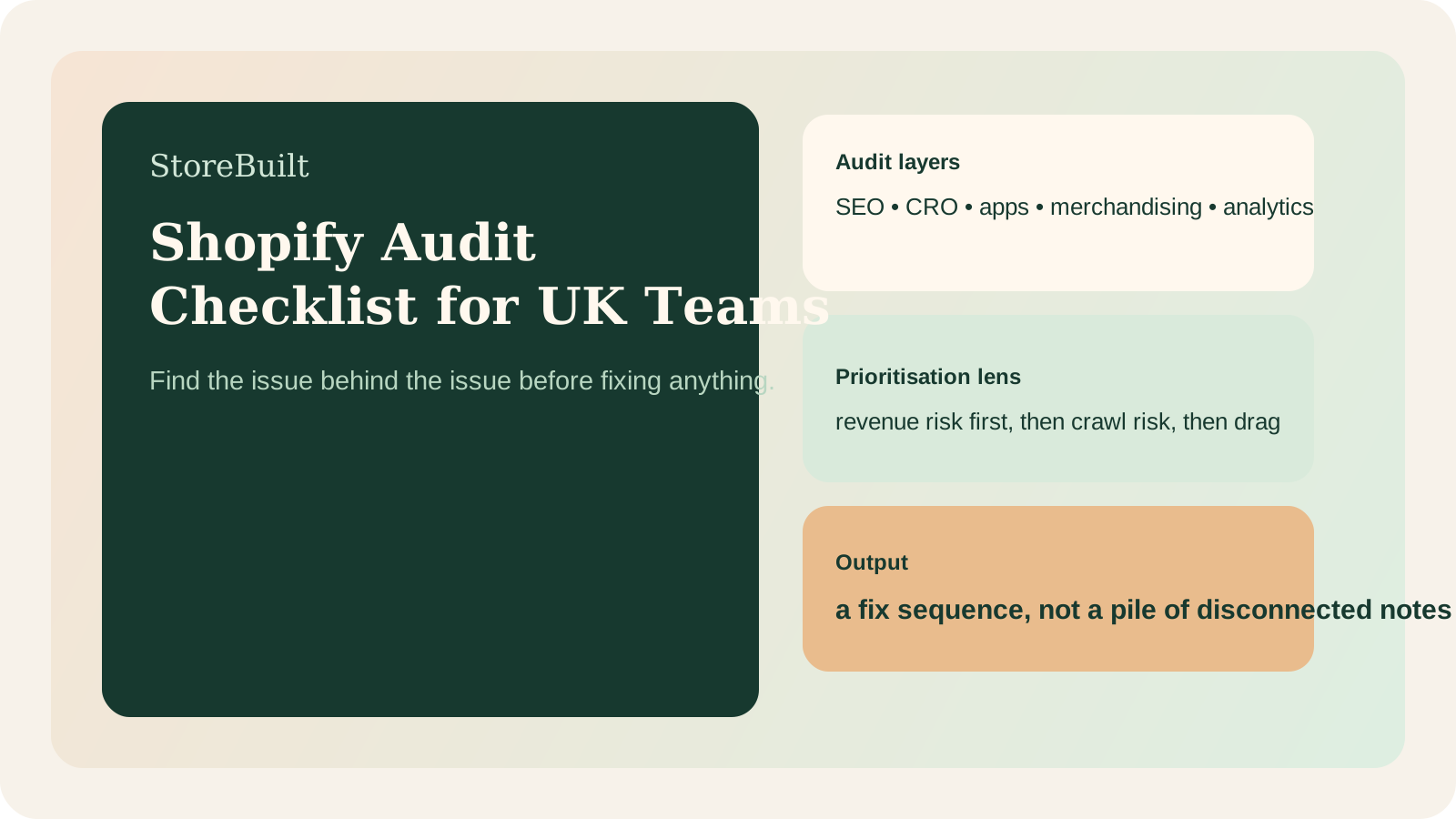
This matters because a good audit is not a catalogue of problems. It is a sequence for fixing the right ones first.
If your current store review still feels too fragmented, StoreBuilt’s support, maintenance, and audits service is built for this exact gap.
What a useful audit output should look like
By the end of the process, the team should have:
- a short list of highest-priority commercial risks
- a separate list of structural improvements
- clarity on what needs design, dev, SEO, or content work
- named owners and sequencing for the first 30 to 90 days
If the output is just “87 recommendations”, the audit probably is not ready.
StoreBuilt example
A UK ecommerce brand initially requested an SEO review because organic visibility felt weaker than expected. Once the audit started, the deeper issue was broader. Collections were not aligned to buying intent, PDP reassurance was uneven, app layering had created friction, and reporting confidence was poor.
Treating that as a pure SEO issue would have hidden the real commercial story.
The joined-up audit gave the team a clearer first month of work: tighten collection intent, simplify the app layer, fix critical tracking gaps, and improve PDP reassurance before publishing more content. The result was better prioritisation, not just a longer recommendation deck.
If that sounds close to your current situation, run a free Shopify audit.
High-intent AI search implementation layer
The AI-search version of this topic is not just “write more content”. A useful answer engine result needs a page that gives a direct answer, proves the claim, and shows the next operational step inside Shopify.
| Area | StoreBuilt implementation check |
|---|---|
| Primary intent | The page should map to shopify audit and one clear buyer or operator problem, not a vague traffic topic. |
| Shopify surface | Identify whether the work belongs on a collection, product page, theme section, checkout step, app workflow, email flow, or support process. |
| Proof | Add first-hand observations, product/category examples, screenshots, policy notes, review signals, or trustworthy external sources where they make the advice safer. |
| Internal route | Link the reader to the service most likely to solve the issue: Shopify support, maintenance and audits. |
| Measurement | Check Search Console, analytics, assisted conversions, enquiry quality, and AI-response mentions after the update rather than judging success by pageviews alone. |
For this article, the useful research inputs are: Shopify Help documentation, StoreBuilt implementation patterns, UK ecommerce SERP intent, and common founder/operator questions. StoreBuilt would prioritise technical audits, roadmap priority, theme changes, app governance, reporting, and measured improvement before expanding into broader supporting content.
If this topic maps to a live store problem, review the related StoreBuilt service or Contact StoreBuilt with the store URL and the issue you want fixed.
Final StoreBuilt point of view
The best Shopify audit checklist is not the longest one. It is the one that explains why the store is underperforming in a way leadership, marketing, and delivery teams can all act on together.
For UK ecommerce teams in 2026, the strongest audits combine technical SEO, merchandising, conversion, app governance, and support readiness into one commercial decision framework.