
What we have seen in StoreBuilt audits and planning workshops is this: ecommerce teams rarely lose momentum because they lack ideas. They lose it because search, platform, conversion, retention, and operating decisions are treated as separate projects. This guide turns that problem into a practical Shopify decision framework for UK brands.
The topic was chosen after reviewing current UK Shopify agency content patterns, including Charle’s article hub, and checking how ecommerce, ecommerce UK market, Shopify, and platform-comparison keywords are being served. StoreBuilt’s angle is deliberately operator-led: helpful enough for a team to use, commercial enough to support a qualified enquiry.
If you want StoreBuilt to review how this applies to your store, Contact StoreBuilt.
Table of contents
- Keyword decision and research inputs
- What demand capture actually means
- The demand capture map
- StoreBuilt example
- A 30-day demand capture sprint
- Measurement framework
- What not to do
- Final StoreBuilt point of view
Keyword decision and research inputs
Primary keyword: ecommerce demand capture. Secondary keywords include ecommerce UK market, Shopify growth strategy, ecommerce conversion, Shopify CRO, and ecommerce lead capture. Search intent is commercial-practical: the reader already has traffic or campaign spend and wants a stronger system for turning demand into revenue. Funnel stage is middle to bottom funnel, and the correct page type is a strategic implementation guide.
This angle was selected after reviewing Charle-style UK Shopify agency content around ecommerce marketing automation, agency selection, platform comparisons, and ecommerce SEO. The gap StoreBuilt can own is not another list of channels. It is the operating system that connects search demand, paid demand, product-page proof, email capture, and retention. Public keyword-tool style signals also show sustained demand around ecommerce growth, Shopify CRO, Shopify SEO, and UK ecommerce strategy.
Why StoreBuilt can realistically win this topic: the article supports the Shopify SEO and AI search readiness, CRO and UX optimisation, and Klaviyo email and SMS retention paths without cannibalising the homepage’s Shopify agency intent.
What demand capture actually means
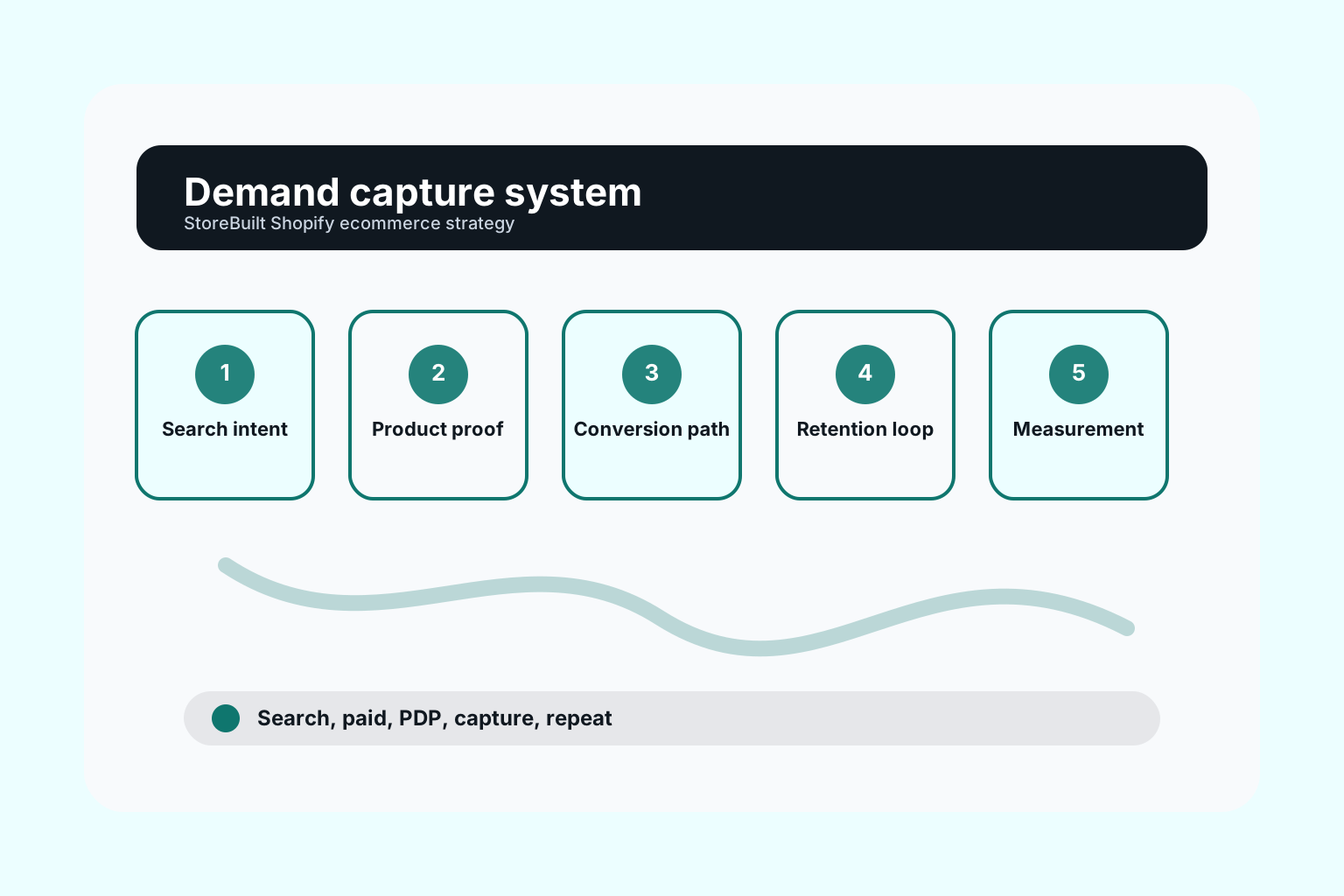
Demand capture is the work of turning existing intent into a useful commercial action. It is not the same as brand awareness. A shopper searching for a problem, clicking a paid ad, landing on a collection page, reading a buying guide, comparing delivery promises, joining a list, or abandoning checkout is already showing intent. The question is whether the Shopify store gives that intent a clear next step.
In UK ecommerce audits, the leak is rarely one dramatic failure. It is usually a chain of small breaks: a category page that ranks but does not guide, a product page that has traffic but not enough proof, a paid landing page that repeats the homepage, a newsletter capture that offers no reason to subscribe, and lifecycle flows that do not reflect what the customer was trying to buy.
A stronger system starts by separating demand into four buckets: search-led demand, paid campaign demand, returning customer demand, and comparison demand. Each bucket needs a different page, message, proof layer, and follow-up.
The demand capture map
| Demand source | Best Shopify destination | Primary job | Common leak |
|---|---|---|---|
| Google category search | Collection or guide-supported collection | Help shoppers narrow choice | Thin collection copy and weak filters |
| Paid social | Campaign landing page or curated collection | Match the promise from the ad | Generic homepage click-through |
| Google Shopping | Product page | Remove purchase doubt quickly | Weak delivery, returns, review, and size proof |
| Email/SMS click | Product, replenishment, or offer page | Continue a known relationship | Same message for every segment |
| Comparison search | Guide, scorecard, or service-led article | Help the buyer decide | Vague advice with no decision framework |
This table matters because one page cannot do every job. Shopify gives teams the speed to build specific destinations, but speed only helps when the destination has a commercial purpose.
StoreBuilt example
One Shopify brand we reviewed had healthy paid traffic and a recognisable product range, but the store treated every visitor the same. The homepage was expected to handle campaign traffic, category research, product comparison, and first-time trust. Email capture was visible, but it gave no category-specific reason to join.
The useful shift was to build demand paths. Paid traffic moved to a campaign page with proof and a tighter product set. Organic category visitors were given clearer subcategory routes. Product pages gained delivery, returns, review, and compatibility answers. Email capture changed by category, so the promise matched what the visitor was browsing.
No invented metric is needed to make the point. The team stopped asking one generic page to do four jobs and started giving each type of demand a destination.
A 30-day demand capture sprint
| Week | Work | Output |
|---|---|---|
| 1 | Map traffic by intent | Search, paid, returning, comparison, and email demand map |
| 2 | Fix highest-intent pages | Collection, PDP, cart, and campaign-page proof upgrades |
| 3 | Add capture points | Category-specific email hooks, lead magnets, or quiz paths |
| 4 | Connect retention | Welcome, browse, cart, post-purchase, and replenishment handoffs |
The sprint should be judged by whether the team can see where intent enters, where it leaks, and which pages or flows are responsible for the recovery.
Measurement framework
Demand capture needs a small set of measures that the team can actually review. Start with landing-page conversion rate, product-page add-to-cart rate, checkout completion, email capture rate, returning customer revenue, and assisted revenue from email or SMS. Then add qualitative signals: search terms used on-site, support questions before purchase, returns reasons, and reviews that mention confusion or expectation mismatch.
The goal is not to build a dashboard with every metric available in Shopify, GA4, Klaviyo, and ad platforms. The goal is to see whether demand is being helped forward or allowed to drift away. A weekly trading review should be able to answer three questions: which demand source is improving, which page is leaking, and which follow-up journey needs work.
StoreBuilt usually recommends giving each metric an owner. SEO owns search-entry quality. Trading owns collection and PDP clarity. Retention owns capture and follow-up. Development owns the technical blockers that stop the other teams from moving quickly.
What not to do
Do not treat demand capture as a discounting exercise. Discounts can recover some hesitation, but they also train customers to wait and can hide deeper problems in positioning, proof, delivery, or product detail. Do not send every traffic source to the homepage unless the homepage has been deliberately built as the best destination for that intent. Do not publish content unless it links into a commercial journey.
The strongest Shopify teams make fewer, clearer promises and then connect those promises across search results, landing pages, product pages, cart, checkout, email, and support.
High-intent AI search implementation layer
The AI-search version of this topic is not just “write more content”. A useful answer engine result needs a page that gives a direct answer, proves the claim, and shows the next operational step inside Shopify.
| Area | StoreBuilt implementation check |
|---|---|
| Primary intent | The page should map to Shopify growth strategy and one clear buyer or operator problem, not a vague traffic topic. |
| Shopify surface | Identify whether the work belongs on a collection, product page, theme section, checkout step, app workflow, email flow, or support process. |
| Proof | Add first-hand observations, product/category examples, screenshots, policy notes, review signals, or trustworthy external sources where they make the advice safer. |
| Internal route | Link the reader to the service most likely to solve the issue: CRO and UX optimisation. |
| Measurement | Check Search Console, analytics, assisted conversions, enquiry quality, and AI-response mentions after the update rather than judging success by pageviews alone. |
For this article, the useful research inputs are: UK ecommerce platform SERPs, StoreBuilt platform-selection reviews, Shopify operating constraints, and cost/risk signals. StoreBuilt would prioritise PDP hierarchy, cart friction, mobile merchandising, testing policy, analytics QA, and measured releases before expanding into broader supporting content.
If this topic maps to a live store problem, review the related StoreBuilt service or Contact StoreBuilt with the store URL and the issue you want fixed.
Final StoreBuilt point of view
UK Shopify brands do not need to chase every growth tactic at once. StoreBuilt’s view is that demand capture should come before channel expansion. Fix the paths where intent already exists, then spend more confidently.
If your Shopify store has traffic but the commercial path feels unclear, Contact StoreBuilt.