
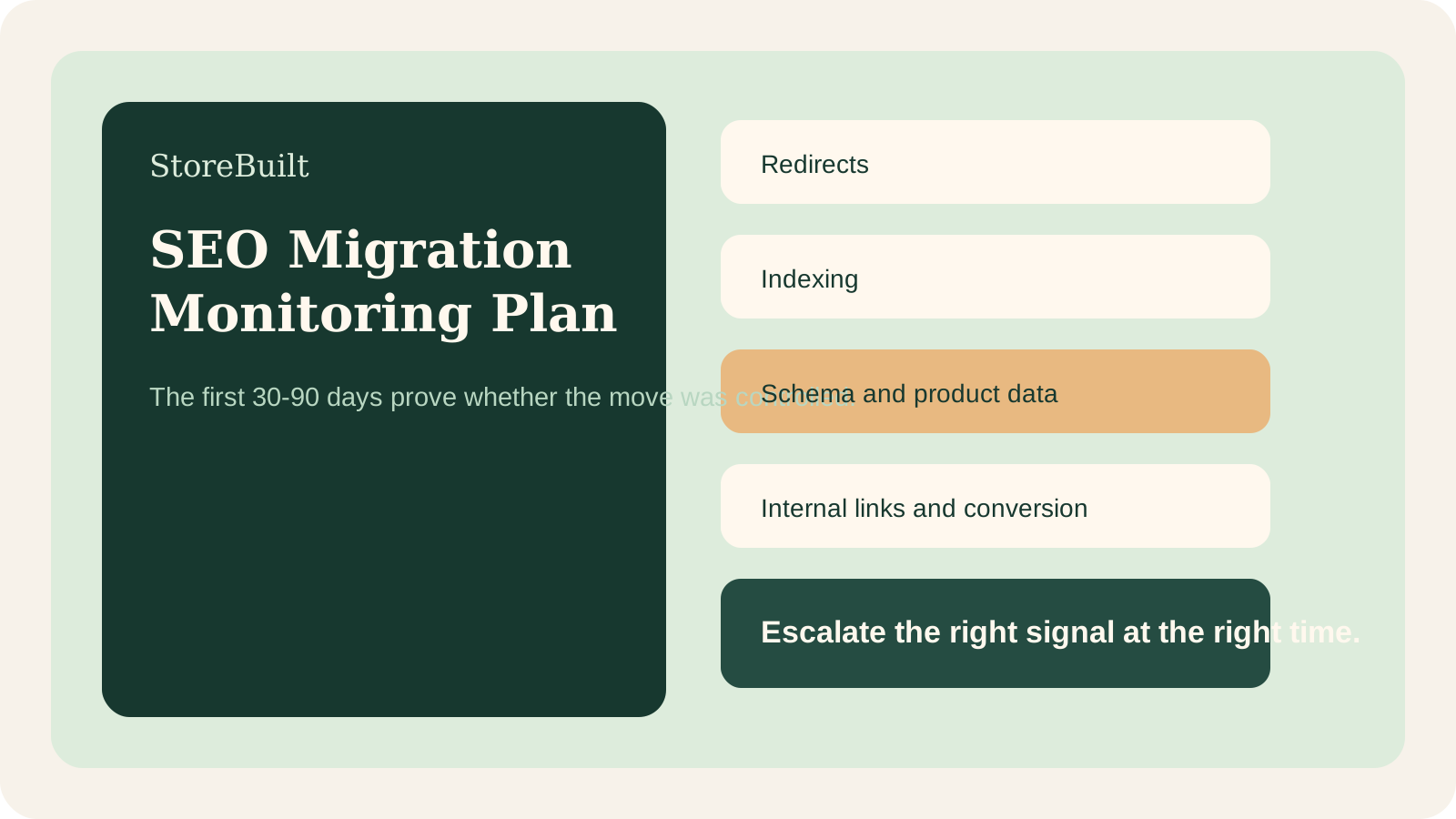
What we have seen after ecommerce migrations is this: the launch day is rarely where SEO success is decided. The first 30 to 90 days after launch reveal whether the migration was actually controlled.
Many Shopify migration guides explain preparation, redirects, and audits. That matters. But UK ecommerce teams also need a monitoring plan that tells them what to check after go-live, who owns each signal, and when to escalate.
If you are moving to Shopify and want SEO continuity managed properly, Contact StoreBuilt.
Table of contents
- Keyword decision and research inputs
- Why post-launch monitoring matters
- The 30-day Shopify SEO migration watchlist
- Monitoring table for ecommerce teams
- When to escalate issues
- Anonymous StoreBuilt example
- Final StoreBuilt point of view
Keyword decision and research inputs
Primary keyword: Shopify SEO migration monitoring plan
Secondary keywords:
- Shopify SEO migration UK
- ecommerce migration SEO checklist
- Shopify redirects monitoring
- Shopify replatforming SEO
- ecommerce UK market migration
Search intent: implementation and risk control. The reader is planning or recovering from a Shopify migration and needs a practical monitoring model.
Funnel stage: middle to bottom funnel.
Page type: tactical long-form guide.
Why StoreBuilt can realistically win this topic:
- Many competitor articles cover migration preparation but give less practical ownership detail for post-launch monitoring.
- StoreBuilt can connect SEO risk to migration QA, analytics, product data, internal links, and Search Console checks.
- The topic supports StoreBuilt’s Shopify migration and SEO service routes without repeating generic migration advice.
Research inputs used on June 19, 2026:
- Charle’s Shopify SEO migration guide structure and current UK agency migration-content patterns.
- Shopify Help guidance that URL redirects help customers and search engines reach changed URLs.
- Google Search Central ecommerce structured data guidance around product information, availability, pricing, and rich-result eligibility.
Why post-launch monitoring matters
A Shopify migration changes more than templates. It can change URL structures, metadata, internal links, product data, collection logic, structured data, performance, and user journeys.
Even when the launch is well planned, issues can still appear:
- legacy URLs missed in redirect mapping
- important collection pages not indexed quickly
- product structured data missing availability or price signals
- internal links pointing to old paths
- thin migrated content
- tracking differences that make performance look worse or better than reality
- traffic shifts caused by seasonality rather than migration damage
The monitoring plan prevents guesswork. It helps the team separate normal re-crawl volatility from genuine migration risk.
The 30-day Shopify SEO migration watchlist
Start with a compact watchlist. Do not bury the team in every possible metric.
The first 30 days should focus on:
- indexation of priority templates
- redirect coverage for top legacy URLs
- organic landing-page traffic by old and new URL group
- Search Console crawl and indexing warnings
- top keyword movement for priority pages
- product schema validity
- sitemap discovery
- internal links to migrated pages
- 404 logs or broken-link reports
- conversion rate on migrated templates
This is not only an SEO task. Development, merchandising, analytics, and trading teams all need visibility because migration issues often cross ownership boundaries.
Monitoring table for ecommerce teams
| Signal | Owner | Check frequency | Escalate when |
|---|---|---|---|
| Priority redirects | SEO and developer | Daily in week one | Top legacy URLs return 404 or wrong destination |
| Search Console indexing | SEO lead | 2-3 times weekly | Important templates stay excluded after inspection |
| Organic landing pages | Ecommerce lead | Weekly | Key commercial pages lose disproportionate traffic |
| Product structured data | Developer and SEO | Weekly | Product pages lose price, availability, review, or image signals |
| Sitemap coverage | SEO lead | Weekly | Sitemap is unread, stale, or missing important URLs |
| Internal links | Content and SEO | Weekly | Old URLs remain in navigation, blog, or collection copy |
| Conversion by template | Trading lead | Weekly | Traffic is stable but purchase journey worsens |
The point is not to panic at every movement. The point is to know which signal deserves action.
When to escalate issues
Escalate quickly when:
- revenue-driving legacy URLs are not redirecting
- Google cannot access key pages
- canonical tags point to wrong URLs
- collection or product templates are accidentally noindexed
- product schema is invalid across many pages
- paid landing pages use broken migrated paths
- checkout or cart UX changed unexpectedly after launch
Escalate more cautiously when:
- rankings wobble during the first re-crawl period
- low-priority pages take longer to reappear
- impressions move before clicks stabilise
- Search Console data lags behind real-time analytics
That distinction matters. Overreacting can create more problems than the migration itself.
If your migration is already live and the signals are unclear, review StoreBuilt Shopify migration support.
The best escalation process is written before launch. Decide who can approve redirect changes, who can publish emergency content fixes, who owns analytics annotation, and who communicates with paid media or trading teams when a landing page changes. Without that ownership, small SEO problems can sit unresolved while every team assumes another team is handling them.
StoreBuilt usually treats migration monitoring as a shared operating rhythm. SEO identifies the signal, development checks the implementation, ecommerce checks commercial impact, and content owners clean up internal links or page copy where needed.
Anonymous StoreBuilt example
One UK ecommerce team launched a Shopify migration with a strong redirect map, but post-launch monitoring still found several high-value internal links pointing to legacy paths. Users were eventually redirected, but crawl paths were inefficient and reporting became harder to read.
The fix was not dramatic. We prioritised old-path cleanup inside navigation, content, and campaign landing pages, then checked Search Console and analytics by page group rather than relying on a single traffic number.
That helped the team avoid a false diagnosis. The migration had not failed. The internal-link layer needed cleanup so the new structure could settle cleanly.
High-intent AI search implementation layer
The AI-search version of this topic is not just “write more content”. A useful answer engine result needs a page that gives a direct answer, proves the claim, and shows the next operational step inside Shopify.
| Area | StoreBuilt implementation check |
|---|---|
| Primary intent | The page should map to shopify seo migration and one clear buyer or operator problem, not a vague traffic topic. |
| Shopify surface | Identify whether the work belongs on a collection, product page, theme section, checkout step, app workflow, email flow, or support process. |
| Proof | Add first-hand observations, product/category examples, screenshots, policy notes, review signals, or trustworthy external sources where they make the advice safer. |
| Internal route | Link the reader to the service most likely to solve the issue: Shopify migrations and replatforming. |
| Measurement | Check Search Console, analytics, assisted conversions, enquiry quality, and AI-response mentions after the update rather than judging success by pageviews alone. |
For this article, the useful research inputs are: StoreBuilt migration QA patterns, redirect/indexation checks, Shopify platform guidance, and UK ecommerce replatforming SERPs. StoreBuilt would prioritise redirects, data migration, template parity, analytics continuity, launch QA, and post-launch monitoring before expanding into broader supporting content.
If this topic maps to a live store problem, review the related StoreBuilt service or Contact StoreBuilt with the store URL and the issue you want fixed.
Final StoreBuilt point of view
Shopify SEO migration success is not proven by a calm launch day. It is proven by the quality of post-launch monitoring, escalation, and cleanup.
For UK ecommerce teams, the best migration plan treats the first 30 to 90 days as a controlled transition period. Redirects, indexing, schema, internal links, analytics, and conversion all need owners. That is how a migration becomes a growth reset rather than a recovery project.