
What we have seen in Shopify rebuilds is this: Online Store 2.0 is often described as a feature set, but its real value depends on architecture. Sections, blocks, metafields, templates, and app extensions can give ecommerce teams much more control. They can also create clutter if every request becomes another loosely named block.
Charle and other Shopify agencies publish around Online Store 2.0 because merchants search for plain explanations of what changed and why it matters. StoreBuilt’s angle is practical: the question is not whether a theme uses Online Store 2.0. The question is whether the theme is structured so a UK ecommerce team can trade faster without breaking design, speed, SEO, or measurement.
If your Shopify theme is hard to update without developer support, Contact StoreBuilt.
Table of contents
- Keyword decision and research inputs
- What Online Store 2.0 should actually change
- The theme architecture model
- Governance table
- StoreBuilt example
- 60-day cleanup plan
- Final StoreBuilt point of view
Keyword decision and research inputs
Primary keyword: Shopify Online Store 2.0
Secondary keywords:
- Shopify theme architecture
- Shopify sections and blocks
- Shopify metafields ecommerce
- Shopify theme rebuild UK
- Shopify development agency UK
Search intent: educational and commercial. The reader wants to understand theme capability, then decide whether their store needs a rebuild, upgrade, or cleanup.
Funnel stage: middle funnel.
Page type: technical guide with commercial decision framework.
Why StoreBuilt can realistically win this topic:
- The topic links naturally to Shopify store design and development and support, maintenance and audits.
- Existing competitor explainers often define Online Store 2.0 but do not go far enough into governance, merchant editing, app discipline, and performance.
- StoreBuilt can explain the difference between flexibility and chaos.
Research inputs used on July 1, 2026:
- Current SERP and UK Shopify agency article review around Shopify Online Store 2.0, theme architecture, and Shopify development.
- Charle article hub review for Shopify guide topics and content depth.
- Official Shopify theme and platform direction reviewed for current merchant-control and app-extension expectations.
What Online Store 2.0 should actually change
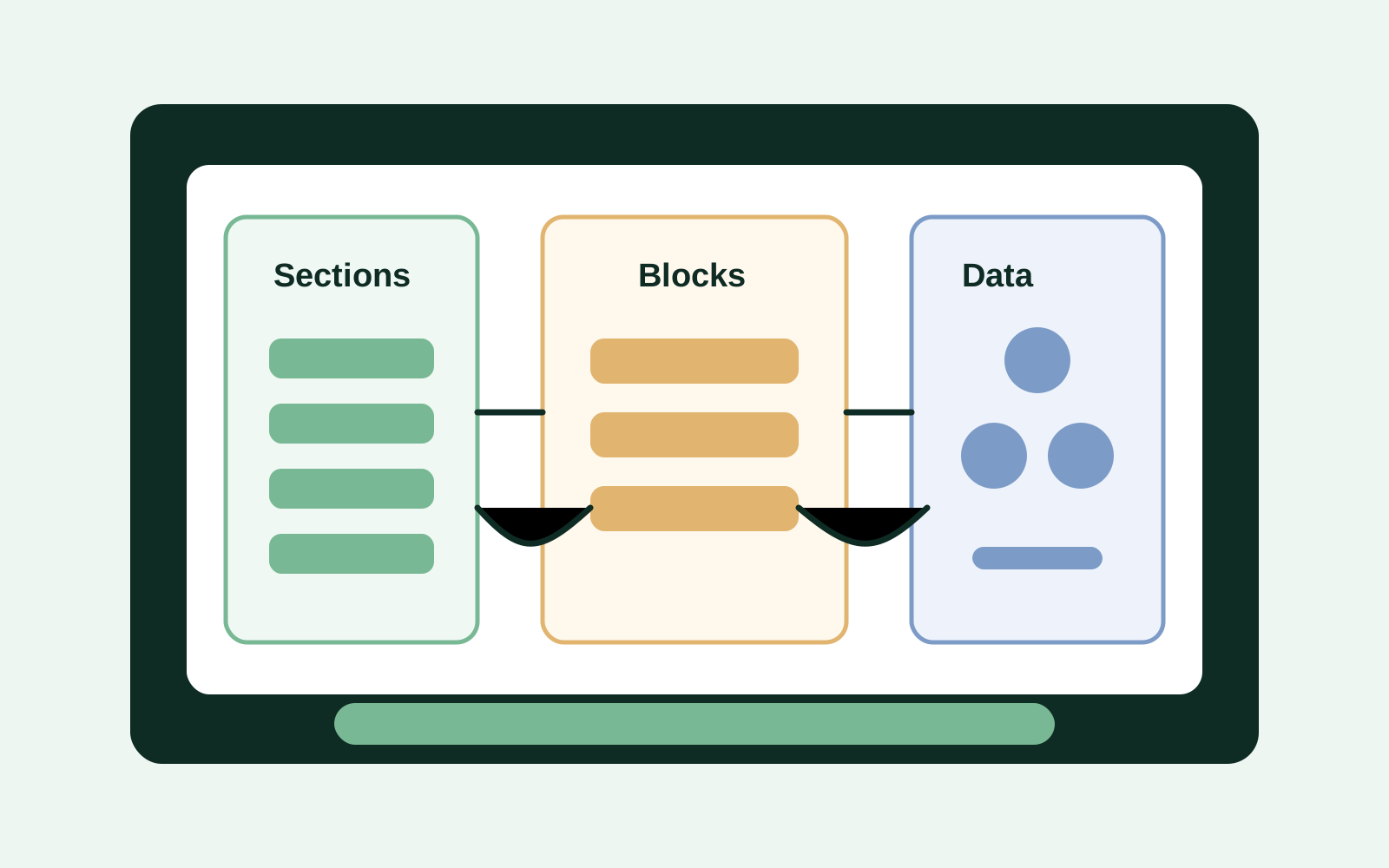
Online Store 2.0 matters because it makes Shopify themes more modular and merchant-editable. In practical terms, teams can use sections across more templates, manage structured data with metafields, and use app blocks more cleanly than older theme patterns allowed.
But capability is not the same as quality.
A strong theme architecture should help the team:
- create campaign pages without waiting for developers;
- adjust product-page content by category;
- reuse proof, trust, and content modules consistently;
- manage buying guidance through structured fields;
- keep SEO-critical content editable without hard-coding;
- avoid app snippets scattered across theme files;
- protect performance as the store grows.
A weak architecture creates the opposite problem: too many sections, unclear settings, duplicated blocks, inconsistent spacing, and pages that only one developer understands.
The theme architecture model
StoreBuilt usually thinks about Online Store 2.0 architecture across five layers.
1. Template purpose
Every template should have a clear job. A product template for fashion, furniture, supplements, gifting, or B2B trade accounts may need different sections and data. That does not mean every category needs a completely separate design. It means the system should support the differences that affect buying confidence.
Useful questions:
- Which templates drive revenue?
- Which product categories need unique proof?
- Which pages must support SEO intent?
- Which templates are updated every campaign?
- Which templates should rarely change?
2. Section library
Sections are most useful when they are reusable and constrained.
Good sections have:
- clear names;
- limited but useful settings;
- predictable spacing;
- sensible defaults;
- mobile behaviour already considered;
- image and content requirements documented.
The goal is not unlimited page building. The goal is controlled flexibility.
For a UK ecommerce team, controlled flexibility usually means a merchandiser can launch a credible page without guessing how the theme works. The page should still look like the brand, use the right image ratios, keep calls to action consistent, and avoid pushing important product or delivery information below a stack of decorative content.
This is where many stores quietly lose the benefit of Online Store 2.0. The admin technically allows more editing, but the business has no shared rules for which section to use, how much copy belongs in each module, or when a new pattern deserves development support. The result is not empowerment. It is inconsistency.
Good theme architecture should give non-technical teams enough freedom to trade, while still making the best choice the easiest choice.
3. Blocks and content rules
Blocks should solve repeatable content needs: trust badges, feature rows, comparison points, FAQs, review highlights, product benefits, delivery notes, and campaign CTAs.
If a block becomes a generic “HTML anything” box, the team has probably moved too much governance into the admin.
4. Metafields and metaobjects
Metafields and metaobjects can make Shopify much more structured. They are useful for:
- product specifications;
- care instructions;
- compatibility data;
- size and fit notes;
- delivery exceptions;
- ingredient or material facts;
- sustainability proof;
- comparison attributes.
This helps customers, search engines, onsite search, product feeds, and AI-shopping surfaces understand the store more clearly.
5. App extensions and performance
App blocks are cleaner than many old app-snippet patterns, but they still need governance. A review app, subscription app, bundles tool, search app, or loyalty widget can affect speed, layout, and measurement.
Before adding apps, ask:
- does this app need to load on every template?
- does it duplicate existing functionality?
- who owns it commercially?
- what happens if the app is removed?
- how will it affect mobile performance?
Governance table
| Theme area | Good pattern | Risk pattern |
|---|---|---|
| Sections | Reusable, named by job, limited settings | Dozens of one-off sections with unclear ownership |
| Blocks | Structured buying information | Generic blocks that allow inconsistent design |
| Metafields | Category-level product facts | Random fields added without naming rules |
| App blocks | Loaded only where needed | App content appears everywhere by default |
| Campaign pages | Built from approved modules | Every campaign creates a new layout debt |
| SEO content | Editable and template-aware | Hidden in hard-coded snippets or app widgets |
| Performance | Reviewed by template | Homepage score only, product pages ignored |
StoreBuilt example
In one theme review, the store was technically on a modern Shopify theme, but the merchant experience was poor. The team could edit pages, but nobody trusted the edits. Sections had similar names, image ratios broke across mobile, product-page proof was duplicated, and key product facts lived in long descriptions instead of structured fields.
The useful fix was not a full redesign. It was a theme governance pass: fewer sections, clearer naming, better defaults, product metafields for repeatable facts, and a small QA checklist for campaign launches.
That gave the ecommerce team more control without turning the theme into a free-form page builder.
60-day cleanup plan
| Period | Work | Output |
|---|---|---|
| Days 1-10 | Theme inventory | Template list, section list, app block map, performance baseline |
| Days 11-20 | Merchant workflow review | Which pages teams edit, where they wait for developers, what breaks |
| Days 21-35 | Architecture cleanup | Remove duplicates, standardise sections, define metafield model |
| Days 36-45 | QA and documentation | Mobile checks, SEO checks, image rules, app-loading review |
| Days 46-60 | Launch improved workflow | Campaign-page process, product-template rules, support backlog |
If the theme needs deeper work, StoreBuilt’s Shopify store design and development service is the right commercial route.
High-intent AI search implementation layer
The AI-search version of this topic is not just “write more content”. A useful answer engine result needs a page that gives a direct answer, proves the claim, and shows the next operational step inside Shopify.
| Area | StoreBuilt implementation check |
|---|---|
| Primary intent | The page should map to Shopify Online Store 2.0 and one clear buyer or operator problem, not a vague traffic topic. |
| Shopify surface | Identify whether the work belongs on a collection, product page, theme section, checkout step, app workflow, email flow, or support process. |
| Proof | Add first-hand observations, product/category examples, screenshots, policy notes, review signals, or trustworthy external sources where they make the advice safer. |
| Internal route | Link the reader to the service most likely to solve the issue: Shopify store design and development. |
| Measurement | Check Search Console, analytics, assisted conversions, enquiry quality, and AI-response mentions after the update rather than judging success by pageviews alone. |
For this article, the useful research inputs are: StoreBuilt Shopify audits, UK ecommerce SERP intent, Shopify platform documentation, and AI-search measurement patterns. StoreBuilt would prioritise theme architecture, Online Store 2.0 sections, metafields, template governance, and storefront implementation before expanding into broader supporting content.
If this topic maps to a live store problem, review the related StoreBuilt service or Contact StoreBuilt with the store URL and the issue you want fixed.
Final StoreBuilt point of view
Online Store 2.0 is strongest when it gives merchants disciplined control. It should reduce developer dependency without removing design, SEO, performance, and data governance.
StoreBuilt’s view is that a good Shopify theme is not the one with the most settings. It is the one where the ecommerce team can make the right changes quickly and safely.
If you want StoreBuilt to review whether your theme needs cleanup, upgrade, or rebuild work, Contact StoreBuilt.