
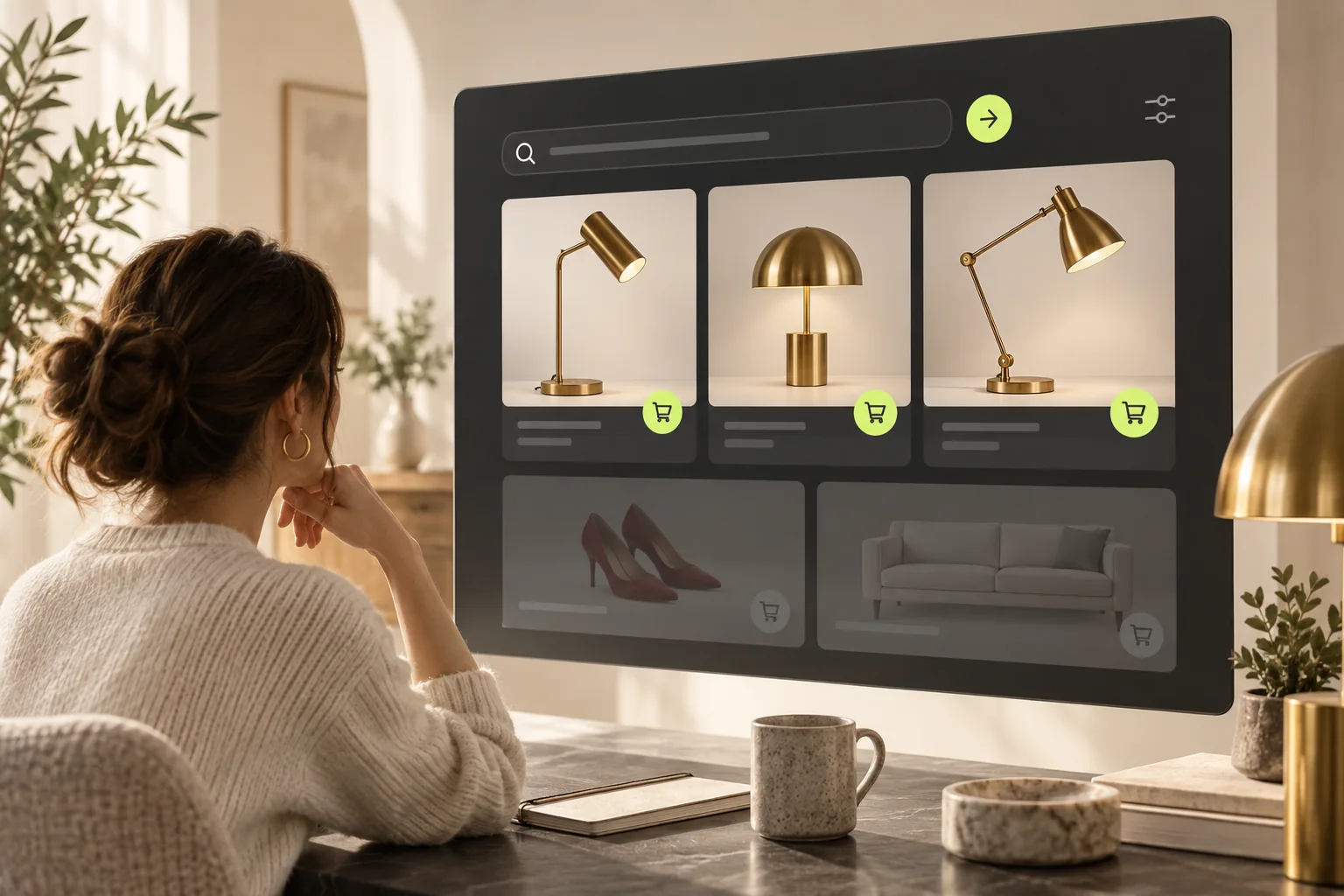
Our review of StoreBuilt’s search guidance exposed a useful distinction: finding more products is not the same as helping someone choose the right product. A results page can look healthy because it contains twenty cards, yet fail a shopper who entered a precise model number. That is why our implementation approach starts with the buyer’s task rather than the number of returned products.
For UK ecommerce teams, irrelevant results can appear as an apparently sudden change in an otherwise familiar store. Resist the urge to rewrite the entire catalogue immediately. First establish whether the problem affects exact-product searches, broad discovery searches, or only one interface. The following process produces evidence a merchandiser, developer and platform support team can all use. Examples are illustrative rather than reported client outcomes.
In this guide
- Separate three kinds of search intent
- Identify the search system actually in use
- Create a repeatable relevance baseline
- Inspect the strongest wrong matches
- Use merchandising controls with a narrow purpose
- Work through a concrete example
- Measure usefulness rather than result count
- Keep a small regression set
- StoreBuilt point of view
Separate three kinds of search intent
An exact-product query asks for a known item. A category query asks to browse a range. A use-case query asks for help with a situation. Those three tasks need different judgements about relevance. A broader alternative might be useful for someone typing “desk lighting”, but distracting for someone typing the full code of a replacement fitting.
Build a short list from actual store search reports and customer questions. Preserve original spelling rather than cleaning every phrase into catalogue language. Include British terminology, material names and product codes where customers genuinely use them. Avoid inventing a large keyword list and then treating it as proof of demand. The purpose of this exercise is to represent buying tasks already visible in the business.
| Query type | Example for an illustrative lighting shop | Successful result |
|---|---|---|
| Known item | A complete lamp model code | The requested item is easy to identify |
| Category | Bedside lamps | A useful selection of bedside products |
| Attribute | Brass reading lamp | Relevant finish and function |
| Use case | Lighting for a small desk | Plausible choices with clear dimensions |
| Negative control | A product category the shop does not sell | An honest useful response without misleading matches |
Identify the search system actually in use
Document the desktop search box, mobile overlay and full results page separately. A theme might display native predictive results while an app powers the submitted search. Changes in one dashboard then appear inconsistent because two different systems are involved. Ask the developer to identify the requests behind each surface rather than infer the provider from visual styling.
Shopify’s current documentation explains that semantic understanding can expand submitted online-store results using product context. It also distinguishes this from predictive search. Native settings can interact with theme request parameters, while an independent app may maintain its own configuration. These facts explain why a single screenshot cannot establish that a setting is broken. See Shopify’s search customisation guidance before relying on an older tutorial.
Create a repeatable relevance baseline
Run the same queries in a fresh session and record the first visible results in order. Save the market, language, device width and whether the query was submitted or merely typed. Include the URL so another person can reproduce the observation. If the results vary between runs, retain both observations instead of choosing the screenshot that best supports an initial theory.
For each query, mark results as exact, useful alternative, weak association or clearly unsuitable. This is an editorial judgement, so write a short reason. A lamp with the wrong electrical compatibility is not a useful alternative just because its silhouette is similar. Where compatibility matters, ask the product specialist to review the judgement. This prevents merchandising changes from improving visual similarity while making the buying decision less reliable.
Inspect the strongest wrong matches
Start with two or three repeatedly irrelevant products. Read their titles, descriptions and structured attributes. Look for copied text, ambiguous category assignments or broad descriptions that imply a use the product does not support. Check whether the correct product is actually available to the visitor before assuming it has been ranked unfairly.
A practical catalogue correction should remain useful outside search. Replace vague copy with accurate materials, dimensions or compatibility details. Do not hide unrelated query terms in descriptions or add long lists of product names to force retrieval. Such changes make the page harder to read and obscure the root cause. Shopify documents its search behaviours in the storefront search reference; compare the active provider against that reference before changing data in bulk.
Contact StoreBuilt with a few failing queries and the products customers expected to find.
Use merchandising controls with a narrow purpose
A product boost can support a clearly relevant commercial priority, but it is not a substitute for a relevance investigation. Record the query, chosen product, reason and review date for each change. Keep the intervention small enough that you can see whether it improved the intended task or merely pushed another useful item down the page.
Avoid applying broad changes to every search surface simultaneously. If a native control has no observable effect, check the provider and request first. Repeatedly saving more rules adds uncertainty. If the results changed without a corresponding catalogue or theme release, prepare evidence for platform support and ask about the behaviour observed in that store. Do not present an unconfirmed platform regression as the established cause.
Work through a concrete example
Imagine a specialist lighting retailer whose customers search a precise brass reading-lamp model. The results include red decorative lighting and unrelated desk accessories. The operator initially proposes adding the model code to dozens of tags. A better first step is to check whether the exact lamp is published, eligible for the current market and correctly described.
Next, compare the full query with a category query and the same query in predictive search. If the exact item appears in the overlay but becomes difficult to find after submission, that observation narrows the investigation. It does not prove that the theme or semantic matching is at fault. Preserve the distinction and test one proposed correction at a time. This scenario illustrates the method; it is not a claim about a completed StoreBuilt project.
Measure usefulness rather than result count
Review query-level journeys after a change. Do people choose a relevant result, refine their search repeatedly or abandon the experience? Keep stock availability and promotions in view because they can change behaviour independently. A new first result is an implementation observation; a commercial improvement needs enough comparable activity to assess.
| Evidence | What it helps establish | What it cannot prove alone |
|---|---|---|
| Before-and-after result captures | Ranking or inclusion changed | Revenue improvement |
| Product data comparison | A specific catalogue correction | All search surfaces use that field |
| Search-to-product clicks | Customers found something worth opening | They bought the correct item |
| Support questions | Repeated confusion in customer language | The frequency across every visitor |
| Order and return context | Whether selected products met the need | A single causal explanation |
Keep a small regression set
Retain a manageable set of important searches for future theme, app and catalogue releases. Include an exact product, a UK spelling, a material attribute, an unavailable product and a query with no genuine match. Run the same set after changes and record only meaningful differences. This is more sustainable than a large spreadsheet no one maintains.
Assign ownership between merchandising and development. Merchandising decides what counts as useful; development confirms which system delivered it. Where the problem spans product architecture and the theme, our Shopify store development service can address the complete journey. For an overlay that does not open or return suggestions, use our separate predictive search troubleshooting guide.
StoreBuilt point of view
Search quality should be judged against the customer’s decision, not against how clever the matching appears. Precise searches need precision; exploratory searches need useful breadth. The valuable implementation work is making that distinction measurable and maintaining it through catalogue changes. Start with a few important queries, build evidence and make the smallest justified change.
Contact StoreBuilt to scope a search relevance review around your actual catalogue and customer tasks.