
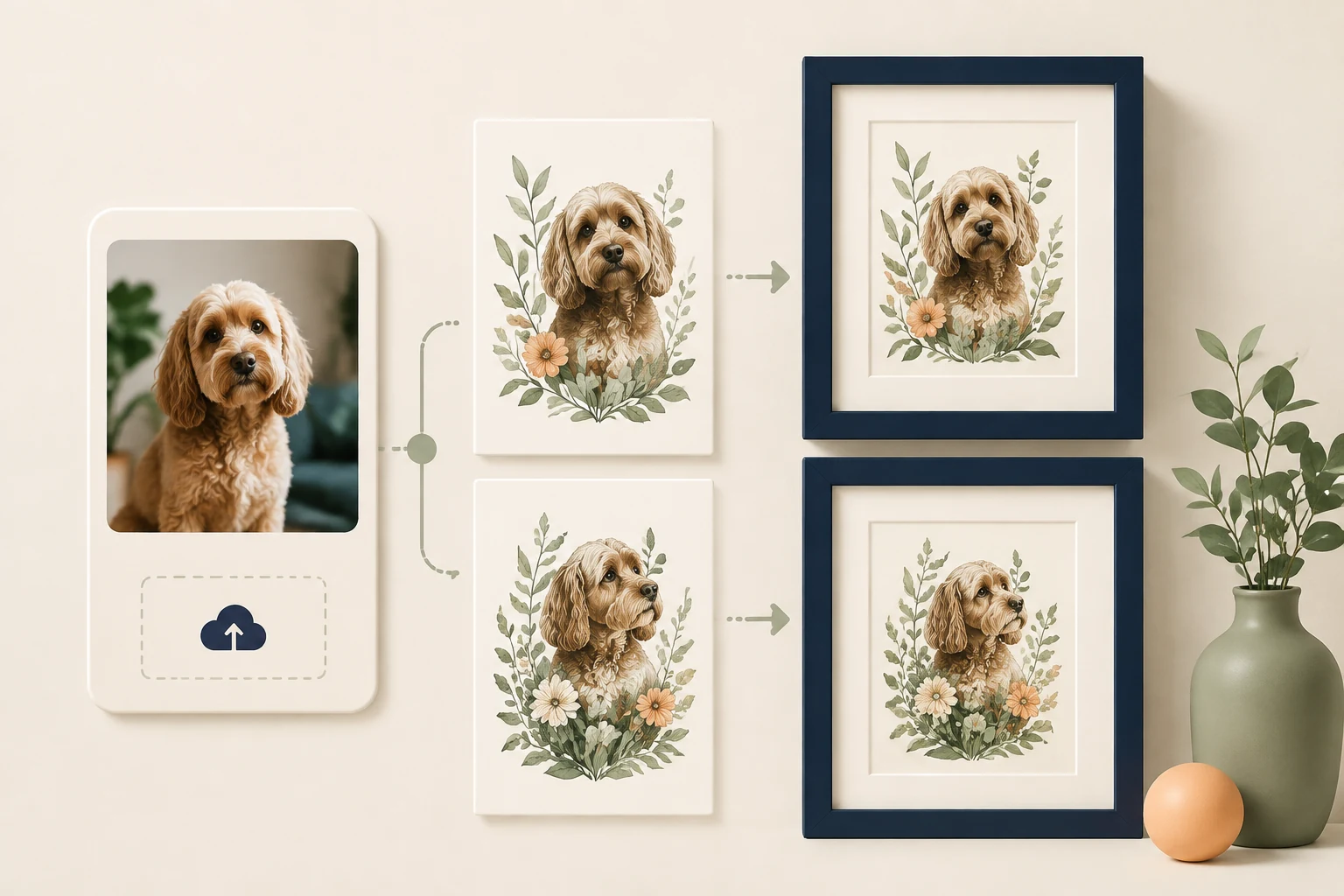
StoreBuilt reviewed Shopify’s product-form documentation for this guide. It confirms that line item properties can collect additional information, including customer files. The implementation question is what happens afterwards: a file selected on a phone must still belong to the correct item when the production team opens the order.
A Shopify customer file upload is therefore more than a box on a product page. UK print, embroidery and personalised-gift businesses need a reliable chain from selection to receipt, purchase and production. This guide sets out a practical acceptance plan; its merchant scenarios are illustrative, not claimed client results.
Contact StoreBuilt to map your upload journey before choosing an implementation.
Table of contents
- Define what the customer is submitting
- Choose the smallest complete implementation
- Protect the item-to-file relationship
- Walk through a personalised print order
- Test failures before testing the happy path again
- Make production handover and support explicit
- StoreBuilt point of view
Define what the customer is submitting
Start with the production requirement. A photograph for a cushion, a vector logo for embroidery and a print-ready poster file are different inputs. Describe the formats and quality your team can actually use, rather than listing every extension the software happens to accept.
Show the important guidance before the customer chooses a file. Explain whether a phone photograph is suitable, whether transparent artwork is needed, and whether a human checks the submission. Avoid an ambiguous green tick that could mean either transfer completed or artwork approved.
Write separate customer-facing messages for selected, uploading, received, rejected and awaiting review. These are proposed workflow states, not a promise about native Shopify features. The distinction helps customers know whether they can leave the page and helps support identify which step failed.
Shopify’s product template documentation explains the product form and line item properties. Use that as the technical starting point, then assess the actual theme, app and checkout routes together. A code fragment alone does not establish an operationally complete upload service.
Choose the smallest complete implementation
A straightforward one-file product can have different needs from a configurator with several print positions and live previews. Evaluate the full required journey before comparing subscription prices. Include the cost of support, maintenance and production rework in that decision.
| Requirement | Question for the implementation | Evidence to request |
|---|---|---|
| One file per item | Is the association stable? | completed sample order |
| Several print positions | Are files labelled by position? | front and back example |
| Mandatory artwork | Can a purchase bypass it? | each checkout route tested |
| Upload later | How is the order held? | accepted follow-up process |
| File replacement | Which revision is current? | visible revision decision |
| Production access | Can staff retrieve it reliably? | warehouse account check |
Ask a supplier to demonstrate these behaviours using your product types and a realistic phone connection. A polished demo using one small image on desktop leaves the difficult questions unanswered. Record unsupported routes as explicit constraints instead of discovering them after launch.
If a theme implementation is sufficient, keep it maintainable within the store’s existing architecture. If an app owns upload storage and processing, establish what happens when that app is unavailable or removed. Our Shopify development service can help assess that boundary without building a larger configurator than the business needs.
Protect the item-to-file relationship
The critical identifier is the purchased configuration. Product title alone is insufficient when an order contains the same mug twice with different photographs. The customer should be able to distinguish the items in the cart, and production should see the same distinction.
Test adding the same variant with file A, returning to the product page, then adding it with file B. Check the cart drawer, full cart, checkout summary and completed order. The intended result is two identifiable configurations; do not assume the theme or app preserves this automatically.
Decide how quantity works. Increasing one configured line to three might mean three identical prints. If each print needs a different image, the interface should direct the customer to configure separate items. Explain that distinction beside the quantity choice, where the decision happens.
Also define replacement behaviour. If a customer removes an image and selects another, there must be one accepted current file. Staff should not guess between similarly named attachments. Keep approval and version handling aligned with the separate artwork proof approval workflow.
Walk through a personalised print order
Imagine a shopper ordering two framed pet portraits as gifts. They use a phone to select a dog photograph for one frame and a cat photograph for the other. This illustrative example tests association and recovery, without assuming a particular application’s capabilities.
The first image transfers successfully. The second stalls when the shopper switches apps to find another photograph. The product page should show the unresolved state and retain the frame size already selected. Silently accepting the second item would move a visible upload problem into an invisible production problem.
After retrying, the shopper reviews two clearly distinguished items in the cart. They change the second frame colour and then complete payment. The acceptance check is whether the cat image remains attached to the changed configuration, with no accidental inheritance from the first line.
At production handover, a colleague opens the order using their normal permissions. They must be able to retrieve both files and understand whether review is complete. A developer being able to open an attachment while signed into an administrator account is a different level of evidence.
Test failures before testing the happy path again
Use a deliberately awkward file set. Include a large valid photograph, an unsupported format, a misleading extension, a duplicate filename and an interrupted transfer. Ask the implementation owner how type and size are validated beyond the visible browser field.
| Test | Expected customer experience | Operational check |
|---|---|---|
| Unsupported file | clear format guidance | no unusable production job |
| Slow transfer | visible progress or pending state | no premature acceptance |
| Retry after failure | previous choices preserved | one current attachment |
| Identical filenames | distinguishable thumbnails or context | correct file per item |
| Cart edit | configuration stays understandable | association retained |
| Staff access | no confusing sign-in dead end | accepted file retrievable |
Try accelerated purchasing and any quick-add path that the store exposes. A required upload can be defeated by a route that never presents the field. Either support that route fully or configure the affected product journey so the requirement is enforced consistently.
Check error wording with someone outside the implementation team. “Upload failed” does not say whether the shopper should reduce file size, choose another format or simply retry. Useful messages provide an action and avoid exposing internal system details that cannot help the customer recover.
Make production handover and support explicit
Assign responsibility for reviewing incoming artwork. Record when the production deadline starts: payment, file receipt or final approval. Communicate the same rule in the product information and follow-up process, so a customer does not mistake checkout completion for immediate production readiness.
Define how support requests replacements without losing the connection to the original order. An emailed image with no order reference creates reconciliation work. Use a documented process that records the accepted version and tells the production team when an earlier file is obsolete.
Limit staff access to what their role requires and agree a retention process for uploaded material. Review storage and access arrangements with the responsible business owner. These are implementation planning questions; the appropriate privacy wording and retention period depend on the business and its obligations.
Track failed uploads, orders awaiting files and production questions separately. A high volume of missing artwork might come from a bypass route; rejected artwork might indicate unclear guidance. Improve the step that creates the problem instead of adding more explanatory text everywhere.
StoreBuilt point of view
The strongest file-upload experience is one that production staff can trust without interpretation. A beautiful preview is valuable only after the correct file survives the purchase and reaches the right person in a usable state.
We would approve this work with a small set of completed, deliberately difficult sample orders. Each should pair the customer’s configuration with the file production actually receives. That evidence makes implementation scope, training and future theme changes much easier to assess.
Contact StoreBuilt for a focused upload and order-handover review.