
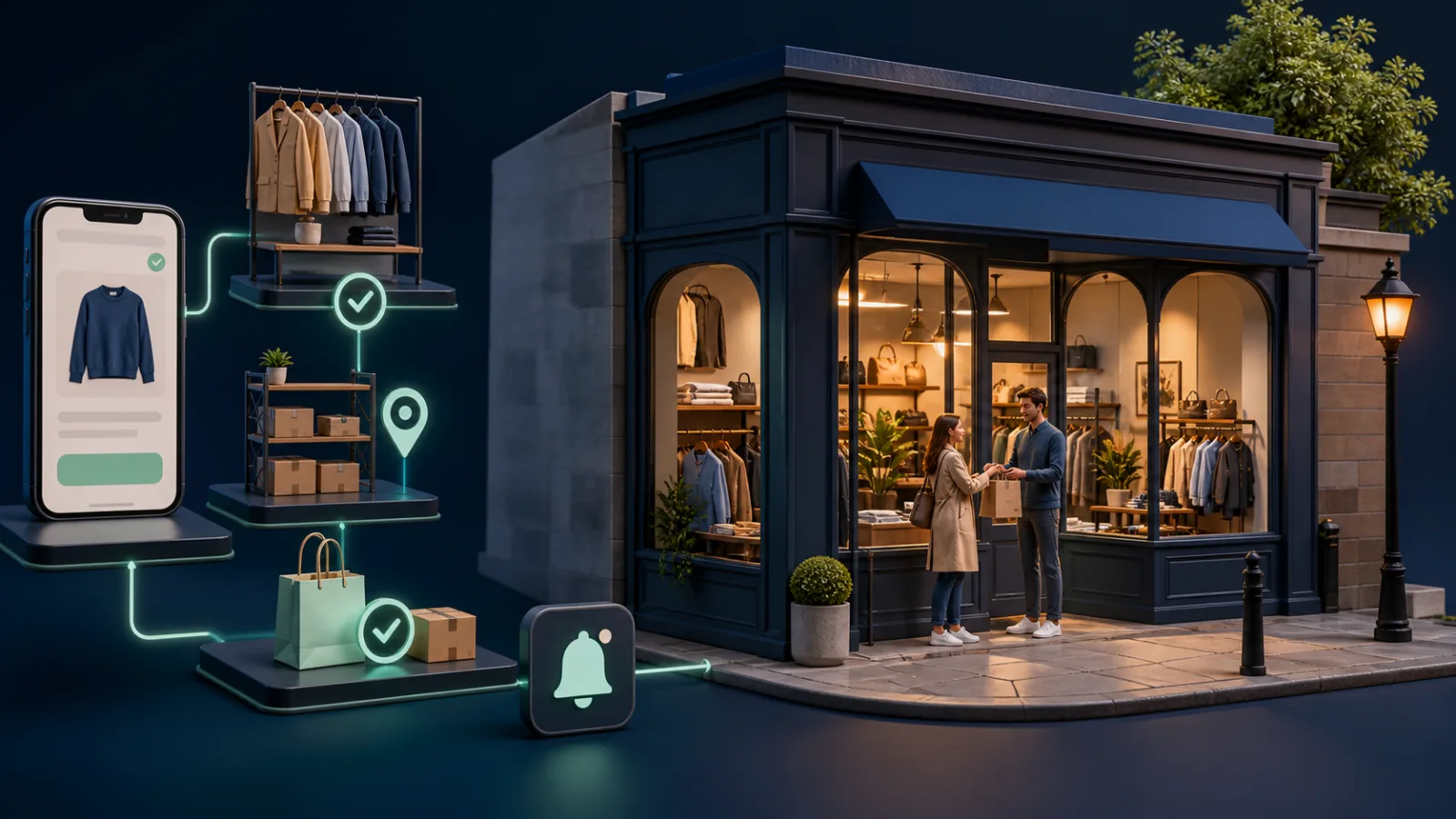
What we have seen is this: click and collect looks like a delivery option online but behaves like a compact fulfilment operation in every participating shop. If stock, queues and notifications are unclear, the customer discovers the failure after travelling. A Shopify click and collect UK model must design the counter experience as carefully as checkout.
Contact StoreBuilt to design or repair an omnichannel Shopify flow.
Table of contents
- Keyword decision
- Define the service promise
- Control location inventory
- Run the store workflow
- Plan exceptions and measurement
- StoreBuilt point of view
Keyword decision
Primary keyword: Shopify click and collect UK. Secondary intents are Shopify pickup in store, Shopify local pickup workflow and click and collect operations. Intent is implementation-led commercial research. UK agency content often explains setup; StoreBuilt can differentiate with the operating model after activation and route qualified teams to Shopify development services.
Define the service promise
Decide which locations participate, preparation hours, same-day cut-off, products excluded and how bank holidays affect timing. “Usually ready in two hours” is not a promise unless staffing and stock support it. Display the selected location and expectation on product, cart, checkout and confirmation surfaces where technically appropriate.
| Promise component | Decision |
|---|---|
| Availability | On hand minus reservations and safety stock |
| Preparation time | By location, day and product type |
| Customer trigger | Ready notification, never order confirmation |
| Hold period | Number of calendar or trading days |
| Handover | Verification and authorised collector rule |
| Failure | Transfer, substitute, refund or delivery offer |
Shopify’s official pickup workflow distinguishes preparing the order, marking it ready and marking it picked up. Preserve those states in staff training and integrations.
Control location inventory
Inventory accuracy is the commercial foundation. Decide how POS sales, online reservations, transfers, damaged stock and display units affect availability. For low-stock items, use a safety threshold rather than selling the final theoretical unit.
Run cycle counts for high-demand pickup SKUs and monitor “could not find” exceptions by location. If a central system feeds Shopify, document latency and failure behaviour. A stale feed should fail safely rather than presenting yesterday’s shop stock as available now.
An anonymous multichannel retailer blamed its theme when pickup cancellations increased. The root cause was that display units and transfer stock remained available at one location. A small availability rule and daily exception report improved the experience more than redesigning the selector.
Request a free Shopify audit to identify stock and fulfilment friction.
Run the store workflow
Give each location one queue showing new, picking, exception, ready, aged and collected orders. Assign a shift owner. Staff should pick, verify, bag, label and stage orders away from saleable stock before triggering the ready message.
| Stage | Staff action | Customer communication |
|---|---|---|
| Received | Accept queue and check stock | Order acknowledged |
| Picking | Locate and verify items | No travel instruction |
| Ready | Stage securely and mark ready | Collection address, hours and evidence needed |
| Collected | Verify and mark picked up | Confirmation or receipt |
| Aged | Reminder and escalation | Deadline and next action |
Design for third-party collectors, age-restricted or high-value goods and accessibility needs. Use proportionate checks and avoid collecting unnecessary personal data. The counter should know what to do if the customer arrives before ready status or wants to exchange immediately.
Plan exceptions and measurement
Define out-of-stock discovery, late preparation, wrong location, partial availability, store closure and uncollected order procedures. Decide who contacts the customer and what alternatives can be offered without improvisation.
Measure selection rate, ready-on-time rate, median preparation time, stock failure, customer wait at counter, uncollected rate, cancellation and attach sales where useful. Segment by location and product family. A high pickup share is not success if exception contacts and wasted journeys rise.
Test end to end using real devices, location stock, POS concurrency, notification links and returns. Re-test after theme, inventory app or POS changes.
Capacity deserves a simple plan. A store that can prepare ten weekday orders may not manage fifty during a campaign while serving walk-in customers. Define queue thresholds, temporary lead times and the person allowed to pause pickup at a location. If availability is paused, existing orders still need an owner and customer message.
Design the physical staging area as part of the system. Labels should be readable to staff but not expose unnecessary customer information to the public. Separate ready, exception and aged parcels. High-value or regulated products may need more secure storage and a stricter handover rule. Train teams to avoid marking orders collected merely to clear a queue.
Returns also need a location policy. Decide whether every pickup store accepts returns, whether refunds happen at the counter or centrally, and how stock moves after inspection. The website, notification and staff script should agree. Otherwise a convenient collection promise can end in an inconsistent aftercare experience.
Ask StoreBuilt to test your Shopify click-and-collect journey.
StoreBuilt point of view
We believe click and collect is a promise made by the website and kept by the shop. The best implementation is not the prettiest location selector; it is the one that makes the right parcel available at the promised counter without staff or customer guesswork.
For a focused follow-on guide, read When Shopify Pickup Availability Disappears.