
What we have seen across Shopify reviews is this: the average ecommerce tech stack does not usually fail because one tool is terrible; it fails because too many tools overlap, create operational ambiguity, and slow down changes that should be straightforward.
If your stack feels expensive, fragile, or harder to manage than it should, Contact StoreBuilt.
Table of contents
- Keyword decision and research inputs
- What a good Shopify stack should do
- The common UK-market stack mistakes
- A keep-replace-retire decision model
- Tech-stack evaluation table
- StoreBuilt example
- What to review in the next 45 days
- Final StoreBuilt point of view
Keyword decision and research inputs
Primary keyword: ecommerce tech stack shopify uk
Secondary keywords:
- shopify tech stack
- ecommerce stack uk
- shopify apps for uk ecommerce
- shopify systems architecture
Search intent: strategic and commercial. The reader is likely re-evaluating current systems, planning a migration, or trying to simplify growth operations.
Funnel stage: middle.
Page type: strategic framework guide.
Why StoreBuilt can win this topic:
- We work on the practical edge where app decisions affect performance, UX, merchant operations, and reporting.
- We see the hidden cost of duplicated tooling after launches and migrations.
- We can connect stack decisions to actual Shopify operating models rather than vendor feature lists.
Research inputs used:
- Current SERP review for Shopify stack, ecommerce systems, and app-decision modifiers in UK contexts.
- Competitor pattern review across Charle’s tools-and-guides style content and We Make Websites’ commerce systems content.
- Internal StoreBuilt coverage review to avoid duplicating existing app-list and comparison articles too closely.
What a good Shopify stack should do
A strong Shopify stack should make the business easier to run, not more impressive to list on a slide.
At a practical level, it should help the team:
- merchandise and trade the storefront quickly
- capture and use first-party data cleanly
- manage fulfilment and support with less manual friction
- protect reporting confidence
- introduce new campaigns or offers without stacking workaround on workaround
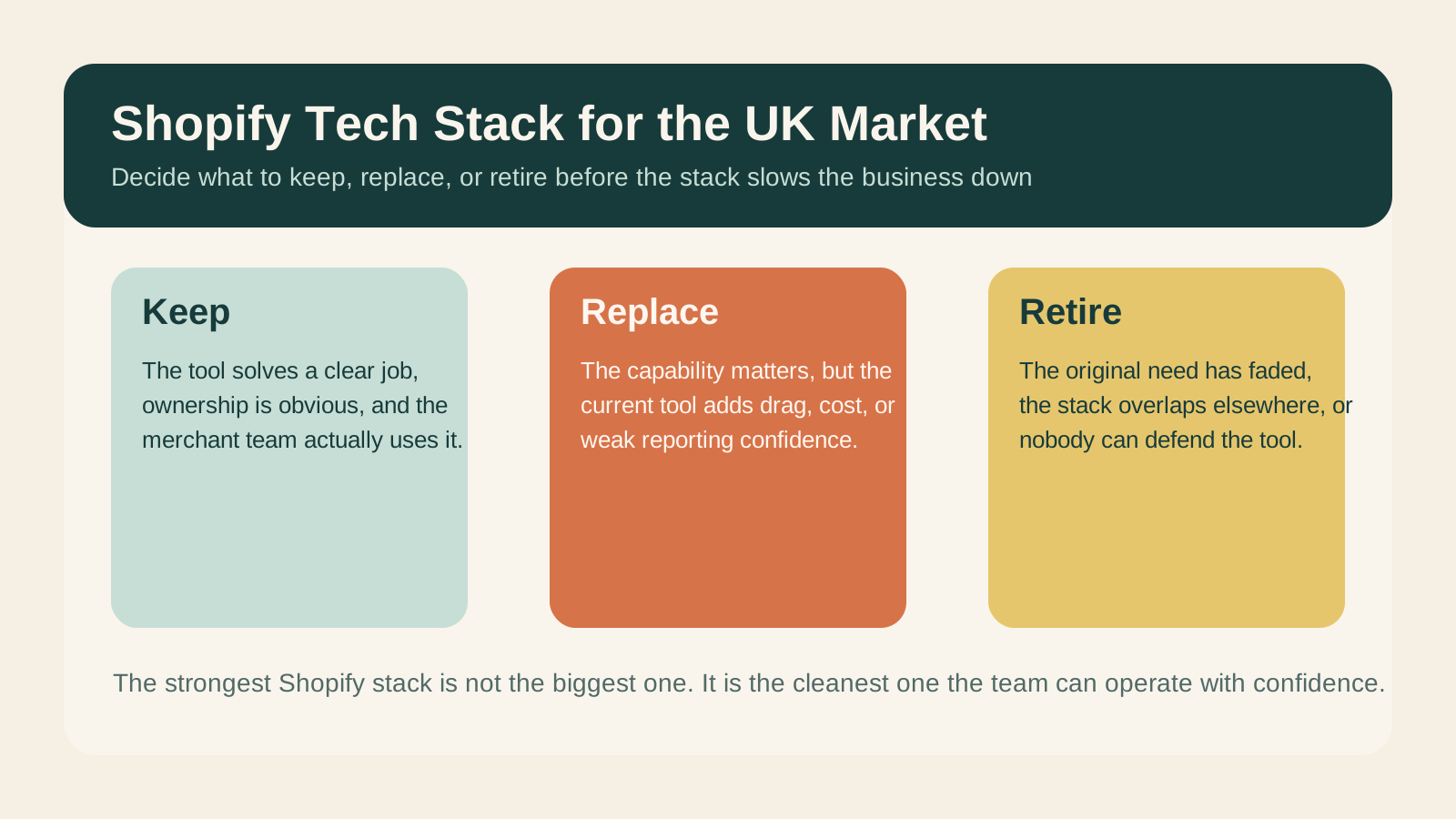
This is why the best stack is rarely the biggest one. Shopify teams in the UK often benefit more from cleaner architecture than from more tooling.
The common UK-market stack mistakes
Too many overlapping conversion tools
We often see multiple popup layers, product-recommendation tools, landing-page builders, and review widgets trying to influence the same customer journey. The result is usually slower pages, less coherence, and harder debugging.
Marketing systems disconnected from storefront reality
Retention, paid landing pages, and merchandising can become siloed. The stack looks complete on paper, but the shopper experience feels inconsistent.
Support and post-purchase tools added without journey ownership
Tracking, returns, helpdesk, and claims tools may all be present, but nobody owns how they fit the customer experience end to end.
Reporting confidence diluted by fragmented event logic
If too many platforms write overlapping events or use inconsistent definitions, the team loses trust in the data and starts making weaker decisions.
A keep-replace-retire decision model
StoreBuilt uses a simple rule for stack cleanup.
Keep a tool when:
- it solves a clear problem better than native Shopify can
- ownership is clear
- operational dependency is justified
- the merchant team actively uses it
Replace a tool when:
- it is still useful, but the current option creates more friction than value
- the same capability is handled better elsewhere
- support or reporting confidence has weakened
Retire a tool when:
- it duplicates another system
- the original use case is no longer relevant
- the team is paying for optional complexity rather than real leverage
Tech-stack evaluation table
| Stack layer | Keep when | Replace when | Retire when |
|---|---|---|---|
| Search and merchandising | It materially improves discovery | Native or simpler tools now fit better | It duplicates existing collection control |
| Reviews and trust | It powers real proof and conversion support | Display or moderation is weak | It adds widget clutter with low value |
| Retention | It supports flows, segmentation, and revenue clearly | Team outgrew current logic | It overlaps with another lifecycle tool |
| Support and returns | It improves customer resolution speed | Workflow is fragmented | Team barely uses it |
| Reporting | Definitions are trusted and stable | Attribution logic is unreliable | It creates more noise than insight |
| Ops integrations | It reduces manual work materially | Sync or ownership is weak | It exists only because of past architecture |
The important point is this: stack decisions should be made by buyer journey and operational ownership, not by feature accumulation.
If your team wants a cleaner systems plan tied to real growth priorities, StoreBuilt can help.
StoreBuilt example
In one StoreBuilt review for a UK growth brand, the stack was not obviously broken. Orders flowed, campaigns launched, and dashboards existed. But almost every new initiative was slower than it should have been. Multiple tools overlapped on onsite capture, merchandising control, and post-purchase communication.
The fix was not a wholesale rip-and-replace. We identified which systems were genuinely doing unique work, which should be consolidated, and which could be retired safely. That created a cleaner operating model and made future changes easier to ship.
That is the real value of stack work. It is not only cost reduction. It is decision-speed improvement.
What to review in the next 45 days
- List every customer-facing and merchant-facing Shopify app or integration.
- Mark the clear owner for each tool.
- Identify overlap in conversion, retention, support, and reporting layers.
- Review whether the current app stack supports your next trading priorities or only your past ones.
- Cut or consolidate any layer where ownership and commercial value are both weak.
If your stack has grown faster than your operating discipline, Contact StoreBuilt.
High-intent AI search implementation layer
The AI-search version of this topic is not just “write more content”. A useful answer engine result needs a page that gives a direct answer, proves the claim, and shows the next operational step inside Shopify.
| Area | StoreBuilt implementation check |
|---|---|
| Primary intent | The page should map to ecommerce tech stack shopify uk and one clear buyer or operator problem, not a vague traffic topic. |
| Shopify surface | Identify whether the work belongs on a collection, product page, theme section, checkout step, app workflow, email flow, or support process. |
| Proof | Add first-hand observations, product/category examples, screenshots, policy notes, review signals, or trustworthy external sources where they make the advice safer. |
| Internal route | Link the reader to the service most likely to solve the issue: Apps, integrations and automation. |
| Measurement | Check Search Console, analytics, assisted conversions, enquiry quality, and AI-response mentions after the update rather than judging success by pageviews alone. |
For this article, the useful research inputs are: UK ecommerce platform SERPs, StoreBuilt platform-selection reviews, Shopify operating constraints, and cost/risk signals. StoreBuilt would prioritise app stack decisions, integration logic, automation, data flow QA, and operational reliability before expanding into broader supporting content.
If this topic maps to a live store problem, review the related StoreBuilt service or Contact StoreBuilt with the store URL and the issue you want fixed.
Final StoreBuilt point of view
For UK Shopify teams, the best ecommerce tech stack is rarely the one with the most logos attached to it. It is the one that gives the team clearer ownership, cleaner execution, and fewer hidden frictions across the storefront, operations, and reporting layers. Simpler, when designed properly, is often more commercially powerful than bigger.