
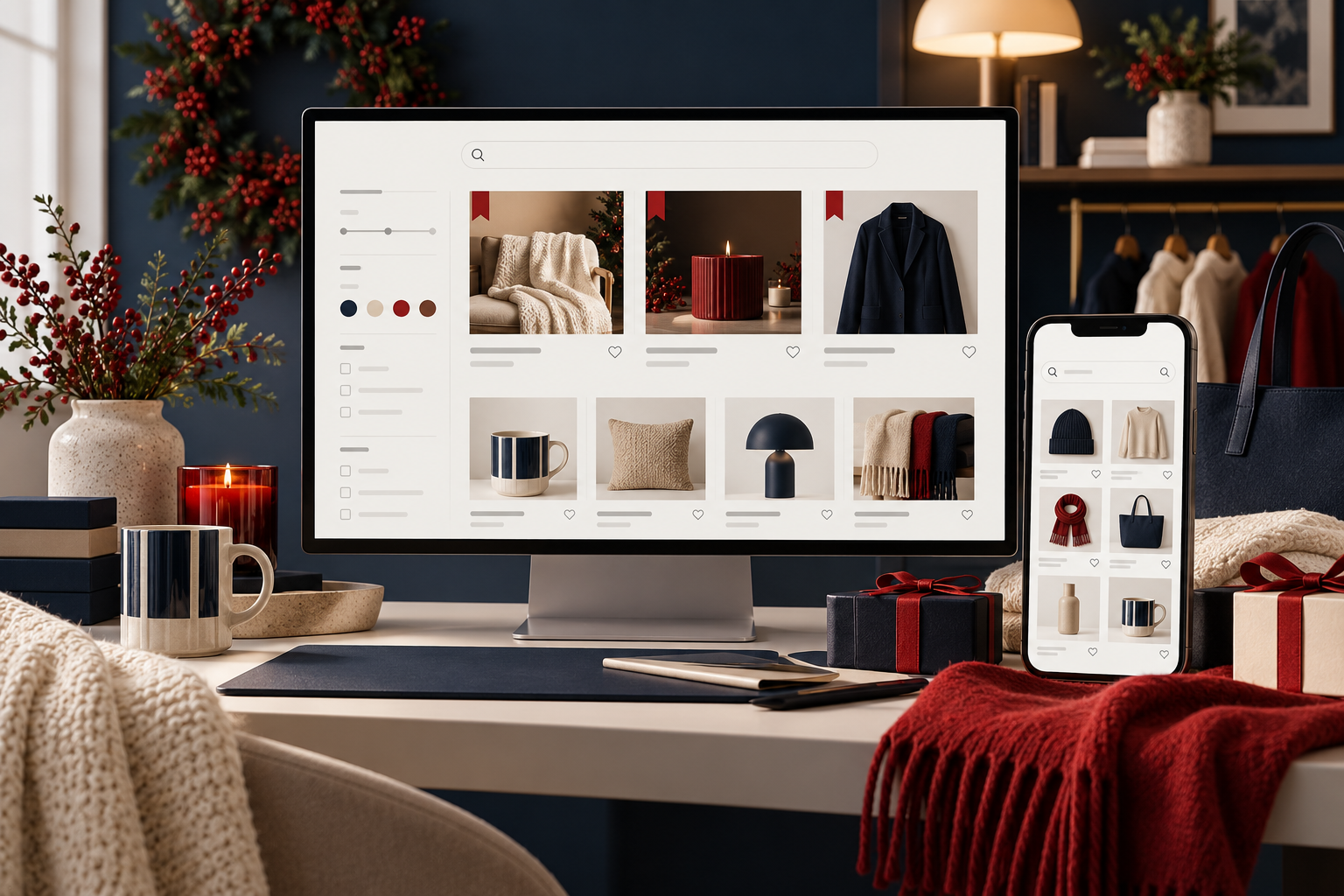
What we have seen is this: on-site search is often judged only when it breaks completely. But it quietly reveals the language customers use, the products they cannot find and the merchandising decisions the navigation did not solve. A well-run Shopify search experience can recover uncertain shoppers; an ungoverned one can turn high-intent demand into an empty page.
Explore Shopify CRO and product-discovery optimisation.
Table of contents
- Keyword decision
- Build a search-term operating rhythm
- Make catalogue data findable
- Use synonyms and rules with restraint
- Design zero-result recovery
- Merchandise seasonal intent honestly
- Measure relevance, not just usage
- StoreBuilt point of view
Keyword decision
Primary keyword: Shopify searchandising. Secondary intents include ecommerce site-search optimisation, Shopify search relevance, search synonyms and zero-result recovery. The intent is practical conversion work for operators with enough catalogue scale that navigation alone no longer resolves every need. It is distinct from StoreBuilt’s existing broad Shopify SEO and site-search content by focusing on the trading controls behind internal search.
Competitor guides often recommend “improving search” without an ownership model. The useful differentiation is a repeatable UK ecommerce workflow: review demand, validate product data, publish a rule, monitor it, then retire it when the campaign changes.
Build a search-term operating rhythm
Review a manageable set of terms regularly: highest volume, highest zero-result rate, high exits, misspellings, internal jargon, seasonal queries and terms that lead to support contacts. Assign an owner who can decide whether the answer is a synonym, a product-data fix, a collection, a content page, an availability message or deliberately no result.
Keep a simple rule register. It should show the term, customer intent, action, owner, date added, expiry date and validation notes. Without it, old Christmas pins and discontinued-product synonyms quietly distort results months later.
| Search signal | Likely issue | First response |
|---|---|---|
| High zero results | Missing synonym or unavailable demand | Check exact phrase and catalogue coverage |
| Results but high exits | Weak relevance or poor product-card detail | Review the first screen on mobile |
| Repeated misspelling | Customer vocabulary mismatch | Add a narrow, tested synonym |
| Seasonal surge | Temporary demand | Create time-bounded rule and expiry |
| Generic query | Navigation problem | Improve category or guide pathway |
Make catalogue data findable
Search cannot retrieve attributes that live only in a buyer’s head. Ensure product names, types, tags, variant values, materials, dimensions and compatibility information use a consistent vocabulary. Do not use a synonym to hide a deeper catalogue problem. If customers call an item “sofa bed” and the catalogue calls it “occasional sleeper”, that is an information-architecture decision, not just a search setting.
Audit results for availability and variant correctness. A search result that promotes a sold-out colour, discontinued bundle or region-restricted item is a costly dead end. Where relevant, include useful category or buying-guide results alongside products, but label them clearly so customers understand the difference.
Use synonyms and rules with restraint
Good synonyms reflect genuine customer language: pluralisation, regional terms, common abbreviations and product-family vocabulary. Bad synonyms are broad guesses that cause false matches. Test each rule against a shortlist of queries and inspect the first results rather than assuming a configuration screen proves relevance.
Manual ranking should have a declared reason: a starter product, a reliable seasonal bestseller, a clearance item where the query is relevant, or an in-stock alternative. Never use it to bury a more relevant product solely because it is inconvenient commercially. That strategy may create a click today and a return tomorrow.
An anonymous retailer found that its most searched term was a material nickname customers used in social content. A precise synonym surfaced the correct collection, while a broad attempt to match “soft” overwhelmed results with unrelated products. The difference was a measured rule rather than a creative guess.
Design zero-result recovery
Zero results are not a dead end; they are a request for help. Offer alternative spellings, a direct route to relevant collections, popular categories and a way to ask about an item or subscribe for availability when that is operationally supported. Do not pretend that a vague assortment is an exact result.
Log every recurring zero-result term. It may expose demand for an item you do not stock, a missing content page, poor naming or a supplier opportunity. Review customer-service evidence before committing stock or an expensive new category.
Ask StoreBuilt to turn your search report into a practical Shopify discovery backlog.
Merchandise seasonal intent honestly
Seasonality is where search rules can help most and age fastest. Create launch and expiry dates for seasonal pins, gift edits and campaign redirects. Check stock, lead times and promotional eligibility before highlighting an item. A customer who searches for a gift near a delivery cut-off needs clear options, not an attractive result that cannot arrive.
Coordinate with paid media and email teams. If a campaign drives a term the store cannot resolve, the landing-page and search experience should be fixed before spend scales.
Measure relevance, not just usage
Track search refinement, result click-through, product-view continuation, add-to-cart rate, conversion, zero-result rate and assisted revenue with appropriate attribution caution. Segment by device and term type. Qualitative review matters too: a high click-through rate can hide customers opening several wrong products.
Test a sample of important searches in a fresh session after catalogue imports, app updates and seasonal rule changes. Internal search is a customer-facing production system, not a one-time configuration task.
StoreBuilt point of view
Searchandising is merchandising with receipts. Every rule should have a customer reason, an accountable owner and a review date. We prefer a smaller number of validated improvements to a maze of clever settings that nobody dares to remove. When search becomes trustworthy, it also becomes one of the clearest signals of what the business should improve next.
A weekly search-quality routine
Set aside a short recurring review with ecommerce, merchandising and customer-service input. Pull the top searches, terms with no results, terms with high exits, newly popular language and any queries connected to campaigns. For each, decide whether the right answer is a data correction, synonym, collection, merchandising rule, availability message or no action. Record the decision and when it should be revisited.
QA changes in a fresh session on mobile and desktop. Check not only the exact query but nearby variants and the first page of results. Ensure filters, sort order and product cards still reflect live stock and promotion conditions. Then look for unintended effects: a broad synonym can improve one phrase while damaging another, and a seasonal pin can make evergreen queries less relevant.
Use a retirement date for every temporary rule. When campaign demands change, remove the intervention deliberately and compare the result with the prior period. This operational hygiene gives a Shopify store the freedom to be responsive without making internal search a mystery box.
Keep one escalation path for “I cannot find it” customer contacts. A tagged support conversation can identify a missing synonym, confusing product name or stock issue long before a monthly report has enough volume to surface it. Close the loop with the team that raised it so staff know when the search experience has changed.
Where an item is intentionally not sold, teach search to be helpful without pretending otherwise. A clear alternative category, compatible accessory or polite contact route protects trust better than a misleading exact match. Capture these decisions in the rule register, particularly when products are discontinued or supplier ranges change.