
What we have seen in Shopify migrations is this: teams often measure the launch after the move, but fail to capture a clean baseline before the move. That makes every post-launch discussion harder. Was traffic down because of redirects? Was conversion down because the new PDP changed? Did revenue shift because of seasonality, stock, pricing, tracking, or checkout?
This guide explains the KPI baseline UK ecommerce teams should capture before moving to Shopify or Shopify Plus. If your replatform project needs a measurement plan before build starts, Contact StoreBuilt.
Table of contents
- Keyword decision and research inputs
- Why the baseline matters
- Baseline table
- SEO baseline
- Commercial and conversion baseline
- Operational baseline
- Anonymous StoreBuilt example
- StoreBuilt point of view
Keyword decision and research inputs
| Decision | Direction |
|---|---|
| Primary keyword | Shopify migration KPI baseline |
| Secondary keywords | Shopify migration metrics, ecommerce replatforming KPIs, Shopify migration UK, migration measurement plan |
| Search intent | Prepare a measurable migration plan before changing ecommerce platforms |
| Funnel stage | Bottom |
| Page type | Migration planning guide |
| Why StoreBuilt can win | StoreBuilt can turn migration risk into a practical baseline covering SEO, CRO, analytics, finance, fulfilment and customer experience |
Research inputs used: current UK replatforming SERP patterns, competitor Shopify migration content from agencies including Charle and Swanky, Google Search Central migration and ecommerce-structured-data principles, Shopify Plus launch and custom-data considerations, and a duplicate-risk pass against StoreBuilt migration, SEO migration monitoring and replatforming business-case articles.
Why the baseline matters
A migration changes several systems at once:
- URLs
- templates
- checkout
- product data
- collection structure
- tracking
- apps
- feeds
- content
- customer account flows
- fulfilment workflows
Without a baseline, post-launch diagnosis becomes opinion-led. One stakeholder may blame SEO, another may blame paid media, another may blame the new design. A baseline lets the team separate normal volatility from launch-related issues.
The baseline should be captured before design decisions are locked, not the week before launch.
Baseline table
| Area | Pre-migration baseline | Why it matters after launch |
|---|---|---|
| Organic search | Top pages, queries, rankings, clicks, impressions | Detects migration visibility shock |
| Revenue | Revenue by channel, category, product and market | Separates launch impact from mix changes |
| Conversion | Sessions, add-to-cart, checkout, purchase rate | Finds UX or checkout regressions |
| Average order value | AOV by channel and category | Reveals offer and basket changes |
| Refunds and returns | Rate, reason and category | Prevents false revenue confidence |
| Speed | Core Web Vitals and key template timings | Tracks performance improvements or regressions |
| Product data | Required fields, variants, images, feeds | Protects SEO, merchandising and AI-shopping readiness |
| Customer data | Account status, consent, segments | Supports retention and lifecycle continuity |
| Operations | Fulfilment SLA, support tickets, order edits | Shows whether the new store works operationally |
| Analytics | Event definitions and attribution settings | Prevents broken measurement comparisons |
SEO baseline
Capture the SEO baseline in enough detail to make post-launch triage possible.
Useful exports include:
- top organic landing pages
- top queries by clicks and impressions
- pages with backlinks
- pages receiving non-brand traffic
- indexed URL count
- sitemap URLs
- redirect map
- title and meta descriptions
- canonical tags
- structured-data reports
- product feed and Merchant Center issues
For ecommerce sites, Google Search Central recommends structured data and product information that helps Google understand product pages and merchant-listing eligibility. That means migration QA should include product data, not only redirects.
If the migration has SEO risk, StoreBuilt’s Shopify migrations and replatforming service should be involved before URLs are finalised.
Commercial and conversion baseline
Do not only measure traffic. Measure the store as a commercial system.
Break down performance by:
- channel
- device
- market
- customer type
- product category
- landing page type
- campaign
- discount usage
- payment method
The goal is to understand what “normal” looks like. If mobile conversion usually dips during a seasonal clearance period, you need to know that before accusing the new theme. If a category usually carries higher returns, you need to know that before judging revenue quality.
For CRO-sensitive migrations, link the migration plan to CRO and UX optimisation.
Operational baseline
Operations often reveal migration problems faster than dashboards.
Capture:
- average fulfilment time
- split shipment frequency
- cancellation rate
- order-editing frequency
- customer support volume
- top support topics
- return reasons
- payment failure rate
- fraud-review volume
- manual workarounds
This matters because a new Shopify store can look visually better while making the team’s internal work harder. If support tickets rise because product information is unclear or fulfilment rules are wrong, the launch is not healthy.
Anonymous StoreBuilt example
One migration review found that the team had a strong redirect plan but no operational baseline. After launch, support tickets increased, but no one could prove whether the issue was the new site, seasonal order volume or a pre-existing fulfilment problem.
The recommended fix for the next phase was simple: define baseline support topics, track product-page questions, connect returns to product data, and review order-editing causes. That gave the team a clearer way to prioritise fixes after launch.
High-intent AI search implementation layer
The AI-search version of this topic is not just “write more content”. A useful answer engine result needs a page that gives a direct answer, proves the claim, and shows the next operational step inside Shopify.
| Area | StoreBuilt implementation check |
|---|---|
| Primary intent | The page should map to Shopify migration and one clear buyer or operator problem, not a vague traffic topic. |
| Shopify surface | Identify whether the work belongs on a collection, product page, theme section, checkout step, app workflow, email flow, or support process. |
| Proof | Add first-hand observations, product/category examples, screenshots, policy notes, review signals, or trustworthy external sources where they make the advice safer. |
| Internal route | Link the reader to the service most likely to solve the issue: Shopify migrations and replatforming. |
| Measurement | Check Search Console, analytics, assisted conversions, enquiry quality, and AI-response mentions after the update rather than judging success by pageviews alone. |
For this article, the useful research inputs are: StoreBuilt migration QA patterns, redirect/indexation checks, Shopify platform guidance, and UK ecommerce replatforming SERPs. StoreBuilt would prioritise redirects, data migration, template parity, analytics continuity, launch QA, and post-launch monitoring before expanding into broader supporting content.
If this topic maps to a live store problem, review the related StoreBuilt service or Contact StoreBuilt with the store URL and the issue you want fixed.
StoreBuilt point of view
Our view is that a migration without a baseline is not a controlled project. It is a redesign with a hope that the numbers will explain themselves later.
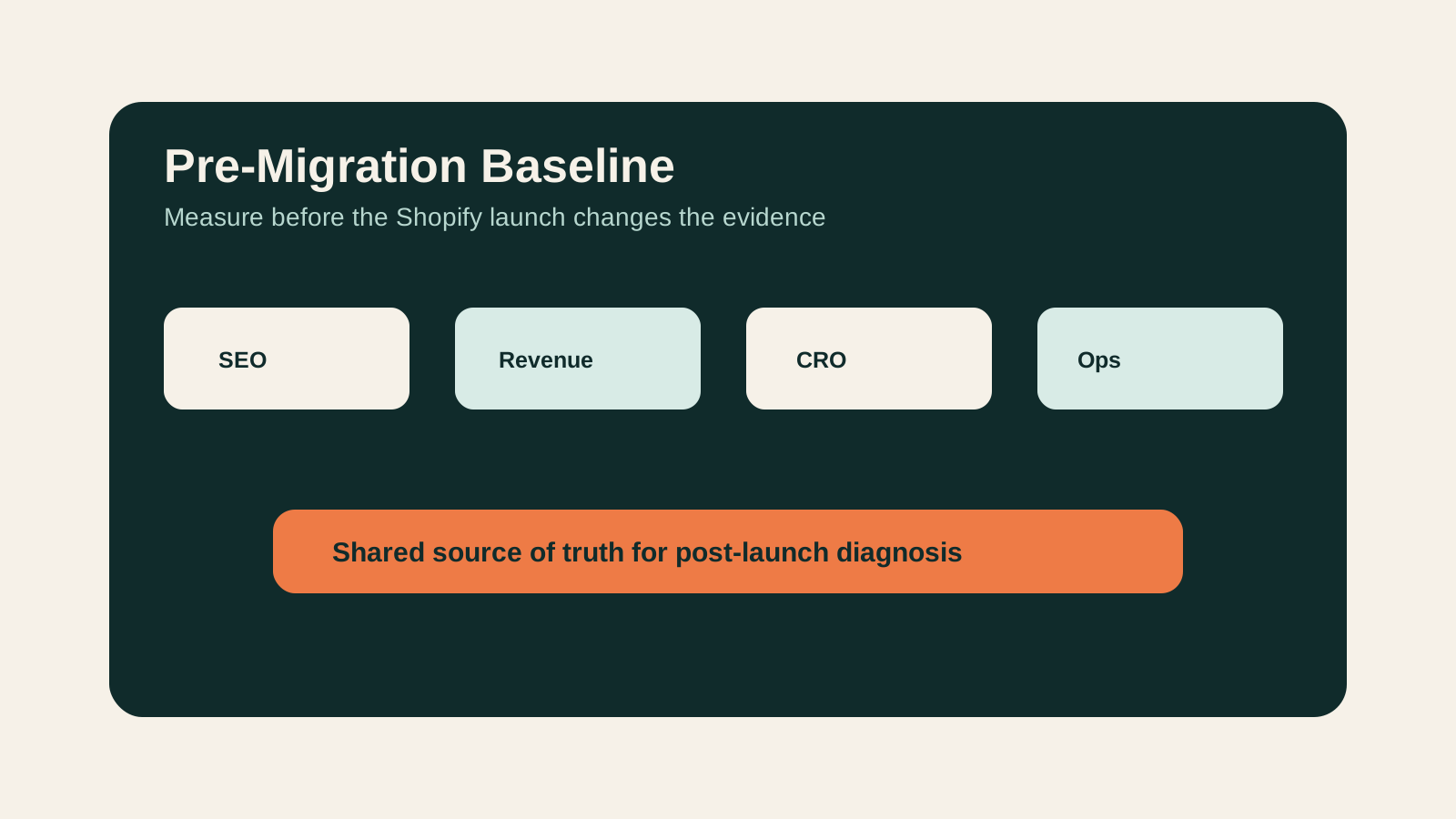
The right baseline gives the team a shared language for launch quality. SEO can see whether signals transferred. Ecommerce can see whether conversion changed. Operations can see whether order handling improved or worsened. Finance can see whether revenue quality held.
Before moving platforms, measure the store you already have. It is the only way to judge whether the new Shopify store is actually better.
For a pre-migration audit and KPI baseline, request a free Shopify audit.