
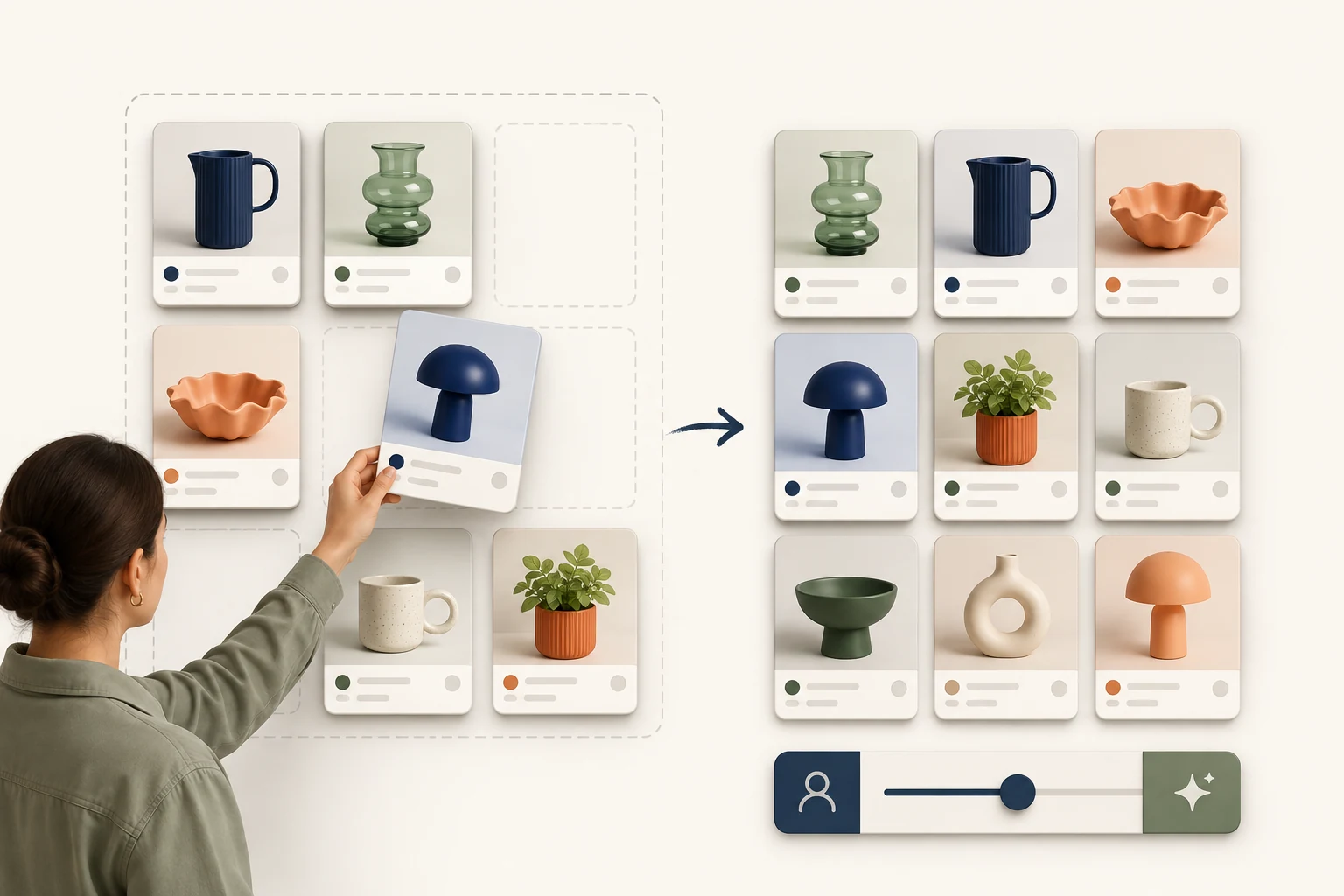
StoreBuilt reviewed Shopify’s collection-template reference for this troubleshooting guide. It separates a collection’s default order from an order requested through the URL. That distinction provides a better starting point than repeatedly changing the admin setting and hoping the storefront catches up.
When Shopify sort order is not working, first define the mismatch precisely. Does the dropdown show one choice while the products follow another, or does a shared link deliberately request a different order? This guide is for UK ecommerce teams diagnosing behaviour; it complements the separate collection merchandising strategy rather than choosing which products should lead.
Contact StoreBuilt with a reproducible collection-sorting example.
Table of contents
- Capture the mismatch before changing settings
- Follow the four states that should agree
- Isolate theme and app ownership
- Reproduce a stale-grid example
- Test sorting with the rest of the collection journey
- Fix the responsible layer and verify the release
- StoreBuilt point of view
Capture the mismatch before changing settings
Open the affected collection as a customer would and save the full URL. Record the selected sorting option and the first several product identifiers. A screenshot of the dropdown is useful, but a list of recognisable products is what lets another person compare the actual grid.
Then write the expected result. “The collection should be manual” is different from “Choosing price low to high should reorder the grid.” The first concerns the starting state; the second concerns an interaction. Mixing them can send troubleshooting towards the wrong layer.
Check whether the report refers to an admin product list, a collection page, a homepage collection section or a search-results page. These are different contexts. A successful change in one does not prove that another uses the same settings or data source.
Avoid bulk product edits while gathering evidence. Renaming items, changing publication dates or moving the whole collection can obscure the original problem. Start with a small set of stable products whose intended ordering is easy to recognise.
Follow the four states that should agree
Shopify’s collection template documentation describes the sort_by URL parameter and using the collection’s current sort with its default as fallback. That is the reference point for a theme implementation, although installed apps may manage their own grids.
| State | What to record | Typical mismatch |
|---|---|---|
| Collection default | saved starting order | different collection inspected |
| Requested order | full URL and parameters | old shared link retains a choice |
| Visible control | selected dropdown label | label never updates |
| Product grid | ordered product identifiers | stale response replaces new one |
| Follow-on navigation | filter and page state | sorting disappears after interaction |
Begin with a clean collection URL, then repeat with an explicit sort choice. The clean URL tests the default journey. The explicit URL tests a requested order. Record both results instead of treating one as a substitute for the other.
If the page contains several product grids, identify the one the control is intended to update. A featured collection near the footer may remain unchanged while the main collection sorts correctly. A clear reproduction should distinguish the target grid from unrelated page sections.
Isolate theme and app ownership
Map which system renders the product tiles, which creates the sorting control and which intercepts the interaction. A theme might provide the initial HTML while a search or merchandising app replaces the grid after load. In that case, the first visible state and the settled state can differ.
Observe the page from initial load through completion. If the products briefly appear correctly and then change, record that sequence. It suggests a different investigation from a server-rendered grid that is wrong immediately, although the exact cause still needs inspection.
Use an unpublished theme copy or controlled staging configuration to isolate customisations. Change one relevant integration at a time and repeat the same sample. Disabling several apps together can identify a broad dependency but leaves the responsible behaviour uncertain.
Do not remove a production integration simply to test a theory during active trading. A search app may also own filters and recommendations. Our Shopify development service can help isolate the interaction while preserving the wider shopping journey.
Reproduce a stale-grid example
Imagine a homewares collection with twelve recognisable products. A shopper selects price ascending and quickly applies a material filter. The dropdown still says price ascending, but the returned products appear in the previous order. This is an illustrative failure scenario, not a claimed client incident.
Record the exact sequence and repeat it slowly. If it works slowly but fails with quick interactions, inspect the requests and response order. An earlier response arriving later is one possible explanation; the test should establish whether that actually happens rather than assuming a race condition.
Now reload the resulting URL. If a full reload produces the expected grid, the saved request state and the dynamic update behaviour may differ. If the reload is also wrong, inspect whether the request contains the intended sort and whether the rendering layer honours it.
Finally use browser Back and Forward. The visible control, URL and products should remain coherent as navigation restores earlier states. A fix that handles the first click but breaks history navigation is incomplete for customers comparing several filtered views.
Test sorting with the rest of the collection journey
Create a short matrix covering the most important interactions. Use products with clearly different prices and names, plus enough items to exercise pagination. Equal values can make a valid ordering look suspicious, so avoid relying on tied products as the only evidence.
| Journey | Check | Passing evidence |
|---|---|---|
| Clean URL | default, label and products | all describe the same order |
| Explicit sort link | requested choice survives load | URL and grid agree |
| Sort then filter | combined state | both choices remain applied |
| Filter then sort | equivalent intended state | no filter silently removed |
| Next page or load more | ordering continuity | no reset or unexpected duplication |
| Browser history | restored state | control and grid stay coherent |
Test mobile separately, including any drawer-based filters or a different sort control. A desktop dropdown and a mobile sheet can use separate event handling. The same visual label does not prove they share the same implementation.
Include language or market routes that materially change catalogue visibility. Do not compare product positions across two different visible ranges and conclude that sorting is broken. First establish which products are eligible to appear in each route.
For pagination behaviour, use the separate collection pagination guide. Here, the acceptance question is whether the selected order persists through the page-loading method already chosen by the store.
Fix the responsible layer and verify the release
Once the mismatch is isolated, keep the repair scoped to its cause. A lost URL parameter, an incorrect selected label and a stale request need different changes. Rewriting collection strategy will not repair a dropdown that updates only its own appearance.
Retain the original reproduction as the release check. Compare the same URL, products and sequence before and after the change. Save enough evidence that another colleague can repeat the check without interpreting a developer’s explanation.
Verify the published theme and production app configuration after release. Preview success is useful, but cached assets, publication differences or environment settings can affect the live result. Check the ordinary clean-URL journey as well as the previously failing combination.
Monitor reports for a defined period and classify any remaining failures. If only one collection is affected, inspect its data and configuration before broadening the fix. If several collections fail through the same mobile control, investigate that shared path. This keeps follow-up work tied to evidence.
StoreBuilt point of view
Sorting should be explainable from the customer’s request to the products on screen. The most valuable diagnostic artifact is a compact reproduction showing where those states stop agreeing.
We would fix that mismatch before debating whether best-selling or manual order is commercially stronger. Once the control behaves reliably, the trading team can experiment with merchandising choices and trust that customers actually see the intended experience.
Contact StoreBuilt for a focused collection sorting diagnosis.