
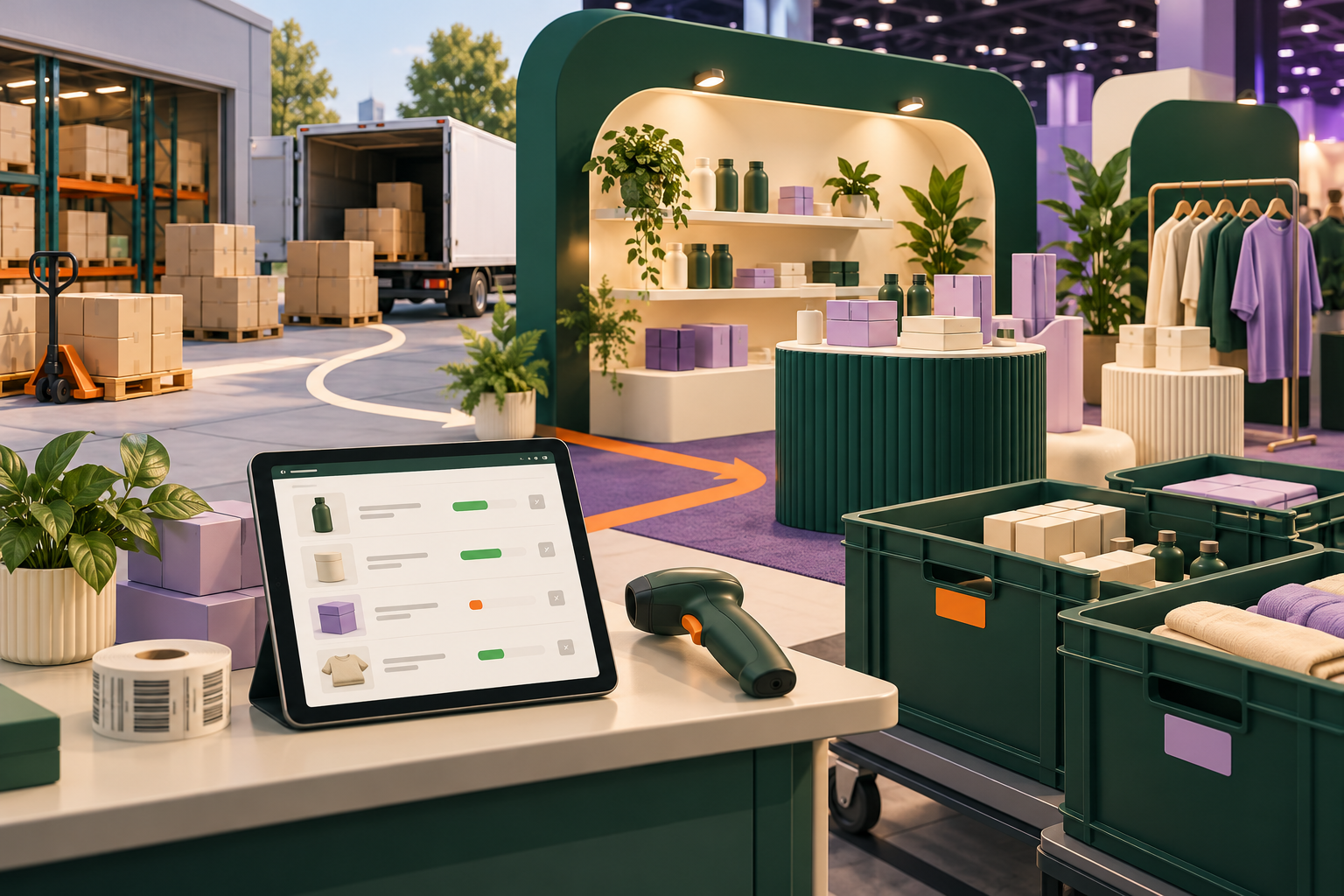
What we have seen is this: a pop-up or trade show can create valuable customer insight and sales, yet the stock movement is often managed outside the ecommerce operating model. That is how a successful event turns into online oversells, unclear cash reconciliation and a Monday-morning inventory mystery.
This guide addresses Shopify trade-show inventory for UK ecommerce teams. The principles also apply to temporary retail, markets and showroom events.
In this guide
- Treat an event as a stock movement
- Choose the sales and availability model
- Run a calm event checklist
- Reconcile before normal trading resumes
- StoreBuilt point of view
Treat an event as a stock movement
Name an owner before boxes leave the warehouse. Record the event, dates, SKUs, quantities, condition, source location, person accepting custody and customer-facing availability rule. A manual count is not old-fashioned when it creates a trustworthy handover; it is a control that gives the Shopify record context.
| Decision | Question | Failure if skipped |
|---|---|---|
| Allocation | What quantity can leave online fulfilment? | Website sells a unit on the event table |
| Location | Where will the system and staff consider it held? | Stock disappears into an undefined bucket |
| Payment | How will sales and refunds be recorded? | Finance cannot reconcile event takings |
| Return | Who counts and receives unsold stock? | Damaged or missing items return as sellable |
Shopify’s inventory and fulfilment documentation is a useful platform reference, but the business must still decide who owns each event exception. An anonymised StoreBuilt operations review found a team had accurate point-of-sale sales but no agreed rule for display units, customer exchanges or samples. The outcome was not a technical problem; it was an unowned category of stock.
Choose the sales and availability model
Decide whether the event sells from a dedicated location, an allocated pool or a controlled offline list. The model should match the reliability of your connectivity, scanning, payment workflow and staff training. Do not promise live stock accuracy to customers if the event process cannot maintain it.
| Model | Strength | Watch-out |
|---|---|---|
| Dedicated event location | Clear separation and better reconciliation | Needs setup, staff access and tested transfers |
| Pre-allocated stock | Simple for a small event | Online availability must be protected |
| Order capture only | Useful for large or made-to-order goods | Customer needs honest lead-time communication |
Test what a customer sees online while event stock is away. Check product pages, collection badges, back-in-stock messaging and any marketplace or feed connection. Check what an event buyer receives too: receipt, dispatch expectation, return route and permissioned marketing communication should not depend on staff memory.
Contact StoreBuilt to map a Shopify and temporary-retail workflow before your next event.
Run a calm event checklist
Keep the checklist specific enough to use under pressure: count-out signed, device charged, payment and refund path tested, barcode or SKU lookup checked, display-unit rules stated, daily count owner named, damaged-stock container ready and customer support contact visible. Confirm which changes require a live Shopify update and which should be noted for reconciliation.
Do not layer a new app or unfamiliar process onto the busiest trading day without a rehearsal. A controlled dry run with representative products and a refund scenario can expose more than a vendor demo. Our Shopify store design and development service can help connect the event experience to the customer journeys that continue online.
Reconcile before normal trading resumes
Count returns by SKU and condition, compare them with opening allocation and recorded sales, then resolve the difference while people still remember the event. Separate sellable stock, display units, damage, samples and customer returns. Update the right system records, note the cause of discrepancies and restore online availability only when the stock promise is safe.
Review what the event taught you: questions customers asked, products they could not find, variants that caused hesitation and fulfilment promises that need improvement. Physical retail is a rare chance to hear the friction directly; capture it before it turns into a forgotten anecdote.
StoreBuilt point of view
The aim is not to make a trade show feel like a warehouse. It is to let the brand sell confidently in person without breaking the online promise. Clear allocation, a usable checklist and fast reconciliation give an event team freedom to focus on customers instead of apologising for stock.
Request a free Shopify audit to review inventory, customer promise and operational risk across your sales channels.