
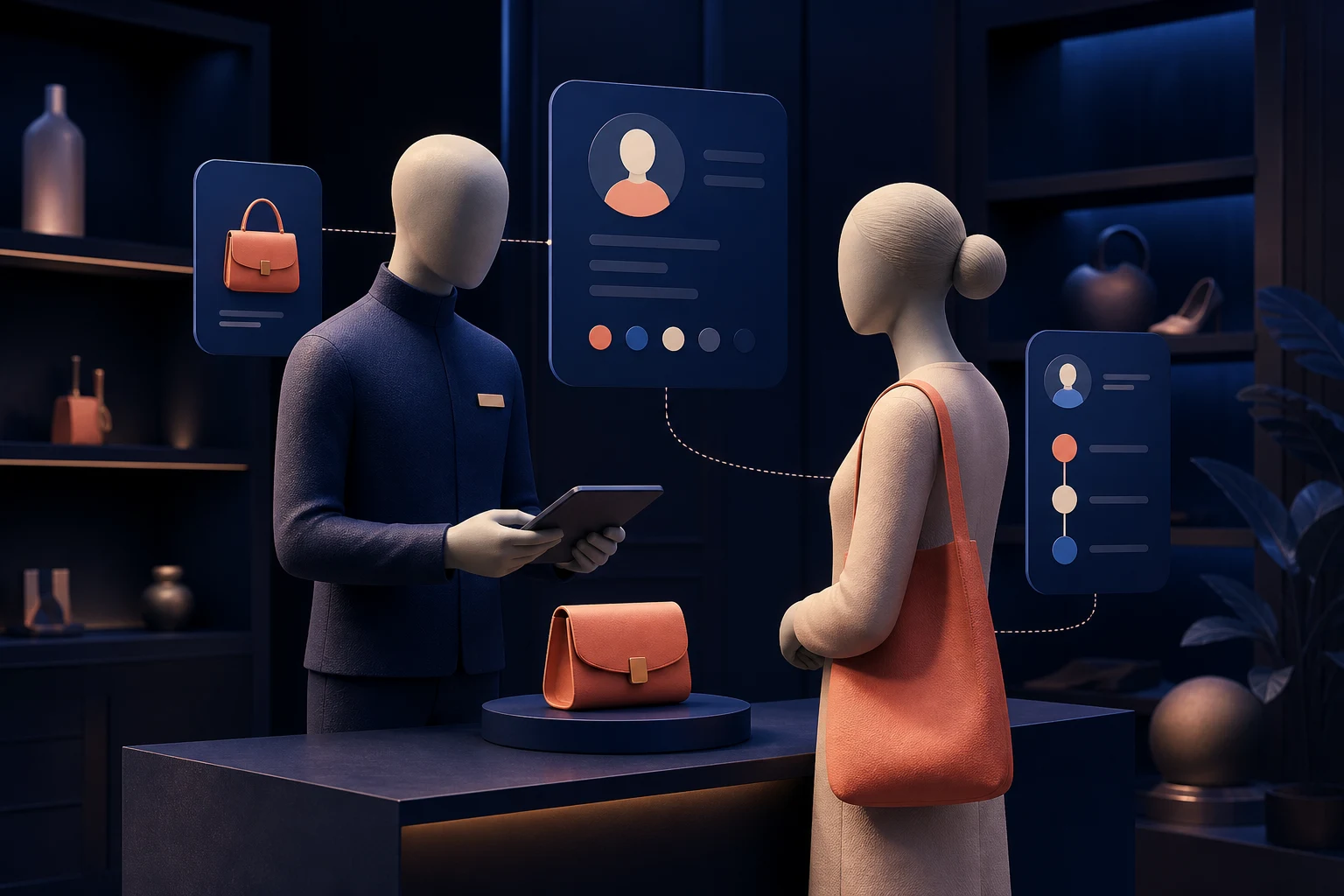
What we have seen is this: clienteling programmes often begin by collecting more customer data and end with associates ignoring it. A profile can contain order history, tags, notes and preferences, yet still fail to answer the only useful question on the shop floor: what would help this customer now?
Shopify POS can connect in-store transactions with customer profiles and online order history. Shopify’s current guidance also describes profile fields, customer metafields and POS extensions. That foundation is valuable, but clienteling is an operating behaviour before it is a software category.
Table of contents
- Keyword decision
- Define the service moments
- Design a minimal customer profile
- Build the associate workflow
- Protect consent and data quality
- Measure a store pilot
- StoreBuilt point of view
Keyword decision
| Decision | Direction |
|---|---|
| Primary keyword | Shopify POS clienteling UK |
| Secondary keywords | retail clienteling software, Shopify customer profiles, assisted selling retail |
| Search intent | Evaluate or implement personalised retail service |
| Funnel stage | Strategy and solution evaluation |
| Page type | Omnichannel operating guide |
| Why StoreBuilt can win | The topic requires Shopify, POS, customer data, UX and integration experience |
Current results define clienteling or compare software. The practical gap is how a UK retailer turns Shopify profile data into a repeatable associate workflow. This guide supports StoreBuilt’s Shopify Plus and B2B service and wider omnichannel delivery work.
Define the service moments
Start with situations where context changes the quality of service. Do not begin with a list of fields.
| Service moment | Useful context | Helpful action |
|---|---|---|
| Returning customer enters | Recent purchases and open issue | Acknowledge the issue before recommending |
| Size or fit discussion | Consented fit preference and returns | Suggest relevant options, not a fixed label |
| Product unavailable | Wishlist or requested specification | Locate stock or arrange follow-up |
| High-consideration purchase | Prior consultation notes | Continue the conversation without repetition |
| Post-visit follow-up | Explicit request and preferred channel | Send the promised item or appointment link |
Choose two or three moments for a pilot. “Personalise every interaction” is too broad to train or measure. A better goal is “help associates continue high-consideration conversations across store and online without asking customers to repeat themselves.”
Clienteling is not only for luxury. Furniture, beauty, specialist sport, jewellery, home improvement and technical products all involve decisions that benefit from continuity. The level of profile detail should reflect the value and sensitivity of the service.
Design a minimal customer profile
Shopify customer profiles can contain contact details, notes, tags and custom metafields. Store only data with a defined owner, purpose and freshness rule.
Separate facts from observations. “Purchased size 10 twice” is an order fact; “prefers relaxed fit” is a useful but changeable preference; “difficult customer” is subjective and inappropriate. Use controlled values where reporting matters, and free text only where nuance is genuinely necessary.
An anonymous StoreBuilt discovery found that useful customer context lived in personal staff messages, while Shopify held only transactions. When an associate was away, the relationship effectively disappeared. Moving a small set of agreed preferences and follow-up states into shared, permissioned fields created continuity without trying to turn every conversation into permanent data.
Identity quality is fundamental. If staff create a new profile without searching, the same person can have separate online and store histories. Define how email, phone and Shop-linked details are captured, when profiles are merged and who corrects mistakes.
Build the associate workflow
The workflow must fit the pace of a real store. Ask staff to identify or invite the customer at a natural moment, not make profile capture a barrier at the door. The value exchange should be clear: a digital receipt, easier returns, saved preferences or a promised follow-up.
Design three actions:
- Recognise: find the correct profile and scan relevant context quickly.
- Serve: use that context to solve the present need, without making the interaction feel monitored.
- Continue: record an agreed next step with owner and due date.
Avoid unowned notes such as “call next week.” A task needs a named colleague or team, deadline, channel and completion state. If external clienteling or CRM software creates the task, define which system owns status and how Shopify displays the result.
Shopify POS UI extensions can surface useful information within customer details, but screen space is scarce. Prioritise the next best action, open service issues and relevant preferences. A dense dashboard will slow the associate and expose unnecessary data.
StoreBuilt’s Shopify integrations, automation and data service can connect POS, CRM, helpdesk and messaging while preserving a clear source of truth.
Contact StoreBuilt if your customer profiles exist but do not yet improve in-store service.
Protect consent and data quality
This is operational guidance, not legal advice. Work with appropriate privacy advice for your business. Collect only what is necessary, explain the purpose and respect marketing preferences. A note from a service conversation is not automatic permission for promotional messaging.
Use role-based access. Not every colleague needs every field. Define retention for preferences, consultation notes and inactive tasks. Provide a correction route when a customer or colleague spots an error.
Train for human judgement. Associates should not reveal sensitive profile information aloud, make assumptions from purchase history or use personal data in a way that surprises the customer. Clienteling should feel like continuity of service, not surveillance.
Audit stale and low-quality data monthly during the pilot. Track duplicate profiles, blank owners, overdue tasks, invalid contact details and fields nobody uses. Remove data that does not earn its place.
Measure a store pilot
Run the pilot in one or two stores with a small trained group. Establish a baseline for profile attachment, high-consideration conversion, follow-up completion and repeat visits. Measure opt-outs and data corrections as seriously as sales outcomes.
| Metric | What it reveals |
|---|---|
| Correct profile attachment | Whether identity capture works |
| Follow-up completion | Whether the operating habit is real |
| Assisted conversion | Whether service moments help decisions |
| Repeat visit or purchase | Whether continuity has value |
| Duplicate and correction rate | Whether profile trust is improving |
| Opt-out or complaint rate | Whether outreach is appropriate |
Interview associates weekly. If they bypass the workflow, find the friction before adding automation. The pilot succeeds when staff can explain when to use it, customers receive the promised continuity and managers can see responsible performance.
StoreBuilt point of view
StoreBuilt believes clienteling should make service more human by giving staff useful continuity, not make the customer feel scored. A small, trusted profile connected to an owned next action beats a large customer-360 project that nobody can use at the till.
Contact StoreBuilt to design a practical Shopify POS clienteling pilot for your UK retail business.