
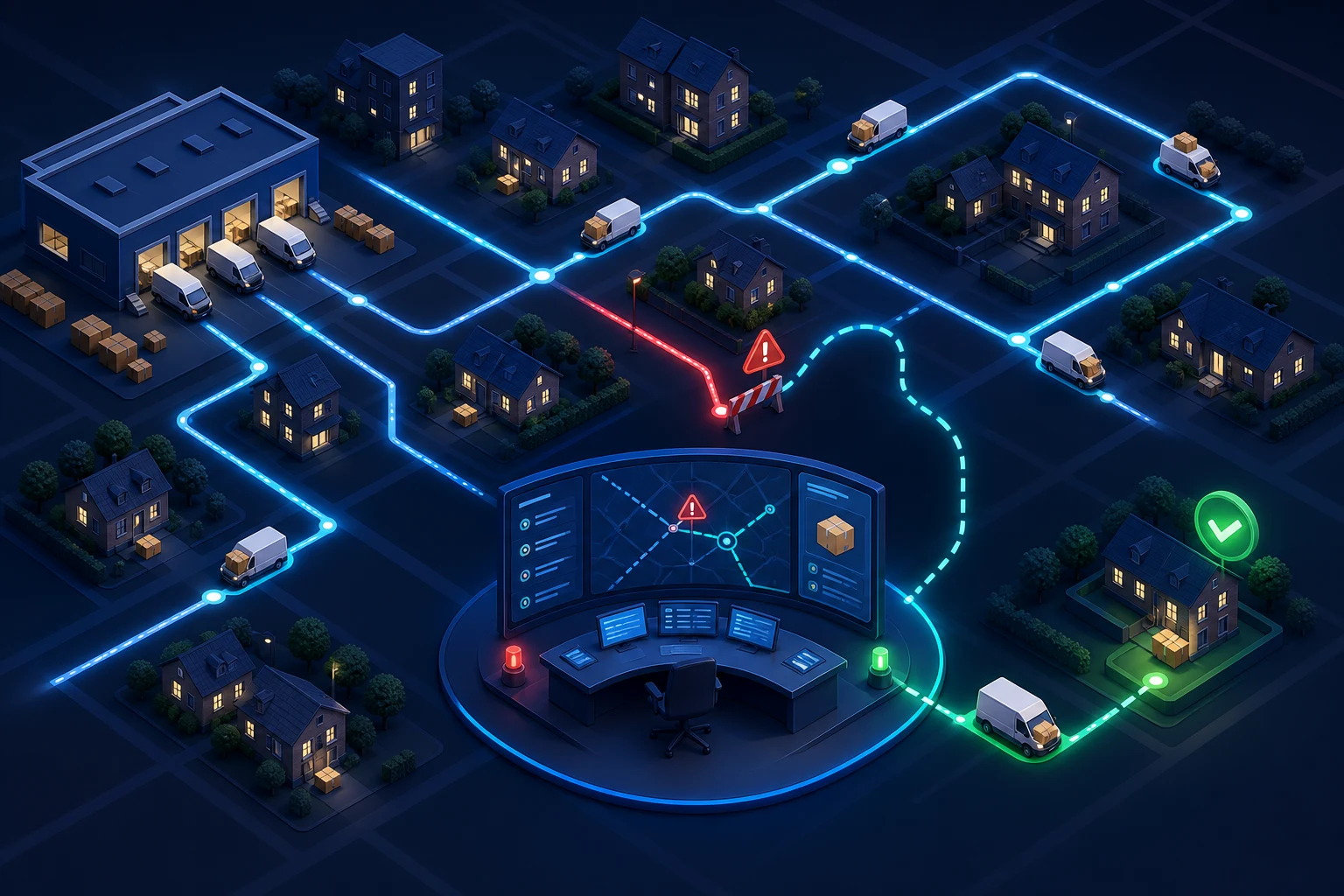
What we have seen is this: many merchants call an order complete when Shopify says “fulfilled”, even though the customer experience has only entered its most uncertain stage. A printed label can sit without a carrier scan, an address issue can age unnoticed and a collection deadline can expire while support assumes the customer is watching tracking.
Last-mile delivery exception management is the discipline of finding threatened orders early, giving each one an owner and moving it toward a clear resolution.
Table of contents
- Keyword decision
- Create a useful exception taxonomy
- Separate warehouse and carrier states
- Assign ownership and deadlines
- Communicate before customers chase
- Control replacements, refunds and claims
- Measure causes, not just delivery speed
- StoreBuilt point of view
Keyword decision
| Decision | Direction |
|---|---|
| Primary keyword | Shopify last-mile delivery UK |
| Secondary keywords | ecommerce delivery exception management, failed delivery Shopify, carrier tracking workflow |
| Search intent | Improve post-dispatch operations and failed-delivery handling |
| Funnel stage | Operational problem solving |
| Page type | Workflow and measurement guide |
| Why StoreBuilt can win | The answer connects Shopify fulfilment data, integrations, support and the customer promise |
Current results focus on logistics definitions or carrier selection. The gap is a merchant-side exception system that fits a Shopify operating model and supports Shopify CRO by protecting the trust earned before checkout.
Create a useful exception taxonomy
Carrier event codes are not a customer journey. Map them into a small set of operational states: no acceptance scan, network delay, address problem, failed attempt, collection required, damage, returned to sender and disputed delivery. Keep the original carrier event for evidence while using the mapped state to drive action.
| Exception | Customer risk | Operational action |
|---|---|---|
| No first scan | Parcel may not have left the warehouse | Check manifest, cage and carrier handover |
| Network delay | Promise likely to be missed | Monitor threshold and update customer |
| Address issue | Delivery cannot proceed | Validate and submit correction if possible |
| Failed attempt | Redelivery or collection needed | Give options and watch expiry |
| Damage | Product may be unusable | Gather evidence and decide replacement |
| Return to sender | Sale and stock are unresolved | Intercept, refund or reship by policy |
Define entry and exit conditions. “Delayed” should not remain open forever after the parcel is delivered, and a second failed attempt may need higher urgency than the first.
Separate warehouse and carrier states
Shopify fulfilment, label creation, warehouse manifest and carrier acceptance are different events. Decide which event triggers the dispatch email and which proves custody passed to the carrier. If a parcel has no first scan within the agreed window, route it for investigation.
Use timestamps in a consistent time zone and retain shipment identifiers across systems. Multi-parcel orders need line or package-level visibility; one delivered package must not close an exception on another.
An anonymous StoreBuilt review found that “late carrier collections” included parcels that had never reached the dispatch cage. The report began at label creation and blamed the carrier for internal pick failures. Adding a warehouse-ready event separated two causes and made both teams accountable.
Assign ownership and deadlines
Every exception needs an owner, next action and due time. Automation may create and enrich the case, but someone must decide when to contact the carrier, ask the customer for information, replace goods or close the incident.
Use value and context to prioritise. A temperature-sensitive parcel, a gift due tomorrow or a high-value shipment may justify earlier intervention. Do not allow VIP rules to hide a generally broken process; they should adjust urgency, not evidence.
Escalation thresholds should reflect the promised service and carrier evidence. A next-day order without an acceptance scan is different from an economy shipment moving within its window. Document weekends, bank holidays and remote-area rules.
Communicate before customers chase
Proactive communication works only when it is specific. Tell the customer what happened in plain language, whether action is required, the current option and when the next update will arrive. Avoid sending every raw carrier scan or claiming certainty the evidence does not support.
Prepare templates for delay, address confirmation, failed attempt, collection expiry, damage and return to sender. Let support adapt the tone while preserving the operational facts. Messages should link to a trusted destination and never request sensitive payment information.
If the customer must choose between redelivery and collection, capture the choice in a structured field or ticket status. An inbox reply that never reaches the carrier workflow is not a resolution.
Control replacements, refunds and claims
Define when the merchant waits, replaces, refunds or offers an alternative. Consider product value, stock, perishability, evidence and customer need. The policy should prevent support from making inconsistent promises while allowing approved judgement.
A replacement creates another order or fulfilment and must be linked to the original incident. Prevent duplicate replacements when carrier recovery and support action cross. If the original parcel later arrives, the team needs a documented response.
Carrier claims require evidence and deadlines. Preserve dispatch, weight, packaging, tracking, customer contact and value records. Track claims to outcome; otherwise recovered money is lost in a separate portal while delivery cost reporting remains incomplete.
For stores with multiple carriers or 3PLs, Shopify store design and development can include the integration and admin workflow needed to make these states visible.
Measure causes, not just delivery speed
On-time delivery is important but insufficient. Measure exceptions per shipment, detection time, time to owner, resolution time, customer contacts, replacements, refunds and claims recovered. Segment by carrier, service, warehouse, postcode area, product type and failure cause where data supports it.
Review repeat causes weekly during peak trading. A rising address problem may point to checkout validation or customer copy. No scans may point to warehouse handover. Damage may point to packaging or a specific network route.
Close the loop with merchandising and acquisition. A promotion that creates unsuitable parcel combinations can generate last-mile cost long after campaign revenue is celebrated.
Contact StoreBuilt if your team only discovers delivery problems when customers ask where their orders are.
StoreBuilt point of view
StoreBuilt believes delivery tracking should be an exception engine, not a decorative link. The merchant does not need to watch every successful parcel; it needs reliable evidence and ownership for the small group that threatens the promise.
Build that operating layer and support becomes more proactive, measurable and trusted. Contact StoreBuilt to map it across Shopify, your warehouse and carriers.