
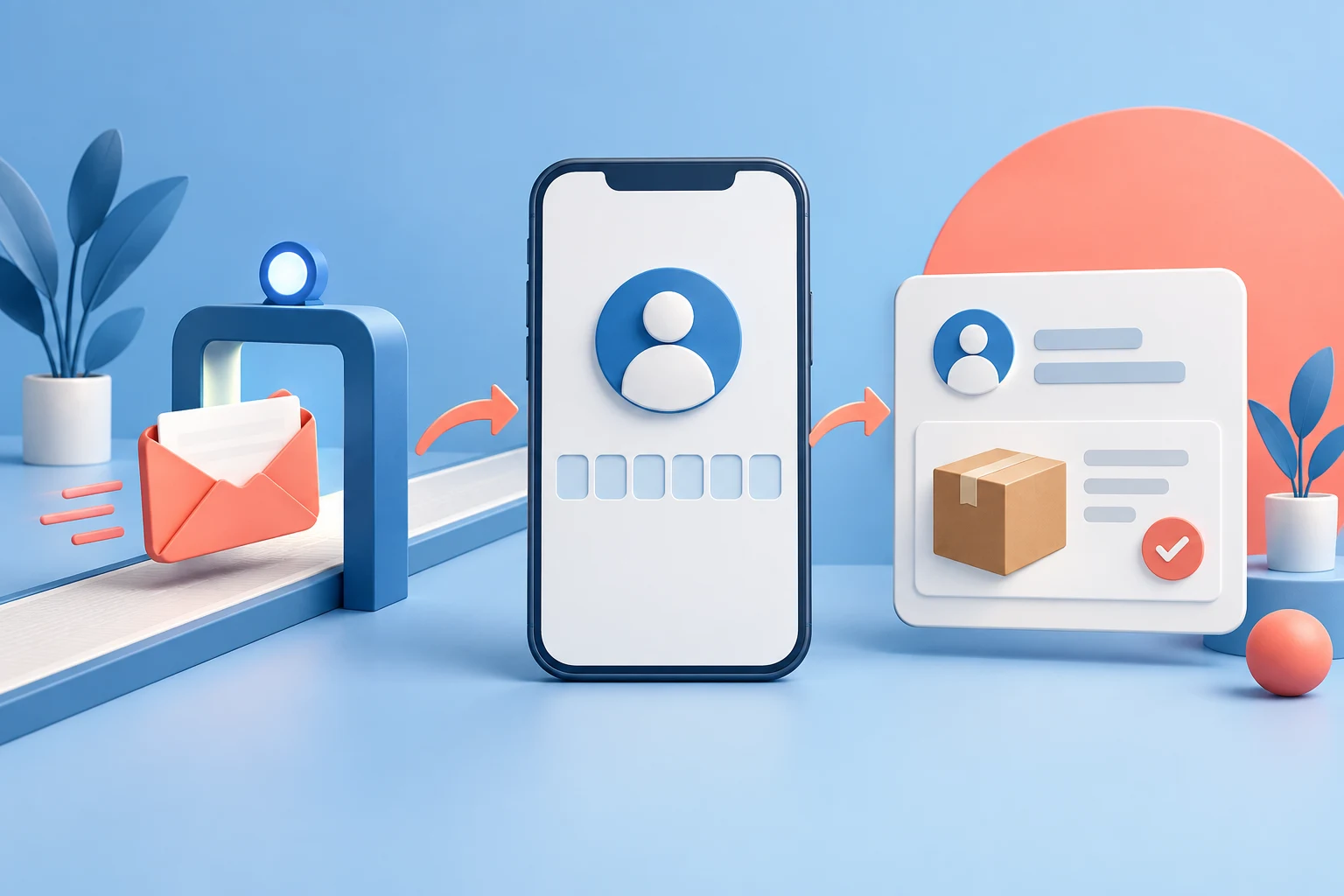
StoreBuilt reviewed Shopify’s current customer-account documentation for this guide. The distinction that matters is simple: reaching the sign-in page, receiving an email and seeing the right orders are three separate stages. Treating all three as a generic login problem makes support slower and encourages changes that cannot solve the actual failure.
When a Shopify customer login code is not received, UK ecommerce teams need a short diagnostic path that protects the customer and produces useful evidence. This guide covers customer access to an online store. It does not cover staff access to Shopify admin, which uses a different account and support process.
Contact StoreBuilt with the affected journey and the outcome your team needs.
Table of contents
- Identify the sign-in experience first
- Describe the symptom without guessing
- Check the address and mailbox deliberately
- Run a controlled comparison
- Handle delayed messages calmly
- Distinguish missing orders from failed access
- A practical support scenario
- Prepare an escalation someone can act on
- Measure repeat problems and improve the help path
- StoreBuilt point of view
Identify the sign-in experience first
Open the storefront’s account link in a fresh browser session. Record where it leads and what the customer is asked to enter. A password field, an emailed code and an external identity-provider page are different experiences. A helpdesk macro written for one can confuse customers using another.
Shopify’s customer accounts documentation describes passwordless sign-in with a one-time six-digit email code. Other supported sign-in options can change the route. Confirm the configuration actually enabled in the merchant’s store before advising a password reset that the customer cannot use.
Check the header link, footer link and any account button in transactional messages separately. A store can contain an old hand-written link even after its main navigation changes. If only one entry point fails, investigate that link before assuming every customer account is broken.
Describe the symptom without guessing
Ask for the stage reached and the wording visible on screen. The customer might never reach the code-entry screen, might receive no message, might receive a message that arrives late, or might sign in successfully and see an empty order history. Each observation changes the next action.
| Observed symptom | First distinction | Useful evidence |
|---|---|---|
| Account link opens the wrong page | navigation or account configuration | source page and destination |
| Code requested but no email arrives | address or delivery path | request time and mailbox provider |
| Email arrives but code fails | request sequence or authentication | latest request and visible error |
| Sign-in works but orders are missing | profile association | email used for the relevant purchase |
| Only one device fails | browser or session condition | device and reproducible steps |
Do not convert a single report into a platform-wide incident. Equally, do not dismiss it because a staff member can sign in. A staff test may use another provider, another route or a session that was already authenticated.
Check the address and mailbox deliberately
Have the customer check the address they entered for typing errors and confirm that they can access that mailbox. Ask them to inspect spam and any organisational quarantine process available to them. These are checks, not a promise that the message must be hidden in spam.
For a company email address, the recipient’s IT team may be able to inspect inbound filtering. Give them an approximate request time with a timezone. A UK merchant and an overseas support provider can otherwise compare entirely different time windows and conclude incorrectly that no request occurred.
Never ask the customer to forward a verification code or enter it into a support conversation. They should authenticate themselves on the legitimate store flow. Collecting a code adds risk without helping identify whether the message was delayed or the wrong address was used.
Run a controlled comparison
Use a test customer mailbox that the team owns. Start from the same public account link and record the sequence from email entry through the account page. Where practical, compare a second mailbox provider. Keep the comparison small and deliberate rather than generating repeated requests across many accounts.
If both controlled mailboxes work, the original issue still deserves investigation. The result narrows the scope; it does not prove that the customer’s experience was mistaken. A provider-specific filter, a misspelled address or a different sign-in entry point can produce a narrower failure.
If controlled tests fail too, record the pattern before changing store configuration. Check whether the incident coincides with a release or a changed account link. Escalate the evidence through the appropriate Shopify support route when the failure sits beyond the theme’s visible entry point.
Handle delayed messages calmly
A customer who has pressed resend several times may receive several messages together. Ask them to follow the current on-screen guidance and use the latest request. Do not invent a universal delivery time or code-expiry period unless the actual interface or current documentation supplies it.
Separate the request time from the email arrival time. A screenshot of an inbox alone does not tell you when the customer submitted the form. A brief written sequence is often enough: entered address, requested code, waited, retried once, received messages, then saw a particular error.
Avoid switching several variables at once. Changing the email address, browser, device and entry link simultaneously may restore access but leave the cause unknown. For an urgent customer, restoring access is useful; record what changed so the team can still investigate repeated reports later.
Distinguish missing orders from failed access
Successful authentication followed by an empty account page is a different problem. Compare the address used to sign in with the address attached to the relevant order. Customers may have purchased using an older address or a different identity from the one they normally use for newsletters.
Do not alter an order’s customer association merely because someone knows a name or delivery postcode. Follow the merchant’s identity-verification process before changing access to purchase history. Shared households and business addresses make those details weaker evidence than they first appear.
Where confirmed duplicate profiles exist, use the separate customer profile merge guide. Merging records is a data decision, not a default troubleshooting step for missing email. The customer account migration guide covers broader account changes.
A practical support scenario
Consider an illustrative UK accessories shop whose customer reports that the login is broken. The customer receives the code, enters it successfully and reaches an account with no previous orders. A support agent initially suggests checking spam, even though email delivery has already succeeded.
A stage-based review changes the conversation. The team confirms that the customer purchased under an older address and signed in using a newer one. It then follows its identity process before considering a profile correction. No theme release or password-reset instruction is needed to investigate that difference.
This is an explanatory scenario, not a claimed StoreBuilt client result. Its value is the decision boundary: once authentication succeeds, support should move to account content and ownership rather than keep repeating email-delivery advice.
Prepare an escalation someone can act on
Keep an incident note with the minimum information needed to reproduce the issue. Avoid copying entire customer inboxes or storing verification messages. A precise technical description should make the problem easier to investigate without adding unnecessary personal information to a ticket.
| Escalation field | What to record | What it resolves |
|---|---|---|
| Entry point | storefront URL and clicked account link | wrong-route possibility |
| Account flow | code, legacy password or external sign-in | correct support scope |
| Timing | request and arrival times with timezone | delay versus absence |
| Scope | mailbox providers and controlled tests | isolated versus broader issue |
| Error | exact visible wording without secrets | authentication failure stage |
| Recent change | relevant release or settings change | plausible regression window |
Assign one owner to follow up. Multiple agents independently requesting tests can overwhelm a customer and produce contradictory timelines. Keep the original observation intact, then add new evidence below it so the sequence remains readable.
Measure repeat problems and improve the help path
Group support reports by stage rather than counting every account complaint as failed login. Track missing messages separately from rejected codes, broken entry links and missing purchase history. This gives the ecommerce team a meaningful basis for deciding whether a theme fix, support-copy change or platform escalation deserves priority.
Review the public help text after resolving recurring confusion. A sentence explaining that the customer should use the email associated with their purchase may reduce unnecessary back-and-forth. Keep that wording aligned with the enabled account flow, and revisit it when account configuration changes.
StoreBuilt point of view
Account support works best when every action answers a specific question. StoreBuilt would first establish whether the customer can reach sign-in, receive the message and access the expected profile. Clear evidence at those boundaries is more valuable than a long list of speculative fixes.
Explore our Shopify design and development service, or Contact StoreBuilt to discuss the implementation and checks your store needs.